

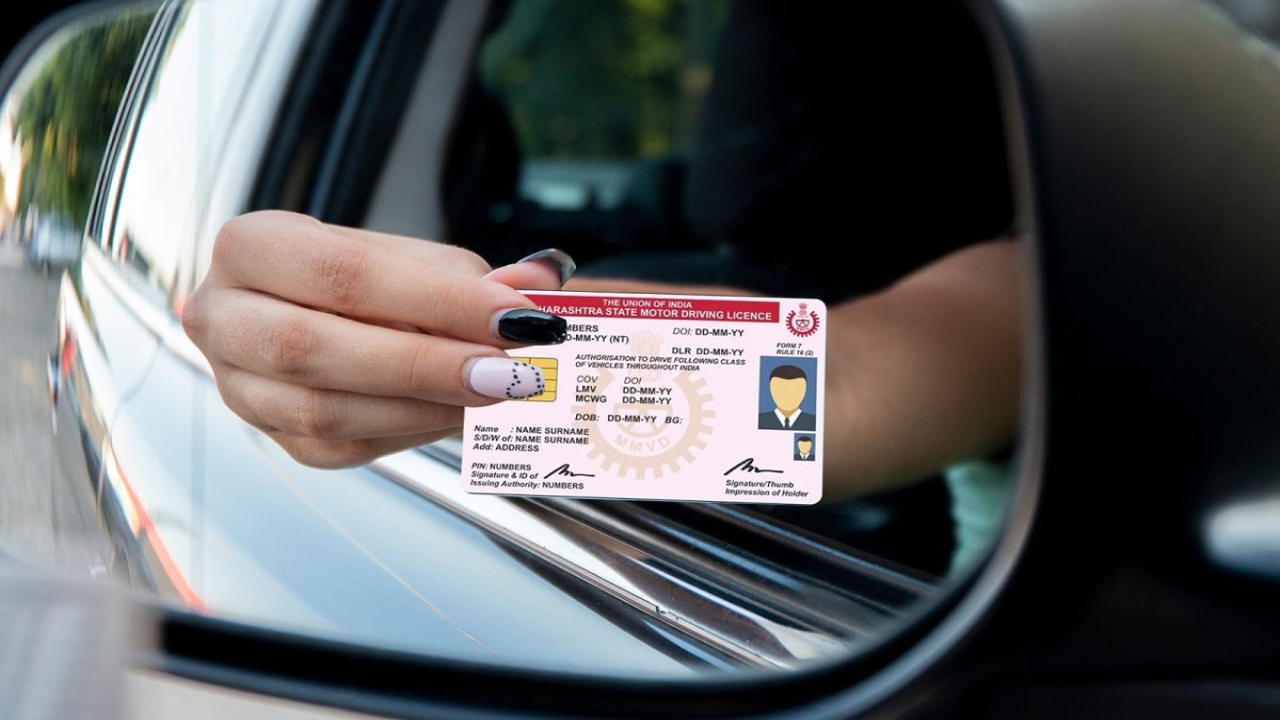
How to Link Your Mobile Number to Your Vehicle: Nowadays, everyone owns a two-wheeler or four-wheeler. The government has issued necessary guidelines for vehicle drivers, requiring all driving license holders and drivers to link their mobile numbers to their licenses and vehicles. According to reports, linking your mobile number will now be mandatory to avail any service related to your driving license or vehicle registration. To link your mobile number, you can visit the Sarathi and Vahan portals.
Read Here: Unlucky Plants: These Plants at Main Door Can Block Wealth Flow
Why is Linking Your Mobile Number Important?
According to reports, vehicle owners and drivers often change their mobile numbers or addresses to avoid fines or notices. To curb such cases, linking your mobile number with Aadhaar is now being made mandatory. Sources suggest that the government may also introduce a rule in the future that will require mandatory updating of the Aadhaar-linked address.
Online Mobile Number Update Facility
There’s no longer a need to visit a government office to add a mobile number to a driving license or vehicle registration. The Ministry of Road Transport has made both processes completely online. People can update their mobile number in a few easy steps by visiting the parivahan.gov.in website.
State transport departments are also sending messages to citizens via SMS or email, encouraging them to update their information. The ministry has also advised everyone to enter their information accurately and completely to avoid future problems.
How to Link a Mobile Number to an RC
- To link your mobile number to your RC, visit the parivahan.gov.in website.
- Select the option to update your mobile number through Aadhaar.
- Following this, enter the vehicle’s registration number, chassis number, engine number, registration date, and validity.
- Then, complete the Aadhaar authentication, enter the security code, and click Submit. Once the process is complete, your mobile number will be linked to your vehicle.
How to Link a Mobile Number to a Driving License
- If you want to link your mobile number to your driving license, visit the Sarathi portal or scan its QR code.
- Enter your driving license details, date of birth, select your state, and enter the captcha code.
- Then complete the Aadhaar authentication process.
- If the verification is successful, your mobile number will be linked to your license.
Latest News
- Weather Warning Delhi-NCR – Rain Alert & Dust Storm in Next 2-3 Hours, IMD Issues Yellow Alert

- PM Kisan Samman Nidhi Yojana: नहीं मिल रही 2000 रुपये की किस्त तो किसान तुरंत करवा लें यह काम

- Aadhaar Card Update Rules – How Many Times Can You Change Address, DOB & Number?

- Train Ticket: How to book a confirmed train ticket without an agent? Learn the Easy Steps

- Indian Railways– 155 Trains Express Declared High-Speed, Thousands of Railway Staff to Benefit

- Monsoon Alert – Warning Heavy to Very Heavy Rain alert & thunderstorms in 22 States Over Next 4 Days

- America-Iran War: मिडिल ईस्ट में तनाव होगा खत्म! ईरान ने होर्मुज रास्ते पर कही बड़ी बात

- PM Surya Ghar Yojana 2026: Get Up to Rs 78,000 Subsidy within 6 Easy Steps, Know Here

- Cheapest Available 5G Smartphones in India Under 10000

- UPSC Prelims Answer Key 2026 – How to Download UPSC Prelims Answer Key at upsc.gov.in
