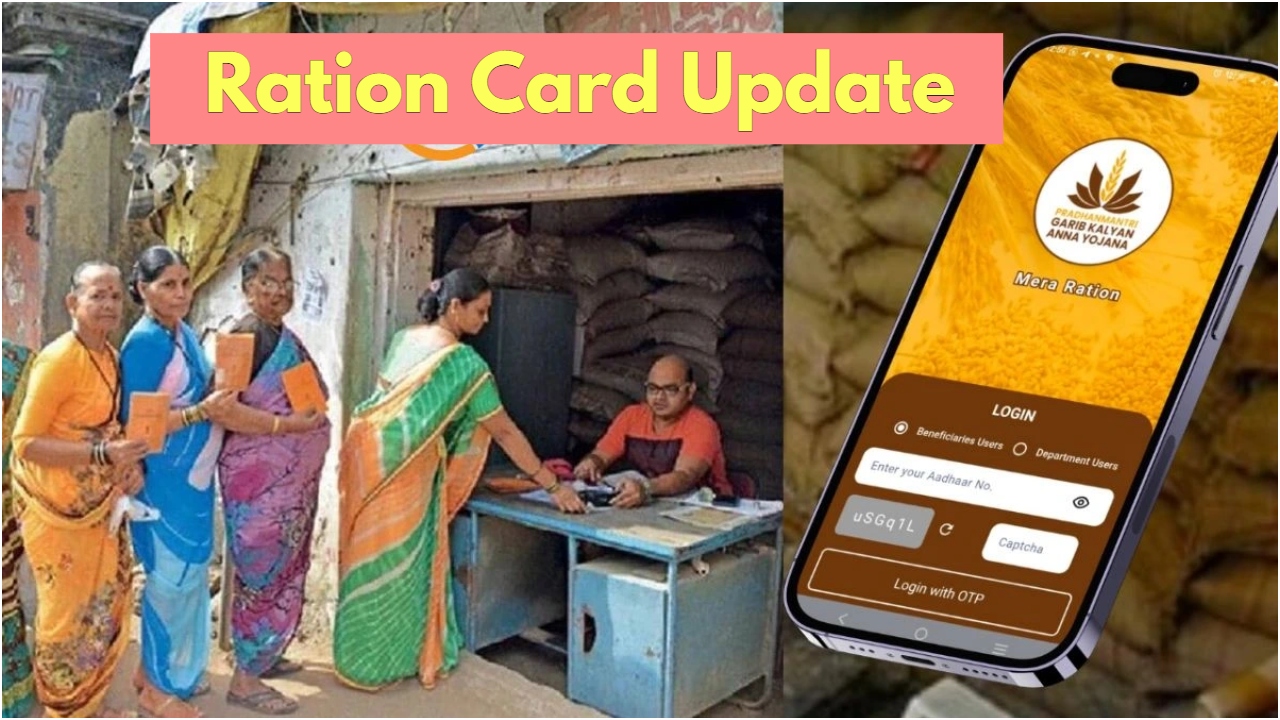
To continue receiving free rations under the National Food Security Act (NFSA), it will now be mandatory to complete e-KYC every five years. Learn how to complete e-KYC at home using the ‘Mera Ration’ and ‘Aadhaar Face RD’ apps, why it’s important, and how to verify success.
e-KYC Now Mandatory Every Five Years
Under the National Food Security Act (NFSA), the government provides subsidized or free rations to millions of people across the country. To ensure these benefits reach the right beneficiaries, changes are made to the rules from time to time. In this regard, the government has made an important update. It will now be mandatory for every Ration Card holder to complete e-KYC every five years.
Many families last performed Aadhaar-linked verification around 2013. After so many years, it has become necessary to update the database again. Fortunately, this process is now completely digital and can be completed in a matter of minutes via mobile. This new rule will help ensure that benefits are only available to genuine and eligible families.
How to do e-KYC from home using the Mera Ration app
The government has made two apps available, ‘Mera Ration’ and ‘Aadhaar Face RD’, to make e-KYC easier. The process is very simple:
First, install both apps on your mobile. The ‘Aadhaar Face RD’ app helps with face authentication.
Now, open the ‘Mera Ration’ app and enter your location.
Enter your Aadhaar number, fill in the captcha, and complete the verification via OTP.
Your Aadhaar-related information will then appear on the screen.
Now select the Face e-KYC option. As soon as the camera opens, scan your face. The app will automatically verify your face.
Once submitted, e-KYC will be completed within a few seconds. This paperless and fast process is extremely convenient for beneficiaries.
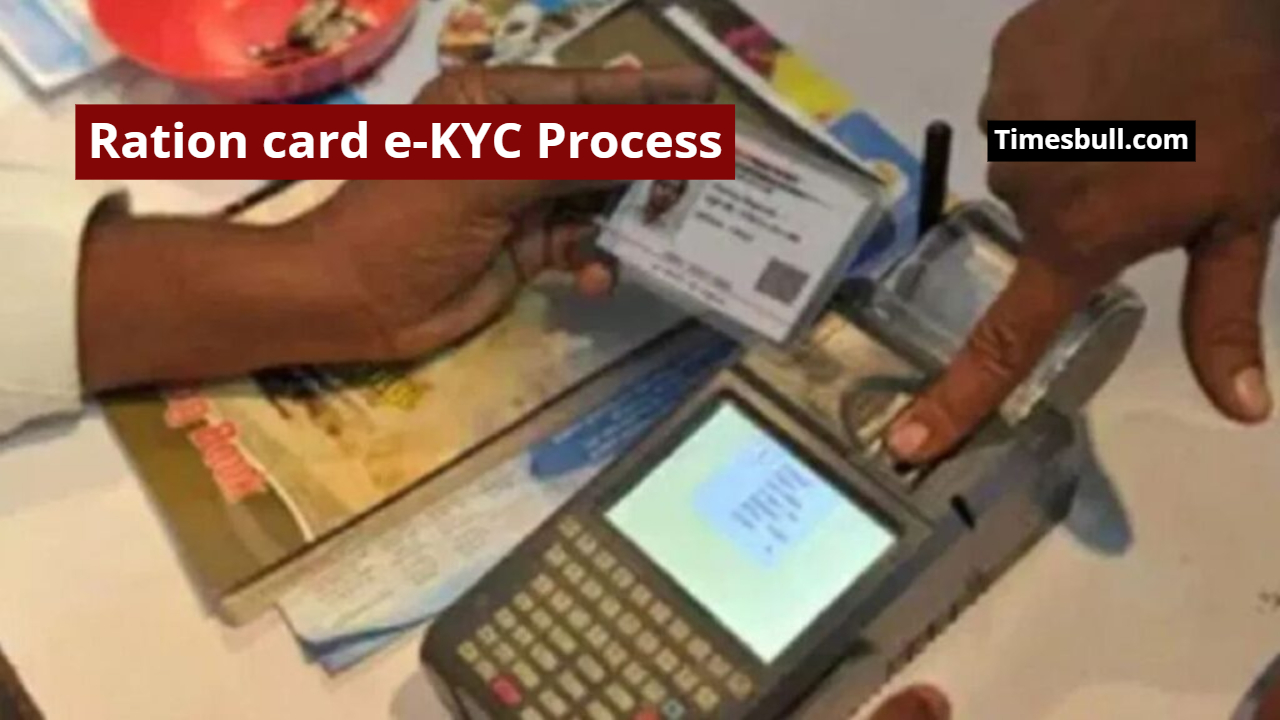
How to confirm e-KYC success
After the e-KYC process is complete, you can check if it was successful. To do this, you need to log in to the app again.
Enter your location and Aadhaar number. After entering the OTP, your status will be displayed on the screen.
If the status (Status: Y) appears, your e-KYC is successful.
If the status (Status: N) appears, it means your verification is not yet complete, and you will need to repeat the process.
This step is crucial to making the ration distribution system more transparent and efficient. All ration card holders should complete this mandatory task within the stipulated time.