

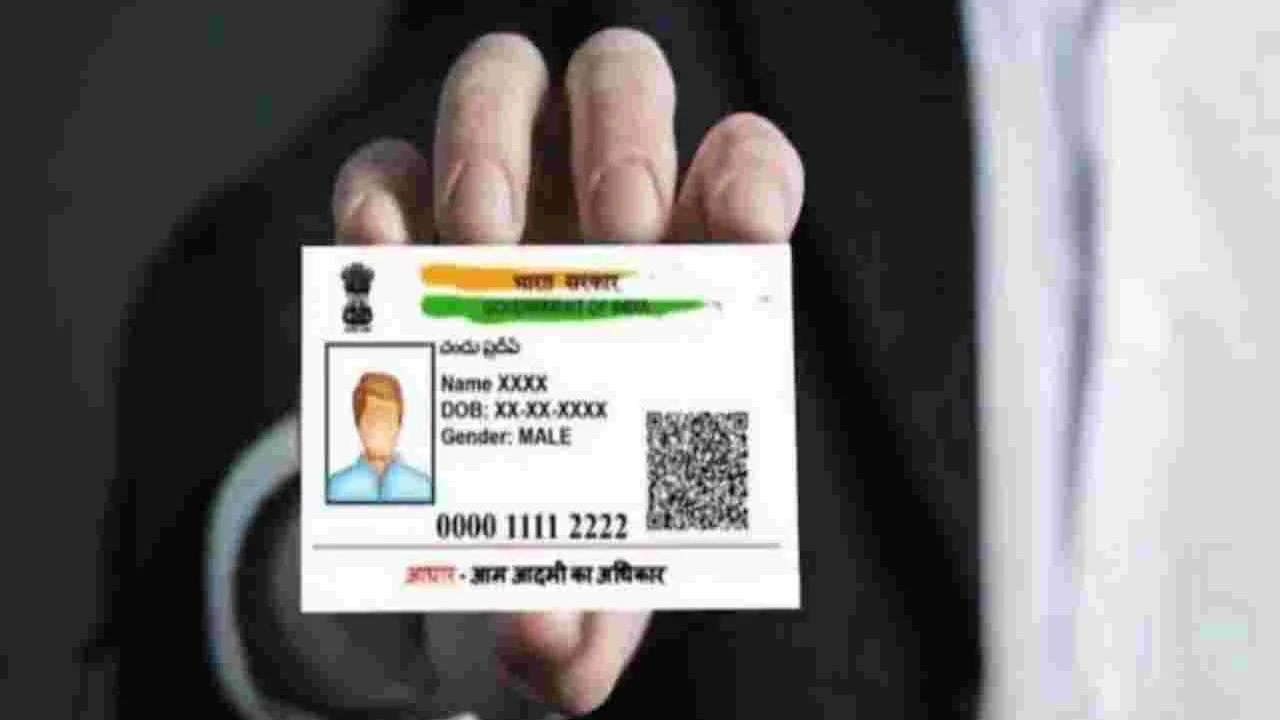
Aadhaar Card Number Recover: In today’s times, Aadhaar Card has become the most important document for every small and big task, be it enrolling in a school or opening a bank account. So, if you’ve lost your Aadhaar card and don’t know your Aadhaar number or enrollment ID, there’s no need to worry. In fact, in this digital age, retrieving your enrollment ID has become quite easy. You can find out your Aadhaar number online and offline, as well as over the phone.
How to get your enrollment ID?
- First of all you have to visit the UIDAI special portal https://myaadhaar.uidai.gov.in/retrieve-eid-uid .
- After that you have to choose your preferred language.
- Now click on Retrieve Enrollment ID or Aadhaar Number option.
- Now enter your name, mobile number and click on send OTP.
- Now OTP will come on your registered mobile number.
- Now enter that OTP.
- As soon as you enter the OTP, your Aadhaar number or enrollment ID will be sent to your mobile or email.
You can also obtain your Aadhaar number from the Aadhaar Card app. To do this, first download the app from the Google Play Store or Apple App Store. After logging in, click on the “Get EID/UID” option. You’ll need to enter your mobile number and captcha code. An OTP will then appear, which you can enter to receive your Aadhaar number.
The matter will also be settled at the Aadhaar Centre
If you haven’t yet linked your mobile number to your Aadhaar card, your online work won’t be possible. To do this, you’ll first need to visit your nearest Aadhaar center. After verifying your biometric data with certain documents, such as your PAN card and voter ID, you’ll be provided with your Aadhaar number.
Aadhaar number can also be obtained on call
Alternatively, you can call the UIDAI helpline number 1947. You can obtain your Aadhaar number by providing your basic information there. These four methods can help you quickly find your lost Aadhaar card number and Enrollment ID.
Questions, concerns, or Aadhaar-related assistance — we’re here to help.#Call1947 toll free #AadhaarHelpline and register your grievance for support.#UIDAI #AadhaarServices #ResidentSupport pic.twitter.com/7qOgZ3NqEh
— Aadhaar (@UIDAI) May 30, 2026





No comments yet. Be the first to share your thoughts!