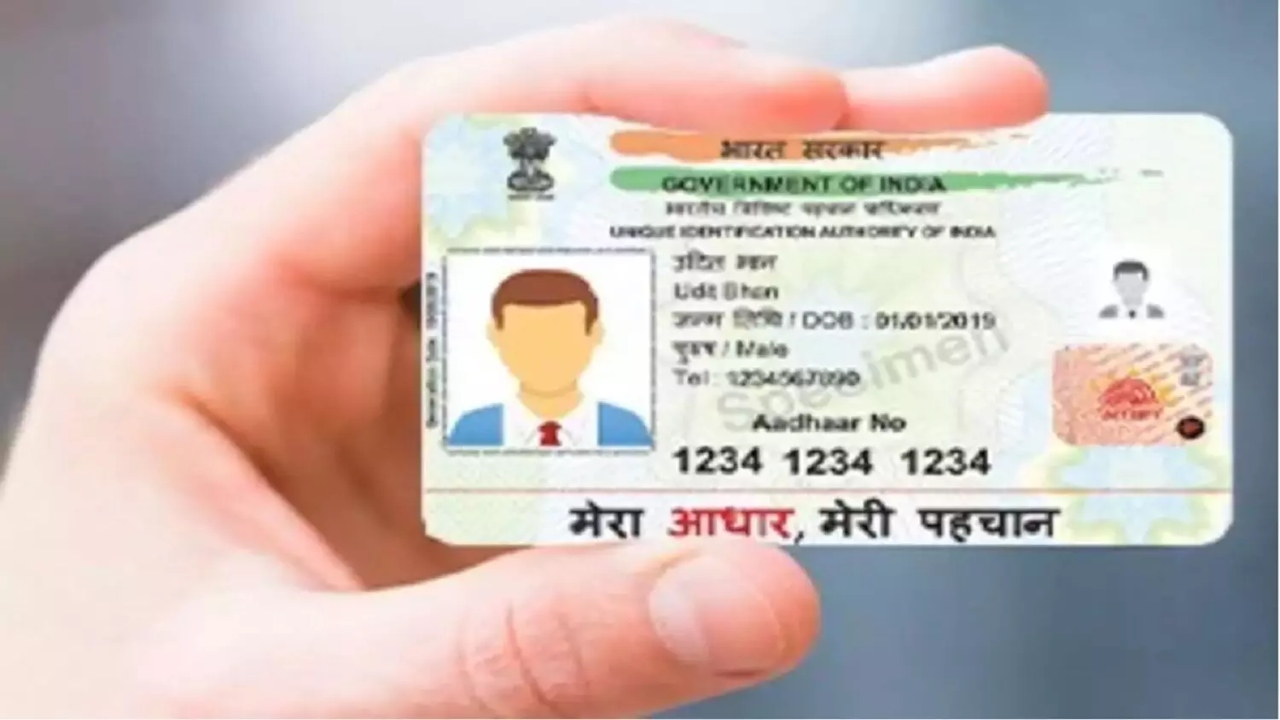
Download e-Aadhaar: In today’s digital age, the Aadhaar card has become a necessary document for all government and private purposes. However, it’s not always easy to keep it with you. Therefore, UIDAI has provided an easy and secure option for citizens—e-Aadhaar. This is a digital version of your Aadhaar card, which you can download and use on your mobile, laptop, or tablet anytime, anywhere.
Read Here: This Redmi 5G Phone with AMOLED Display & 45W Fast Charging Available Under ₹15K After ₹6,000 Off
Why e-Aadhaar is Important
e-Aadhaar is a digital copy of your Aadhaar card, digitally signed and password-protected by UIDAI. It is completely valid and secure. It also contains a secure QR code, allowing offline verification. UIDAI also offers a masked e-Aadhaar option, which only displays the last four digits of your Aadhaar number. This further protects your privacy.
What is the use of e-Aadhaar?
e-Aadhaar is as valid as a physical Aadhaar card. It can be used as proof of identity, address, and photo ID at government and private institutions. Whether it’s for a passport application, banking services, opening a demat account, or proving your identity at any office, e-Aadhaar is valid everywhere. Now, you don’t need to carry a plastic card with you at all times.
Read Here: Tamil Nadu Board Releases 10th & 12th Exam Dates 2026 – Check Full Schedule Here!
The Process to Download e-Aadhaar
Downloading e-Aadhaar is very simple. You only need an internet connection and a mobile number linked to your Aadhaar. First, install the mAadhaar app on your smartphone, which can be downloaded from the Google Play Store or Apple App Store. After opening the app, enter your 12-digit Aadhaar number or 28-digit Enrollment ID (EID). Then, enter your registered mobile number and click on ‘Generate OTP’. Enter the OTP received on your mobile and tap ‘Verify’. Then, select ‘Download Aadhaar’. Your e-Aadhaar will be downloaded in PDF format, which can be opened in any PDF reader.