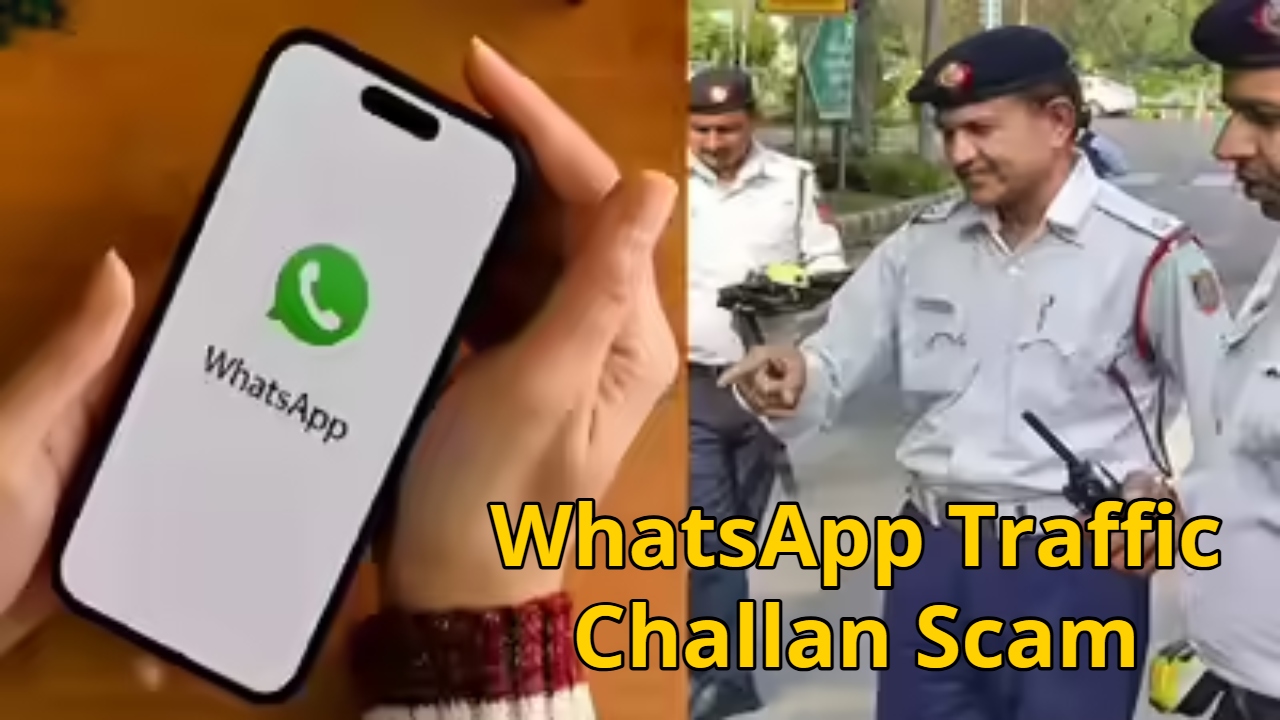
whatsapp traffic challan scam: Currently, cases of fraud are increasing daily, making it even more important for people to be vigilant. Fraudsters can use any method to defraud. These days, fraudsters are sending traffic challan messages on WhatsApp. They are attempting to defraud people by using the impersonation of a traffic challan. If you have received a traffic challan message on WhatsApp, think carefully before clicking on it. This is not a real challenge; it is a trap set by a fraudster. Clicking on such a message compromises your phone’s security and puts your personal information at risk.
Read Here: Sarkari Naukri: PNB Hiring for 750 Specialist Officer Vacancies – Apply Online at pnb.bank.in”
Learn the full story
According to reports, a file named RTO Traffic Challan.apk went viral on WhatsApp. Cyber Security Forum Cyber Rail has stated that this is malware that, after being installed on your phone, gives fraudsters access to your device. Several similar cases have been reported. This is a similar trick to the one used to hack people’s phones by sending fake wedding card messages.
Learn how to commit the fraud
In this scam, fraudsters first send a message titled “RTO Traffic Challan.apk” to an unknown person.
People then download it, thinking it’s a copy of the original challan.
Once the file is downloaded, it installs on the phone as an app.
This malware asks for permission to access messages, storage, and contacts.
After this, the fraudster gains control of your phone.
The fraudsters then obtain information such as your bank details, UPI PIN, OTP, and other information.
Read Here: Samsung Galaxy A15 vs Samsung Galaxy A16: Camera, Performance, Display, Battery & More Compared
Learn how to keep it safe
Never download any APK file. This type of file is extremely dangerous.
To download any app, you should go to the Google Play Store.
To check the traffic challan, you should visit the official website of the Transport Department.
Keep the Unknown Service option disabled on your smartphone so that no app can be installed.
Keep your smartphone updated from time to time. For this, you can call the 1930 cybercrime helpline. Apart from this, you can report by visiting cybercrime.gov.in.