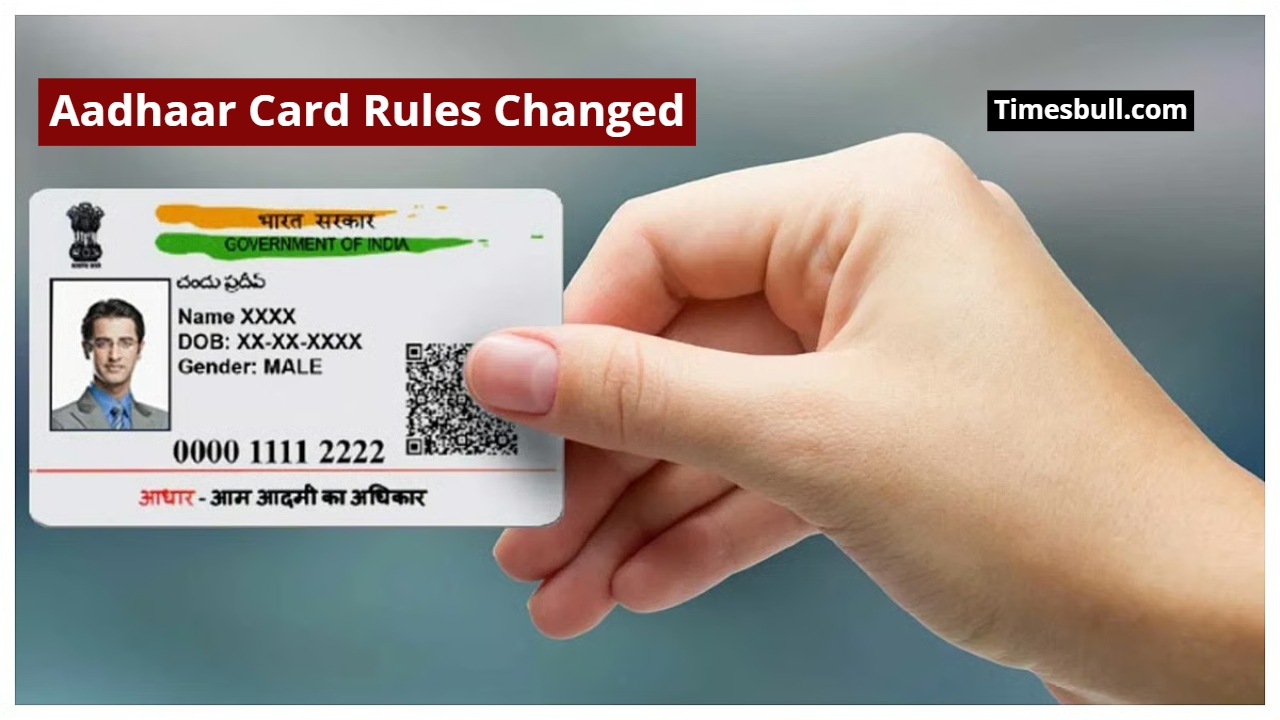
Now, you don’t need to stand in line or visit an office to change your address on your Aadhaar card. You can easily change your Aadhaar address from the comfort of your home by following a few simple steps. UIDAI has incorporated this feature in its new Aadhaar App. Let’s take a closer look at this entire digital process today.
New Aadhaar App
In the new Aadhaar app recently launched by UIDAI, users could previously only update their mobile number, but now another new feature has been added. Users can easily change their address using this app. To take advantage of this feature, you must first download the new Aadhaar app. If you already have the app, simply update it. Soon, the new app will also offer the option to update your name and email address.
Also Read-Aadhaar No Longer Accepted as Birth Certificate Proof in UP & Maharashtra—Know What to Do
Big Relief for Users
UIDAI has provided a significant relief to users by providing the option to update their home address in its new Aadhaar app. With this new feature, you can update your Aadhaar card address from the comfort of your home without any hassle. This digital initiative saves time and effort and is proving to be a revolutionary change in delivering government services to the general public.
Complete Process of Changing Address on Aadhaar Card
If you need to update your Aadhaar card address, it’s very easy. You just need to follow a few steps, and your Aadhaar will be updated. But first, make sure your new Aadhaar app is updated; otherwise, you won’t be able to access this feature.

Once you open the new Aadhaar app, scroll down a bit.
You’ll find the “Update My Aadhaar” option there.
Simply click on it.
After clicking, you’ll see a few options related to Aadhaar changes. You’ll need to select the “Address” option.
Now, select “Using Your Documents.”
You will then be informed that you will need to pay a fee of ₹75 to change your address in Aadhaar, and the process may take up to 30 days to complete.
You will now need to select an address proof in your name, such as an electricity bill.
Next, enter the new address details and pay the fee after face authentication.
Your request will now be submitted, and your Aadhaar address will be updated within the next 30 days.