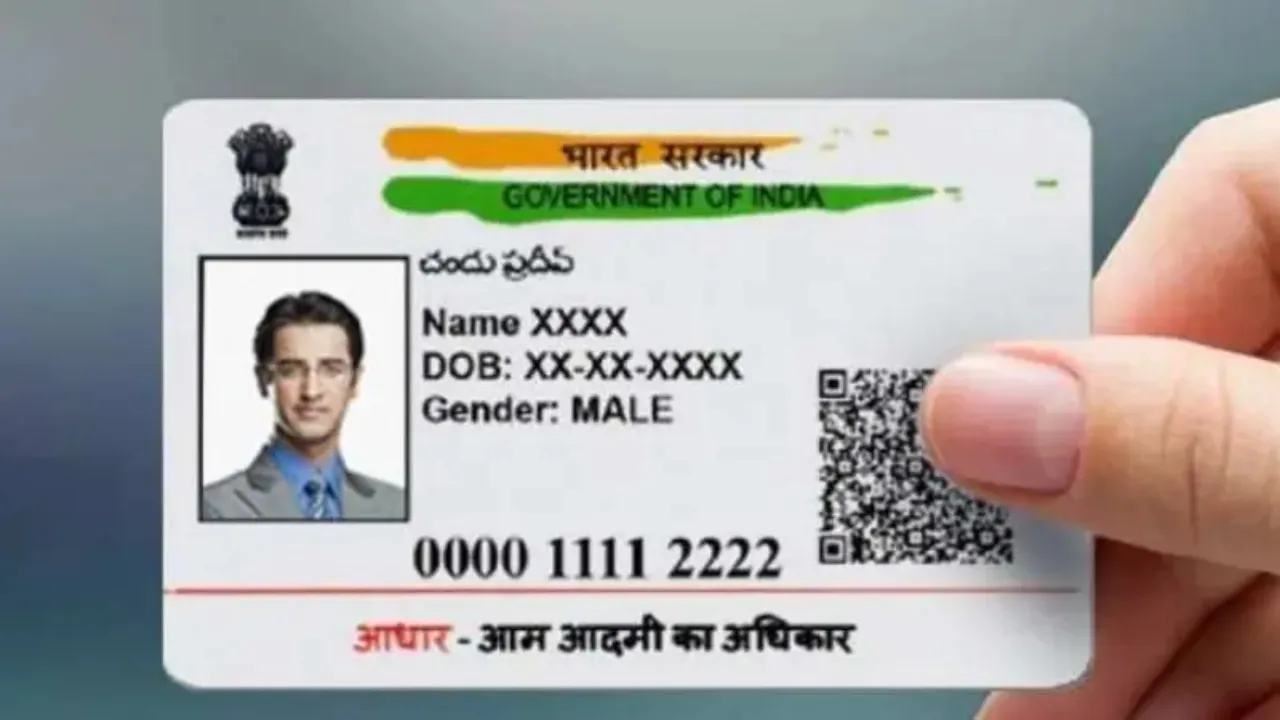
Aadhaar Card: The Aadhaar card is a must-have for every Indian. It’s used for everything from minor tasks to major ones. To keep it secure, UIDAI provides regular updates. Recently, they rolled out a new and improved Aadhaar app. This app comes with several features that mean you don’t have to carry physical documents around all the time. After launching this new app, UIDAI also shared an important data security advisory on their official X (formerly Twitter) account. To safeguard your Aadhaar-related info and avoid online fraud, UIDAI recommends that users follow certain security tips.
Aadhaar Card: Required Document
Your Aadhaar card is your main gateway to many essential services. If this info gets into the wrong hands, your biometric and personal data could be misused. This could lead to serious issues like online fraud, financial scams, and identity theft. So, it’s super important to keep your Aadhaar-related information safe. Let’s dive into some tips.
1: Don’t Share OTP
UIDAI strongly advises users to never share their Aadhaar-linked OTP with anyone. OTPs are vital for your security. Without them, no one can get into your account or access your personal info. So, to keep your information safe, always keep your OTP to yourself.
2: Use “Masked Aadhaar”
It’s a good idea to use a masked Aadhaar for things like hotel check-ins, buying SIM cards, or any other identity-related services. A masked Aadhaar conceals the first eight digits of your Aadhaar number, showing only the last four digits. This way, your full 12-digit Aadhaar number stays hidden from others, providing better security for your information.
3: Avoid Sharing Details Online
Never post your Aadhaar card photo or details on social media or any public online platform. Sharing such information online makes it easier for fraudsters to get hold of your personal info. For your own safety, always keep your Aadhaar information private.
4: Turn on biometric locking
To enhance your Aadhaar security, you can enable biometric lock from the official Aadhaar app or website. Once this feature is enabled, no one will be able to use your fingerprint, eye scan, or facial recognition for Aadhaar verification. Your biometric data remains completely secure until you unlock it yourself.
5: Use the official helpline
If you believe there’s been a discrepancy with your Aadhaar information or you’ve been a victim of online fraud, contact the official helpline immediately. Filing a timely complaint can prevent harm and help keep your information safe.
Cyber Crime Helpline: 1930
UIDAI Helpline: 1947
Latest News
- Bank Holiday Alert: अगले सप्ताह कितने दिन बंद रहेंगे बैंक? जाने से पहले चेक करें लिस्ट

- PAN Card–From Banking to Property Deals, Major PAN rules changed

- New Triumph Street Triple 765 RX Is Here – Limited Edition Track Monster Unveiled

- Best Budget Tablets for Students 2026 Under 20,000

- Free Bus Travel for Women Starts June 1, Know ID Rules and Many More

- How to Replace Siri with ChatGPT on iPhone: Step-by-Step iOS Setup

- Petrol-Diesel Price Today: 24 मई को कितना बदला पेट्रोल-डीजल का भाव, चेक करें 1 लीटर की कीमत

- White House Firing: व्हाइट हाउस के दरवाजे पर 25 राउंड फायरिंग से मची खलबली, संदिग्ध हमलावर की मौत

- Tata Tiago Facelift Launching Soon – Aggressive Design And High-Tech Cabin Revealed

- LPG Gas Connection Transfer Made Easy, Learn the Complete Process