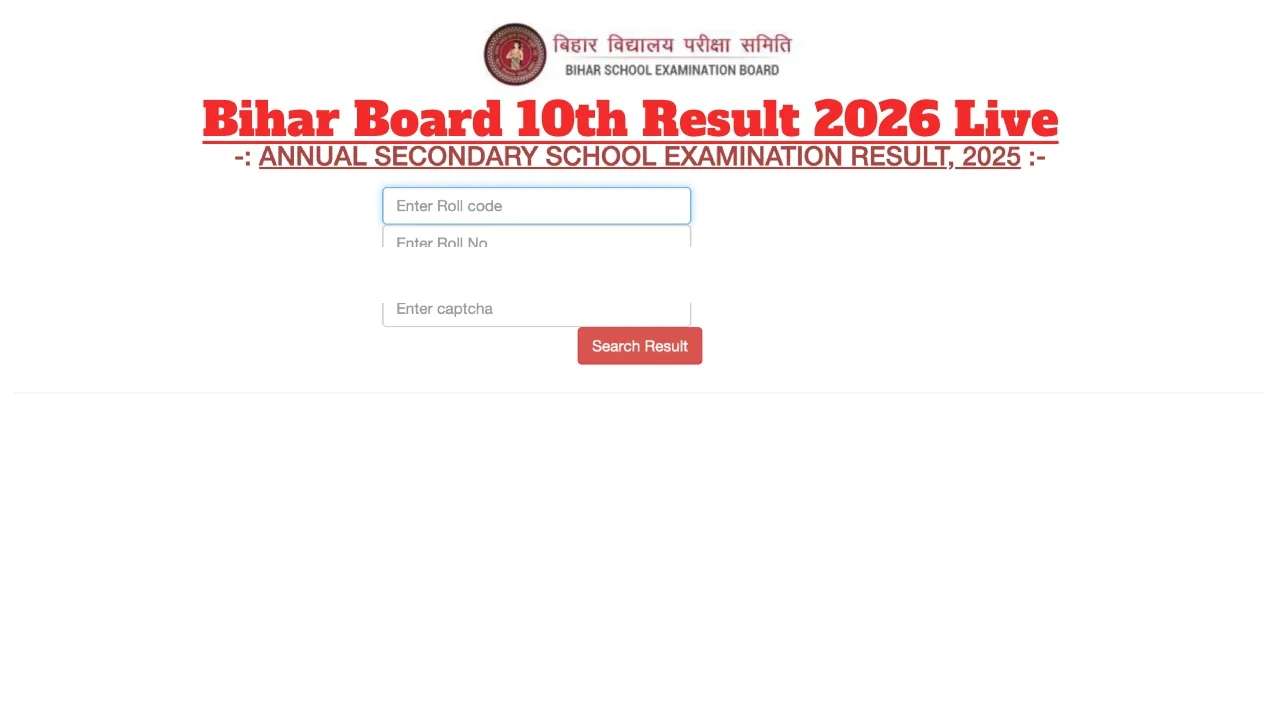
Bihar Board 10th Result 2026 Live Updates: The Bihar School Examination Board is set to release the results today, March 29, 2026. The results will be announced via a press conference. Students will be able to check their scorecards on the official website, biharboardonline.com, using their Roll Code and Roll Number.
This year, over 1.6 million candidates appeared for the examination. Now, all eyes are fixed on the Class 10 results. The Bihar Board Class 10 results will be released today at 1:15 PM. The official date for the result declaration has already been announced.
Here is How You Can Check Your Results:
Visit the official Bihar Board website at biharboardonline.com or results.biharboardonline.com
Click on the ‘Results’ section displayed on the homepage.
Enter your Roll Code and Roll Number.
Enter the CAPTCHA code provided for security purposes.
Your result will appear on your screen.
Now, check and download your scorecard.
Cash & Laptops for Toppers:
As in previous years, the Bihar government will once again honour the toppers with awards. The student securing the first position will receive ₹1 lakh, a laptop, and a Kindle e-book reader. Meanwhile, students securing the second and third positions will receive ₹75,000 and ₹50,000, respectively.
Marksheets Also Available on DigiLocker:
Bihar Board students can also download their results and digital marksheet via the DigiLocker app. This ensures that students can view their scores without hassle, even if the official website crashes.
Due to heavy traffic on biharboardonline.com and results.biharboardonline.com immediately after the results are declared, the websites may slow down. In such a scenario, you can also access your scores via SMS.
How to Check the Result via SMS
- Go to the message box of your mobile.
- Type: BIHAR10roll number
- Send it to 56263.
- In a few seconds, you will get the result through SMS.
Bihar Board 10th Result 2026:- How to Check Score Via DigiLocker App
Step 1: First, open the DigiLocker App
Step 2: Log in with the registered mobile number and password
Step 3: Select Bihar Board
Step 3: Click on the 10th result link
Step 4: The Bihar Board exam marksheet will be displayed on the screen.
Step 5: Download the scorecard and to take a printout for future use.
Latest News
- Bank Holiday Alert: अगले सप्ताह कितने दिन बंद रहेंगे बैंक? जाने से पहले चेक करें लिस्ट

- PAN Card–From Banking to Property Deals, Major PAN rules changed
- New Triumph Street Triple 765 RX Is Here – Limited Edition Track Monster Unveiled

- Best Budget Tablets for Students 2026 Under 20,000

- Free Bus Travel for Women Starts June 1, Know ID Rules and Many More

- How to Replace Siri with ChatGPT on iPhone: Step-by-Step iOS Setup
- Petrol-Diesel Price Today: 24 मई को कितना बदला पेट्रोल-डीजल का भाव, चेक करें 1 लीटर की कीमत

- White House Firing: व्हाइट हाउस के दरवाजे पर 25 राउंड फायरिंग से मची खलबली, संदिग्ध हमलावर की मौत

- Tata Tiago Facelift Launching Soon – Aggressive Design And High-Tech Cabin Revealed
- LPG Gas Connection Transfer Made Easy, Learn the Complete Process