


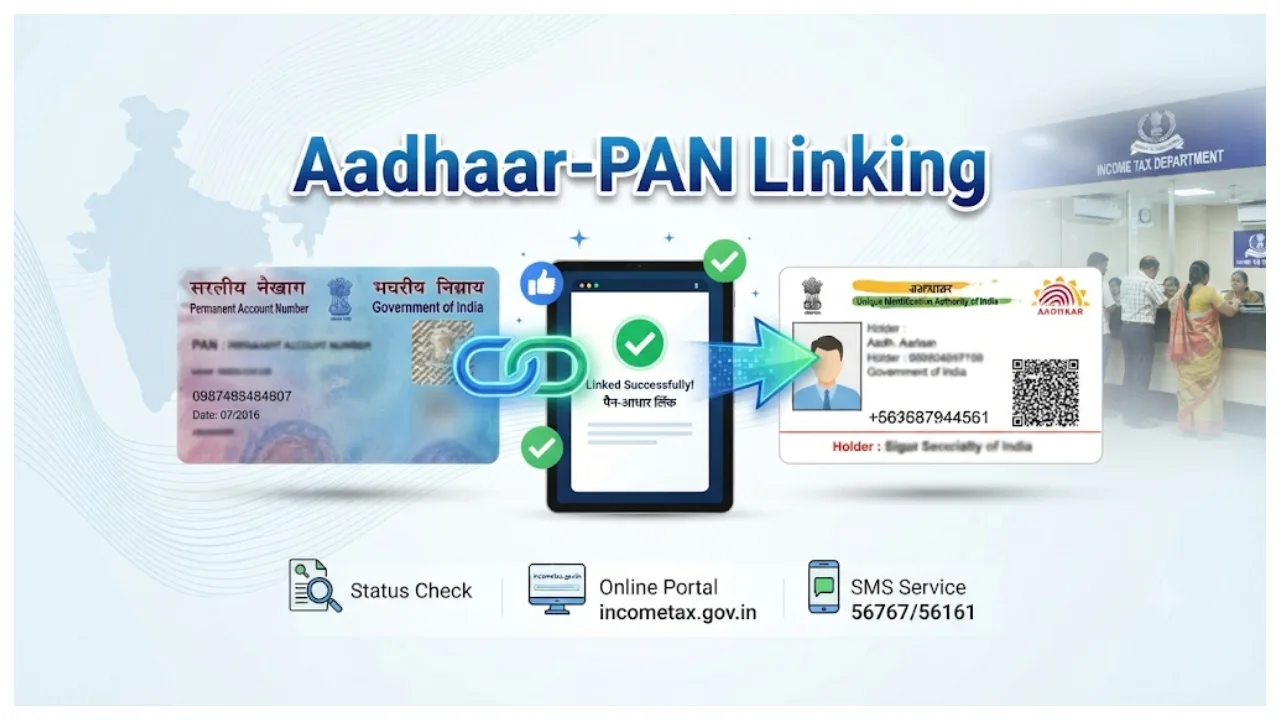
Aadhaar and PAN Card: In today’s times, the PAN card and Aadhaar card have become essential documents for individuals. Whether it is opening a bank account, filing income tax returns, or obtaining a loan, both a PAN card and an Aadhaar card are required for these tasks. Consequently, as part of the KYC (Know Your Customer) process, the government is mandating the linking of Aadhaar with various schemes and services.
If you have not yet linked your PAN with your Aadhaar, your PAN card will cease to be functional. Linking your PAN card with your Aadhaar from the comfort of your home has become very easy in this digital age. If you have not yet completed this linking process, we have outlined some simple steps for you below.
Read More:- EPFO – PF Account Holders Could Receive Monthly Income After Retirement
Read More:- Ration – Government Announces 10 Lakh New Smart Ration Cards 5 kg Free Wheat
Read More:- EPFO’s New Plan is Here, 6.3 Lakh Employees May Get Monthly PF Withdrawals, When?
How to link PAN and Aadhaar?
Step 1- First, visit the tax e-filing website.
Step 2- Click on the ‘Link Aadhaar’ option.
Step 3- Enter your Aadhaar and PAN card numbers.
Step 4- Enter your registered mobile number.
Step 5- Select the option, ‘I agree to validate my Aadhaar details with UIDAI’.
Step 6- You will receive a confirmation message stating, ‘PAN has been linked successfully.’
How to link via SMS?
You can also link your PAN with your Aadhaar card via SMS. Follow the simple steps provided below:
Step 1- Send a message in the format UIDPAN <12-digit Aadhaar number> <10-digit PAN> from your registered mobile number.
Step 2- Send this message to either 567678 or 56161.
How to apply for an e-PAN from home?
How to apply for a new e-PAN online:
1. Visit the Income Tax Department’s e-filing portal.
2. Look for the ‘Quick Links’ section on the left-hand side and click on the ‘Instant e-PAN’ option.
3. Click the ‘Get New e-PAN’ button.
4. Enter your Aadhaar number, check the declaration box, and click ‘Continue’.
5. A 6-digit OTP will be sent to the mobile number linked to your Aadhaar. Enter this OTP to proceed.
6. Redirect you to DigiLocker to verify your date of birth and KYC details.
7. If an email ID is linked to your Aadhaar, you can also validate it
8. Your details as per your Aadhaar (such as your name, date of birth, and photograph) will appear on the screen.