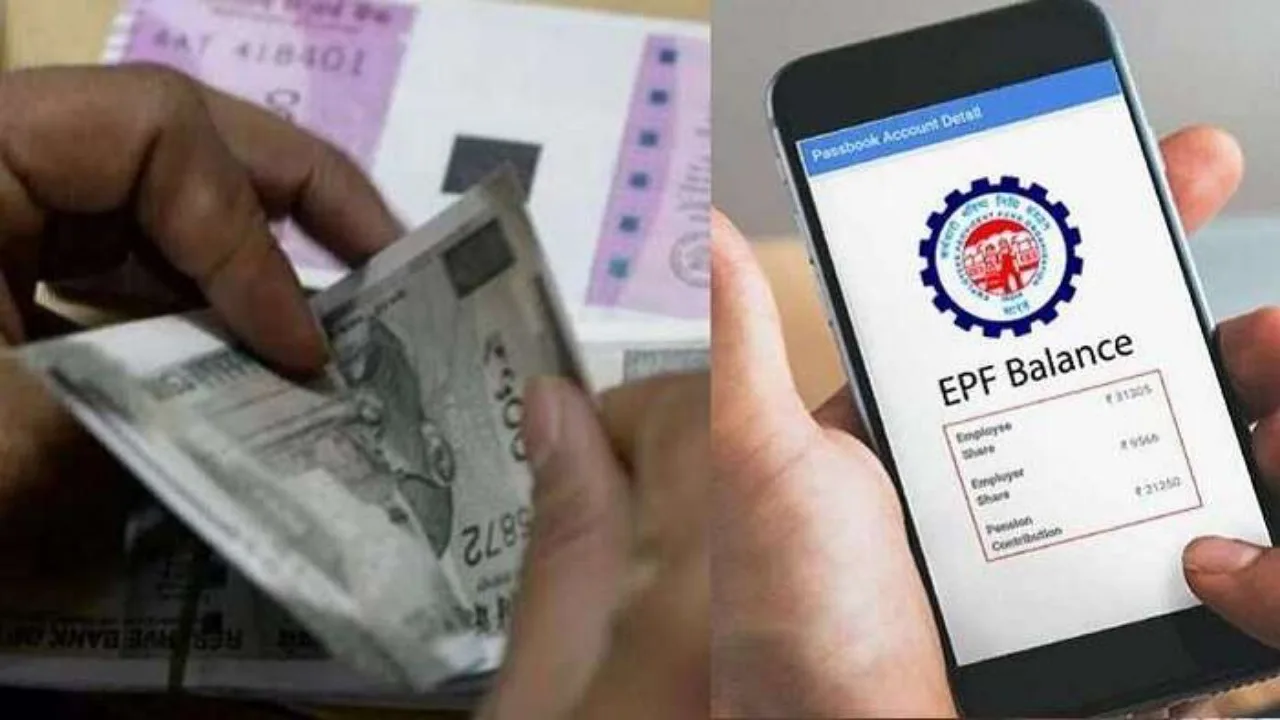
PF Balance Check: People often run into issues when trying to check their PF balance on the Employees’ Provident Fund Organization (EPFO) portal. Today, we’re going to share some quick ways to check your PF account info. If you can’t access the portal, you can still check your PF balance through SMS or a phone call. But first, let’s look at why people struggle to check their PF balance online.
What causes issues with balance checks on the portal?
The EPF Passbook portal is a handy online tool for members to keep track of their PF balance and transactions. However, ePF members sometimes encounter problems when checking their balance for several reasons. The most frequent issues include server overload, maintenance, login errors, KYC updates, and technical glitches.
How to check your PF balance?
Balance Check via SMS:
First, make sure your UAN number is active and linked to your PAN and bank account. If your UAN is active and your PAN and bank account are linked to Aadhaar, send an SMS from your registered mobile number to 7738299899 in this format (EPFOHO UAN ENG). Instead of ‘ENG’, you can swap it out for the first three letters of your preferred language, like ‘HIN’ for Hindi or ‘TAM’ for Tamil. EPFO will then send you all the details in your chosen language via SMS.
The service is available in multiple languages including English, Hindi, Punjabi, Gujarati, Marathi, Kannada, Telugu, Tamil, Malayalam and Bengali.
Missed Call Service
You can also check your PF balance with just a missed call, but first check that your UAN number is active and your KYC details are updated. Now give a missed call to 011-22901406 from the registered mobile number.
After two rings the call will automatically disconnect and you will receive an SMS containing the details of your PF balance.
Complete these tasks before checking your balance.
It’s common for people to leave many PF-related tasks undone, which can lead to problems not only checking their PF balance, but also filing claims and adding nominees. Here are the tasks you should complete first…
Activate your UAN: Register and activate your Universal Account Number (UAN) through the EPFO portal.
Update KYC details: Link your Aadhaar, PAN, and bank account to your UAN for easy access to EPFO services.
Register your mobile number: Ensure your current mobile number is linked to your UAN for authentication and communication purposes.