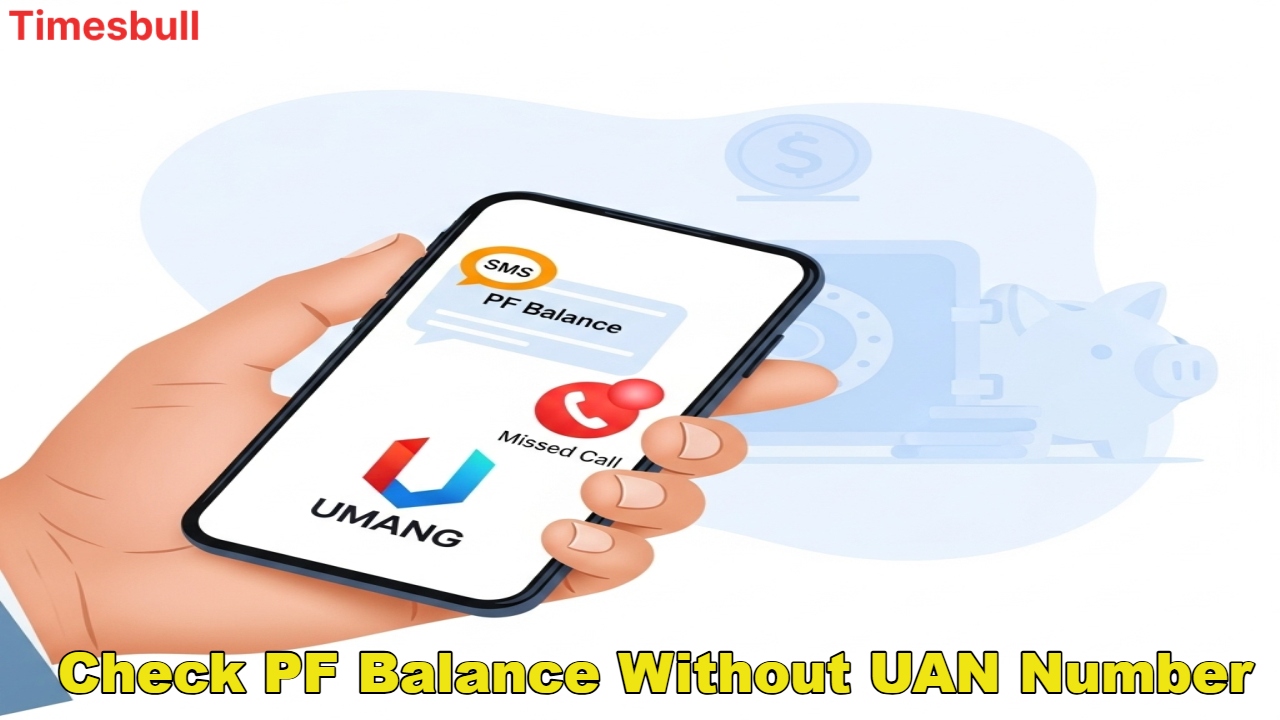
If you’re employed, the Employees’ Provident Fund (EPF) is your biggest savings account, contributing 12% of your and your employer’s salary each month. Keeping a close eye on your PF balance is crucial for financial planning. The good news is that the EPFO has now made checking your balance easier than ever. From the UMANG app to SMS and missed calls, learn how you can check your EPF balance and interest from the comfort of your home, hassle-free, using four great methods.
Check Balance on the EPFO Website with UAN and Password
The most reliable and official way to check your Employees’ Provident Fund balance is to use the Employees’ Provident Fund Organization (EPFO) website.
Simple Checking Process on the Website
First, you need to visit the EPFO’s official website. Once the website opens, click on ‘For Employees’ in the ‘Our Services’ section and then select ‘Member Passbook’. Next, you’ll need to log in using your UAN (Universal Account Number) and password. After successfully logging in, you’ll be able to clearly view your passbook and PF balance. It’s extremely important to note that your UAN number must be active to use this feature.
Missed Call and SMS
If you don’t want to use the internet, EPFO offers instant balance checks via missed calls and SMS.
Check PF Balance via SMS
Send an SMS to 7738299899 by typing ‘EPFOHO UAN ENG’ from your registered mobile number. If you want information in a language other than English, you can replace ‘ENG’ with the first three letters of that language (for example, ‘HIN’ for Hindi). You’ll receive your balance via SMS within seconds.
Check Balance via Missed Call
Give a missed call to 011-22901406 from your registered mobile number. Within a few seconds, you will receive a text message clearly stating your PF account balance. This method is the fastest and easiest.
The UMANG App and Ways to Check Balance Without UAN
You can easily check your EPF balance through the Government of India’s UMANG app, and several other methods are also available.
Use the UMANG App
First, download the UMANG app and go to the ‘EPFO’ section of the app. Log in using your UAN and OTP. Once logged in, your passbook and balance details will be displayed. This app provides access to several government services on a single platform.
How to Check Balance Without UAN
If, for some reason, you don’t have a UAN or it’s not active, you don’t need to worry. You can request a PF statement from your office’s HR or Finance department. Since employers have access to the EPFO portal, they can easily generate and provide you with your PF balance.
Checking your EPF balance is now simpler than ever. All you need is a valid mobile number and an active UAN. With this, you’ll be able to track your savings and interest status every month and successfully execute your financial planning.