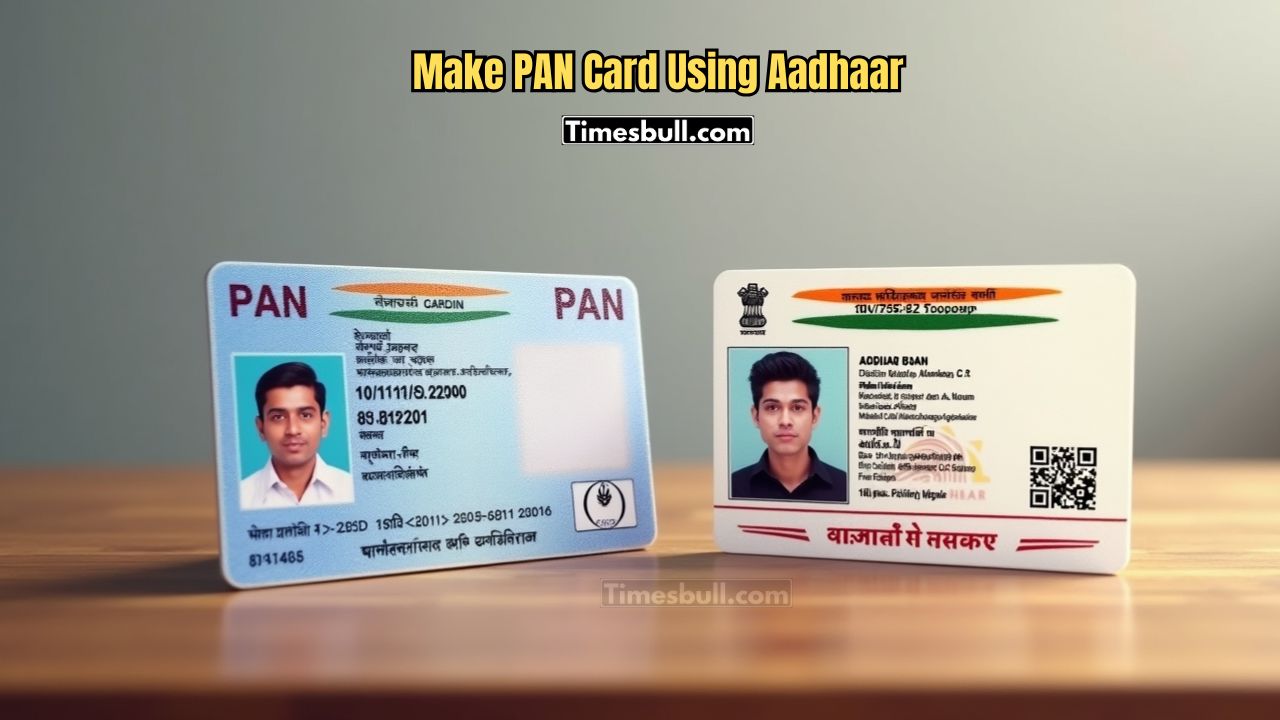
Now you can get your PAN card for free from home in just 10 minutes through the Income Tax Department’s e-filing portal. The department has launched this facility for Aadhaar card holders. Your PAN card is created instantly by entering your Aadhaar number and OTP. This is a great example of India’s digital progress. Let’s see how this process works.
What is PAN Card and Why is it Important?
PAN (Permanent Account Number) is a 10-digit alphanumeric number issued by the Income Tax Department. It is one of the most important documents for your financial identity. Without it, many important financial tasks cannot be completed.
Main Uses of PAN Card:
- Filing Income Tax Return (ITR)
- Opening bank accounts, applying for loans, or getting credit cards
- Investing in the stock market
- Required for transactions above ₹50,000
- Used for buying or selling property
What is an e-PAN Card?
An e-PAN card is a digital version of the regular PAN card. The Income Tax Department issues it online using your Aadhaar on the e-filing portal. The best part is—it’s completely free and takes only 10 minutes to generate.
It is issued in PDF format and holds the same validity as a physical PAN card. You can use it for all government and private purposes. If you need a hard copy, you can download it from the NSDL website for just ₹50.
How to Generate an Instant e-PAN Card
- Follow these simple steps to generate your e-PAN card:
- Visit the official Income Tax e-filing portal.
- Click on ‘Instant PAN’ under the ‘Quick Links’ section.
- Select ‘Get New e-PAN’.
- Enter your Aadhaar number, tick ‘I agree’, and click ‘Validate’.
- Check your Aadhaar details on the screen and click ‘Continue’.
- Finally, click on ‘Submit’ to complete your application.
- After submission, you’ll receive an Acknowledgement Number—keep it safe.
How to Download an e-PAN Card
- Wait 10 minutes after submitting your e-PAN application.
- Visit the same e-filing portal.
- Click on ‘Download e-PAN’ in the ‘Quick Links’ section.
- Enter your Acknowledgement Number and submit.
- Your e-PAN card will be ready to download in PDF format