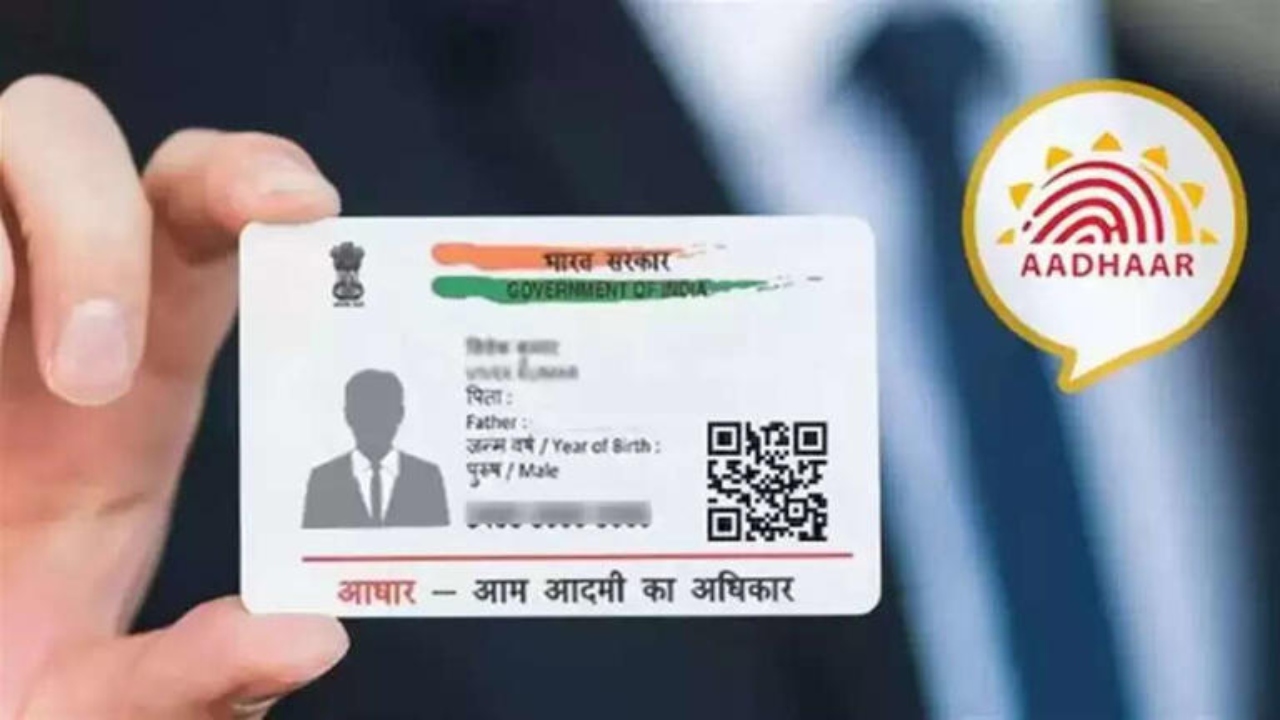
Download E-Aadhaar: In today’s digital age, most government and private services have gone online. Because of this, people are now giving more preference to digital documents over physical ones. The Aadhaar card is no exception. However, there are still many people who only use a physical Aadhaar card and are not fully aware of e-Aadhaar. E-Aadhaar is not only convenient but also considered secure.
Why is E-Aadhaar Important?
E-Aadhaar is the digital form of the Aadhaar card, issued by UIDAI. It is available in PDF format and is considered a completely valid document. E-Aadhaar is accepted in government offices, banks, and other institutions just like a physical Aadhaar card. It can be saved on a mobile phone or laptop, eliminating the need to carry the physical Aadhaar card at all times.
Process to Download E-Aadhaar
To generate e-Aadhaar, you first need to visit the official UIDAI website, uidai.gov.in. Here, you need to click on the “Download Aadhaar” option, or you can directly use the link eaadhaar.uidai.gov.in. After this, you need to fill in your personal information related to your Aadhaar, such as your name, Aadhaar number, and PIN code. Here, you can choose between a regular Aadhaar or a masked Aadhaar.
After filling in the information, you will get the option to request an OTP on your registered mobile number. After giving consent to receive the OTP, a one-time password will be sent to your mobile phone. Entering this OTP on the website will verify your identity, and the download option will be activated.
How to Generate E-Aadhaar
After entering the OTP, the e-Aadhaar PDF can be downloaded. To open this file, you need to enter an 8-digit password. This password consists of the first four letters of your name in uppercase English letters and your date of birth in DDMMYYYY format. After entering the password, the e-Aadhaar will open, and you can save or print it.
Key Advantages of E-Aadhaar
E-Aadhaar is considered more secure than a physical Aadhaar card. It offers the option of a masked Aadhaar, which hides the Aadhaar number and ensures data security. This also reduces the possibility of misuse. The e-Aadhaar information, including all details and the photograph, can be instantly verified using the QR code issued by UIDAI.
Latest News
- Motorola Edge 60 Fusion Review: Mid-Range King or Outdated?

- FD Update– Breaking Your FD Early? Know the consequences

- Bank Holiday–RBI Announces Closure of SBI, HDFC and All Banks Next Week, Save the Dates

- Samsung Galaxy S26 Ultra Amazon Deal – Get ₹23,509+ Discount with Bank Offers and Exchange Benefits

- Best Scooters For College Girls 2026 – Perfect Mix Of Mileage, Style And Lightweight Design

- Kodak Matrix QLED Google TV 2026 Series Launched in India Just Under 10,999

- Senior Citizen FD Rates: सीनियर सिटीजन को यहां से मिल रहा बंपर ब्याज, जल्द करें निवेश

- UGC NET 2026 – How to Apply for UGC NET June 2026? Last Date May 24 Till 11:50 PM at ugcnet.nta.nic.in

- Mahindra Thar New Version Leaked – Powerful Engine And Advanced Features Coming

- Jio 5G Unexpected Speed Drop: Network Slowdowns Frustrate Users