


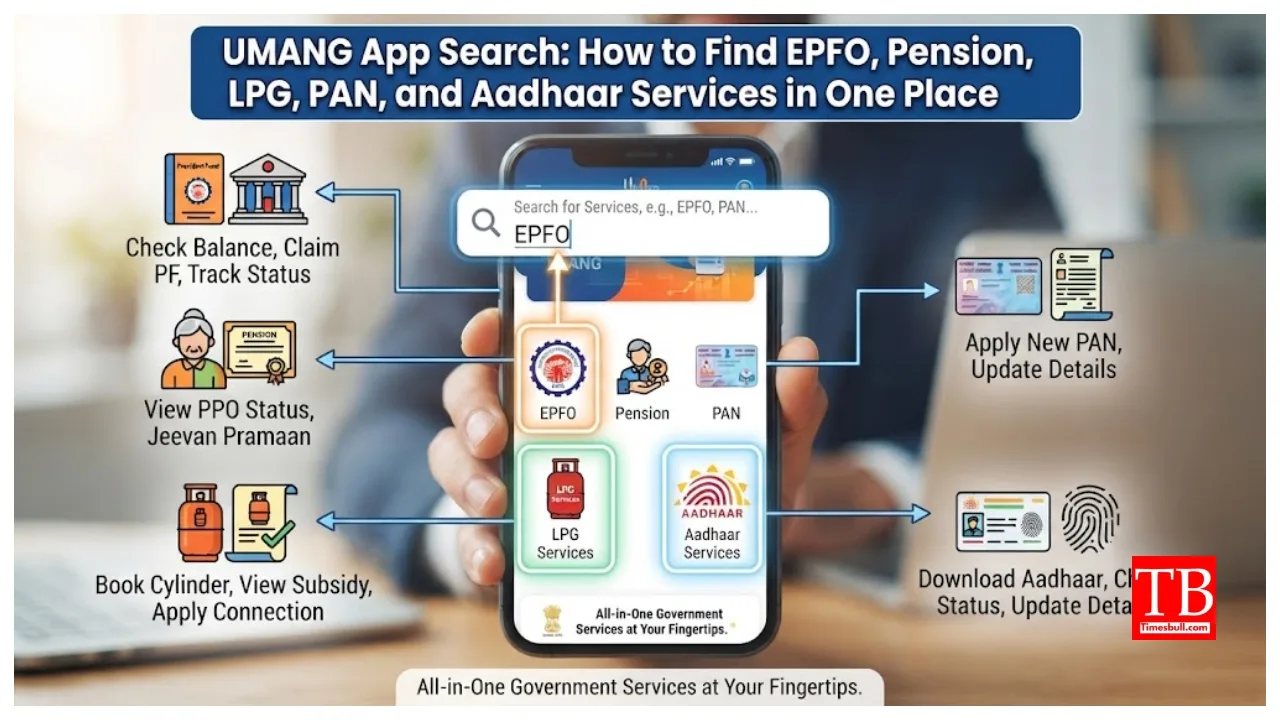
UMANG App Search: A portion of a salaried individual’s income is deposited into a PF account; this contribution is determined based on their salary. To simplify PF-related tasks, the EPFO has launched the UMANG app. Through this government app, you can easily manage various tasks, saving both effort and time. Let’s explore the services available on the app in detail.
How to search for PF or EPFO services?
If you wish to check your PF balance, passbook, or other EPFO-related services, simply type “PF” or “EPFO” into the UMANG app’s search bar. The relevant services will then appear on the screen. This method is particularly convenient for users who find it difficult to navigate through the app’s various categories to locate specific services.
How to find pension-related services?
To access information about pension-related services, type “Pension” in the search bar. If you are looking for services related to the Digital Life Certificate (*Jeevan Pramaan Patra*), searching for “Jeevan Pramaan” will be useful. You can search for and open these government services directly.
Can you book gas?
To access LPG-related services from the comfort of your home, search for “Gas” or “LPG” in the UMANG app. This allows you to access various LPG facilities and view services offered by different gas companies.
Can you search for PAN card services?
If you need PAN card-related services, simply type “PAN” in the search bar. This will display relevant government services, making it easy to select the correct option.
Avail Aadhaar-related services
To find Aadhaar-related services, simply type “Aadhaar” in the search bar. After this, you can select the specific option you need from the UIDAI services within the UMANG app.
Here is how the process works:
Searching for services on the UMANG app is quite simple. First, open the UMANG app and go to the search bar. Enter the relevant keyword in either Hindi or English, fill in the required details, and then use the service. For instance, you can search using simple, direct keywords like ‘PF’ for Provident Fund, ‘Pension’ for pension-related services, ‘LPG’ for gas services, or ‘PAN’ for PAN card services.
What are the benefits of the UMANG app?
The biggest advantage of the search feature on UMANG is that users do not need to search for services from each government department individually. Searching directly with keywords saves time and allows for quick access to the desired service.
Conclusion
However, please note that the availability, process, and documentation requirements for any service depend on the prevailing rules of the respective government department. Therefore, after selecting a service, be sure to read the official instructions provided within the app. The UMANG app’s search bar makes it easy to find government services; just recall the right keyword for your needs and use it to locate and access the service.