


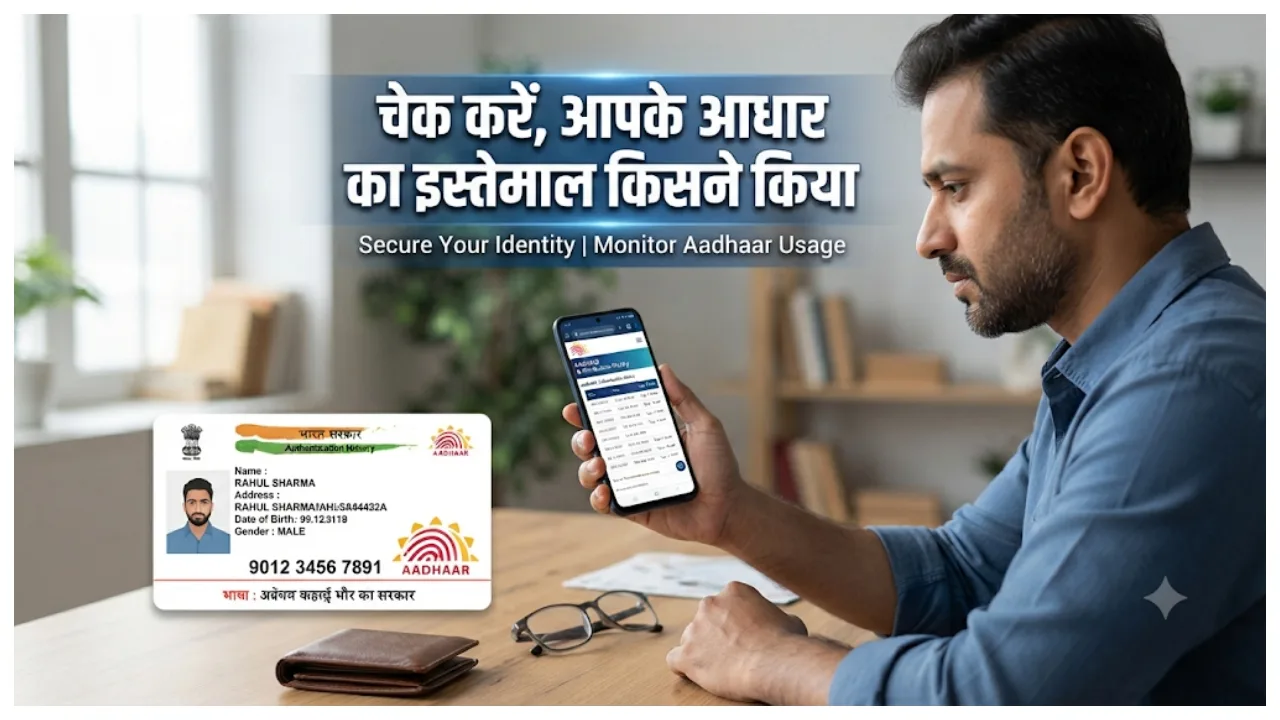
UIDAI Aadhaar Card: In today’s times, the Aadhaar card has become an essential document. It is required for various government-related tasks. But do you know when, where, and for what purpose anyone is using your Aadhaar? If not, you can easily check this information online from the comfort of your home. The Unique Identification Authority of India (UIDAI) provides Aadhaar cardholders with the facility to check their ‘authentication history.’ This allows you to view details of all verification requests linked to your Aadhaar over the past six months. Let’s find out how to check this history.
Visit the UIDAI website.
To view your Aadhaar authentication history, you must visit the official UIDAI website. Select the ‘Aadhaar Authentication History’ service. You can also access this facility via the ‘My Aadhaar’ portal.
Enter Your Aadhaar Number
Enter your 12-digit Aadhaar number or your 16-digit Virtual ID (VID) in the designated box. Then, enter the captcha code displayed on the screen. Please note that you should only enter your Aadhaar-related information on the official UIDAI website.
Complete Verification via OTP
Once you have entered your Aadhaar number (or VID) and the captcha, a One-Time Password (OTP) will be sent to your registered mobile number. Enter this OTP on the portal to complete the verification. After this, you will be able to view your authentication history.
Use a Virtual ID
You can use a 16-digit Virtual ID (VID) instead of your actual Aadhaar number. This eliminates the need to share your real Aadhaar number everywhere. UIDAI also offers a feature to ‘lock’ your Aadhaar number. Before using this, ensure you check the verification options available for the specific service you are accessing.
Do Not Share Your Aadhaar OTP
For Aadhaar-related verifications, an OTP is sent to your registered mobile number. You must never share this OTP with anyone. If someone asks for your OTP—whether via phone, message, or any other medium—do not provide it to them. Use a masked Aadhaar.
If an organisation requires your Aadhaar card solely for the purpose of verifying your identity, you may provide a masked Aadhaar. In this version, the first eight digits of the Aadhaar number are hidden, and only the last four digits are visible. Avoid providing a full photocopy of your Aadhaar card to any individual or organisation unless it is necessary.