


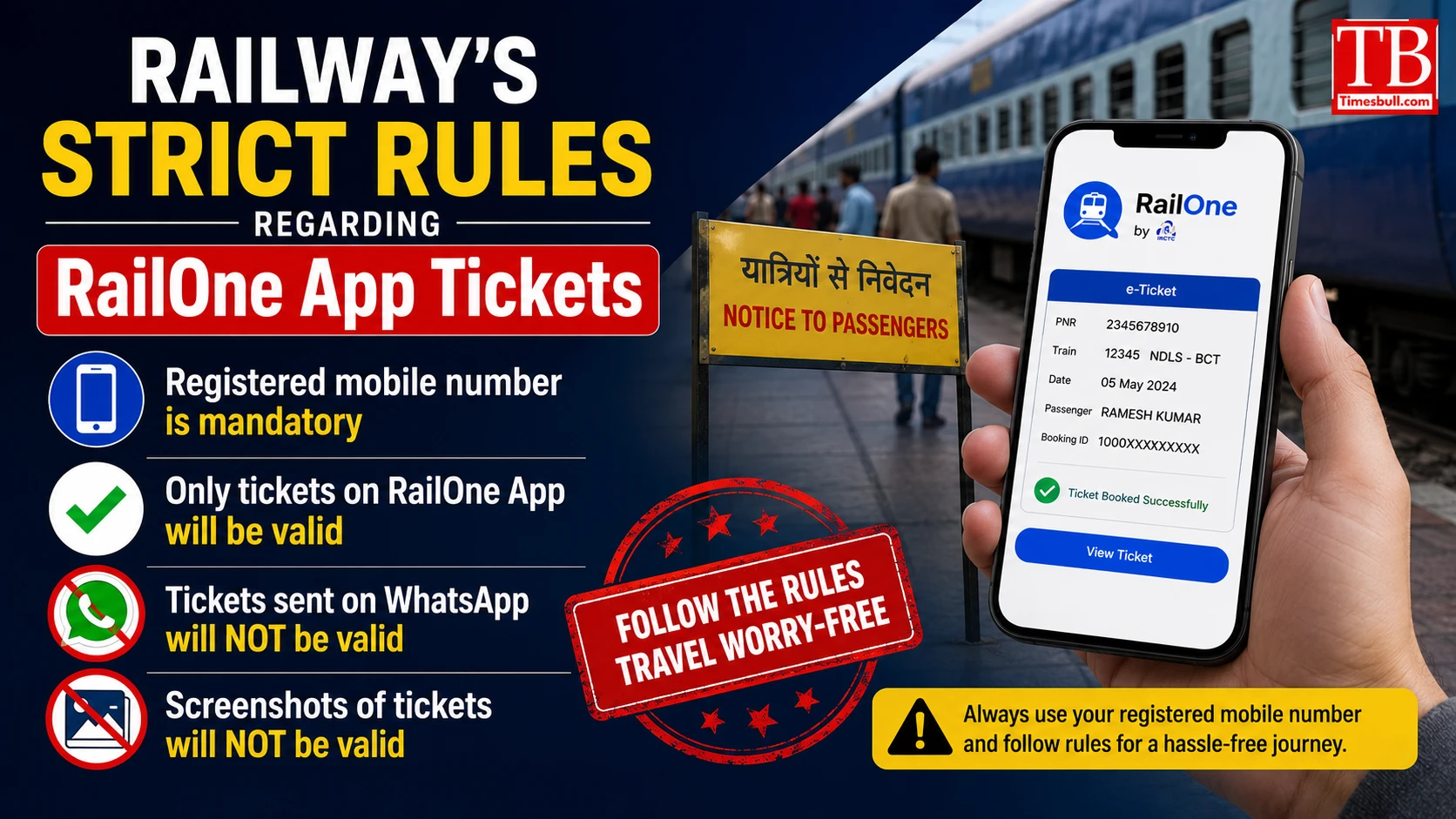
Railway's strict rules regarding RailOne App Tickets
According to the Railways, unreserved tickets booked through RailOne App will be considered valid only on the mobile number and device from which the ticket has been issued. That is, if you have sent the ticket to another phone via WhatsApp or have saved its screenshot, then it will not be valid for travel.
The Railways has advised passengers that if they have booked an unreserved ticket from the RailOne App, it is mandatory to carry the same registered mobile phone from which the ticket was booked during the journey. A valid photo ID is also required. During ticket checking, if the passenger shows only the ticket or screenshot received on WhatsApp, it will not be considered as valid travel proof. In such a situation, passengers may also have to face fines or other action.
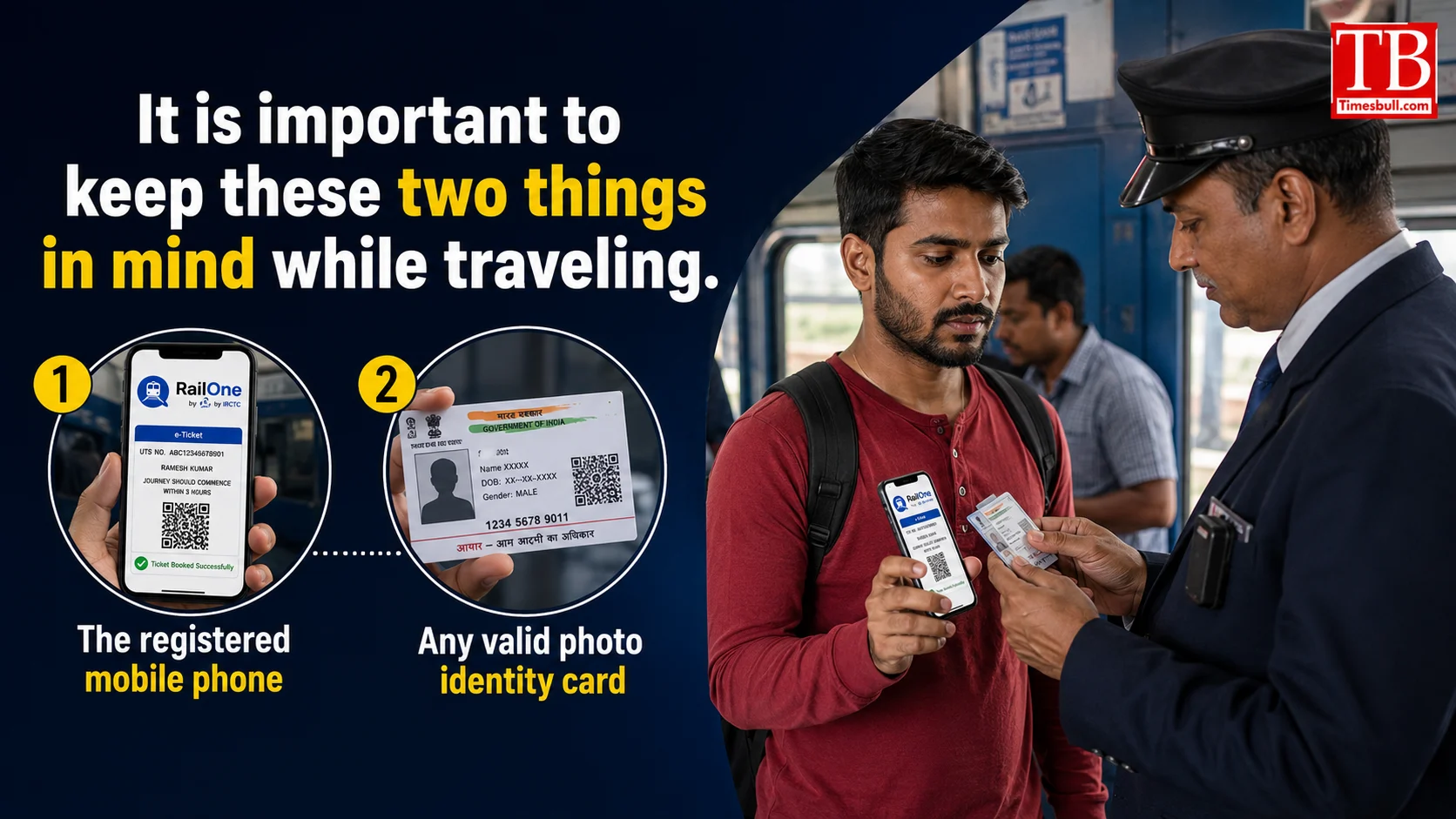
It is important to keep these two things in mind while traveling.
If you have bought an unreserved ticket from the RailOne App, then you must have two things during the journey:
The registered mobile phone - the mobile number and device from which the ticket was booked, will have to show the ticket on the same phone. This is the most important condition.
Any valid photo identity card - such as Aadhaar Card, Voter ID, Driving License, Passport or any other acceptable government identity card. TTE can check both while checking tickets.
A ticket without either of these two can be considered invalid. Be sure to check them out before you travel.
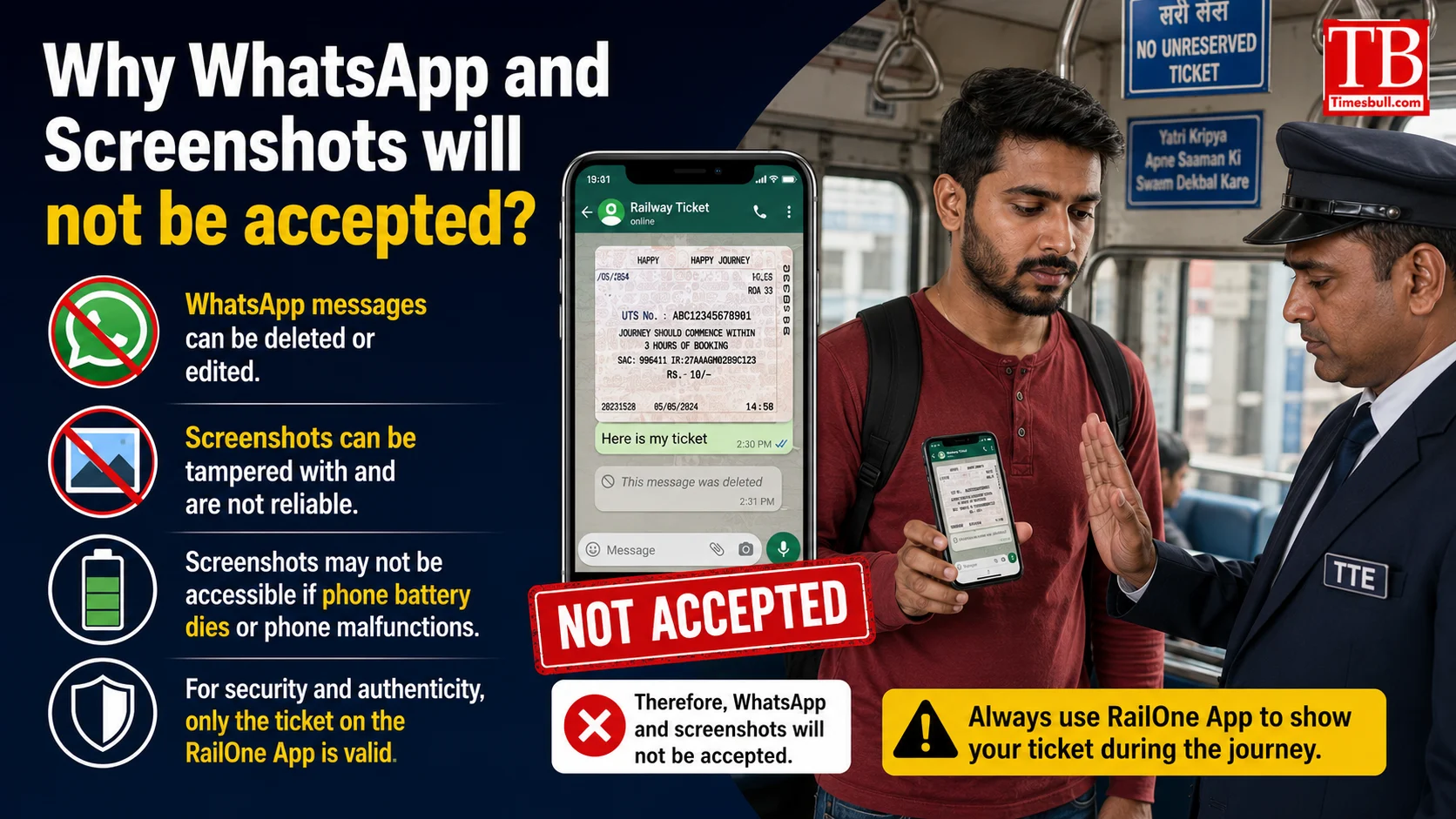
Why WhatsApp and Screenshots will not be accepted?
Nowadays, many passengers take a screenshot of the ticket or send it to a family member or another mobile through WhatsApp. The Railways has clarified that such a ticket can only be for information, but it will not be considered as a valid proof of travel.
Digital ticket verification will be done only from the registered mobile device from which the ticket was booked, the railways said. This will help in curbing the misuse of tickets and fake travel. Screenshots or tickets forwarded on WhatsApp have the potential to be misused by another person, so the railways is not recognising such tickets.
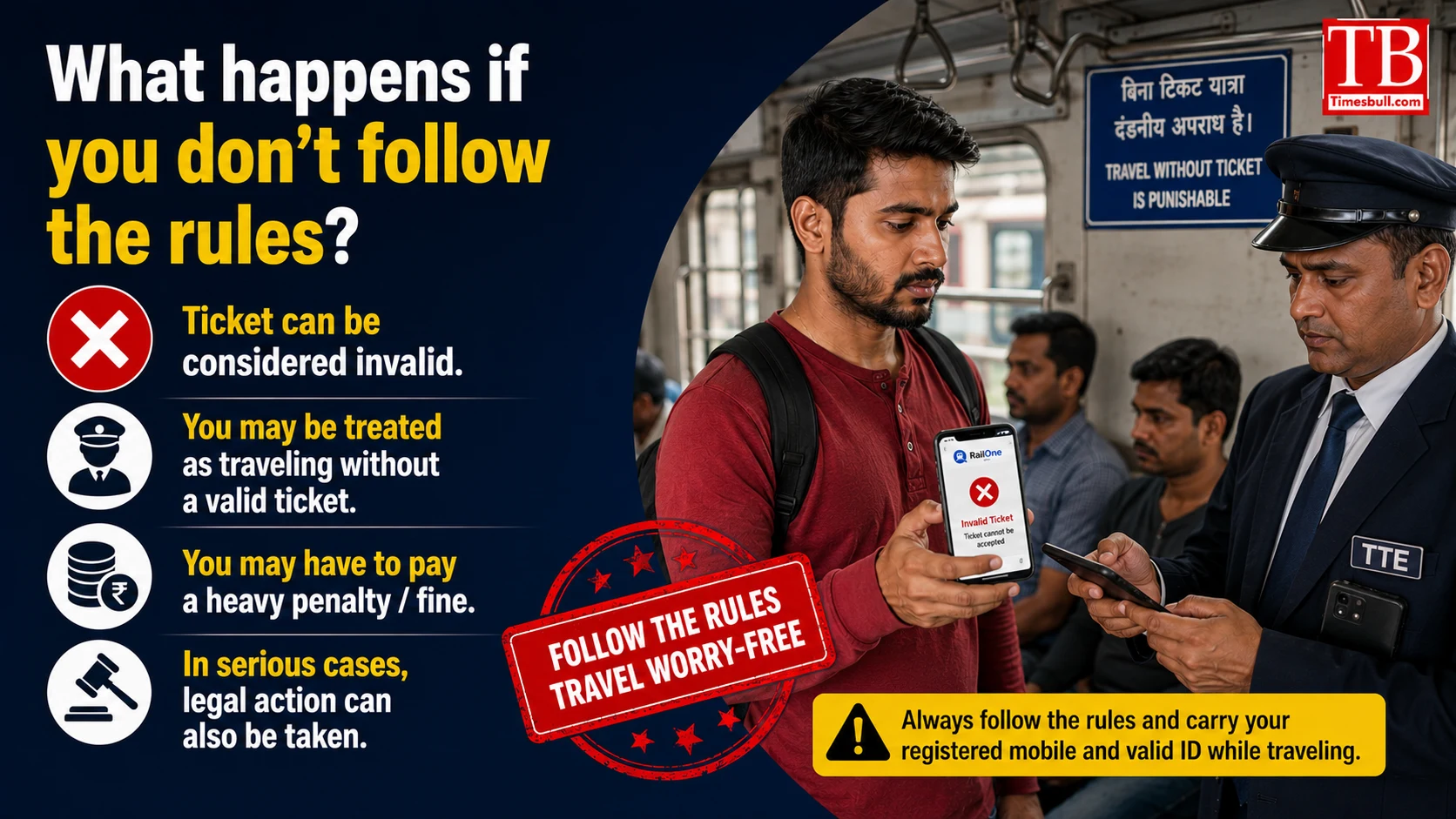
What happens if you don't follow the rules?
If a passenger is not able to show the registered mobile phone while checking the ticket or only shows the ticket or screenshot received on WhatsApp, then the ticket can be considered invalid. In such a situation, action can be taken against the passenger as per the railway rules, which may include fine or other punitive action.
In some cases, the TTE (Travelling Ticket Examiner) may impose a penalty fare on the passenger for travelling without a valid ticket, which may be significantly higher than the original ticket price. Therefore, it is better to carry all the necessary documents with you before the trip.
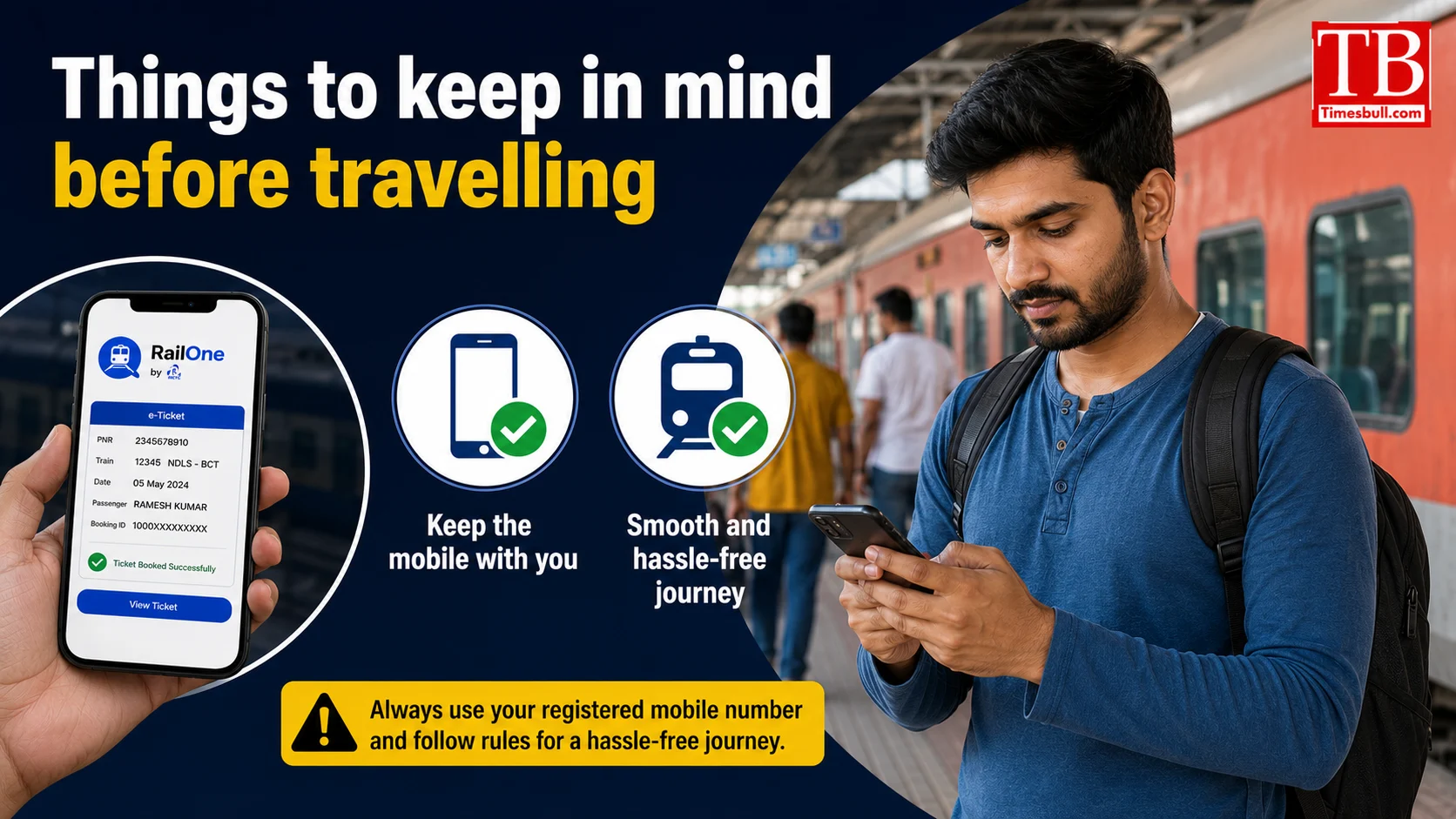
Things to keep in mind before travelling
Book tickets from the RailOne App on the same mobile, which can be kept with you during the journey.
Don't rely on just having a screenshot or WhatsApp copy of the ticket.
Keep your mobile battery charged If the mobile is switched off, it will not be possible to show the ticket.
Don't forget to bring your photo ID... Without it, the ticket will not be considered valid.
After booking the ticket, check the availability of the ticket in the RailOne App.
If possible, save a PDF or digital copy of the ticket in the RailOne App, but remember that it is different from the screenshot.
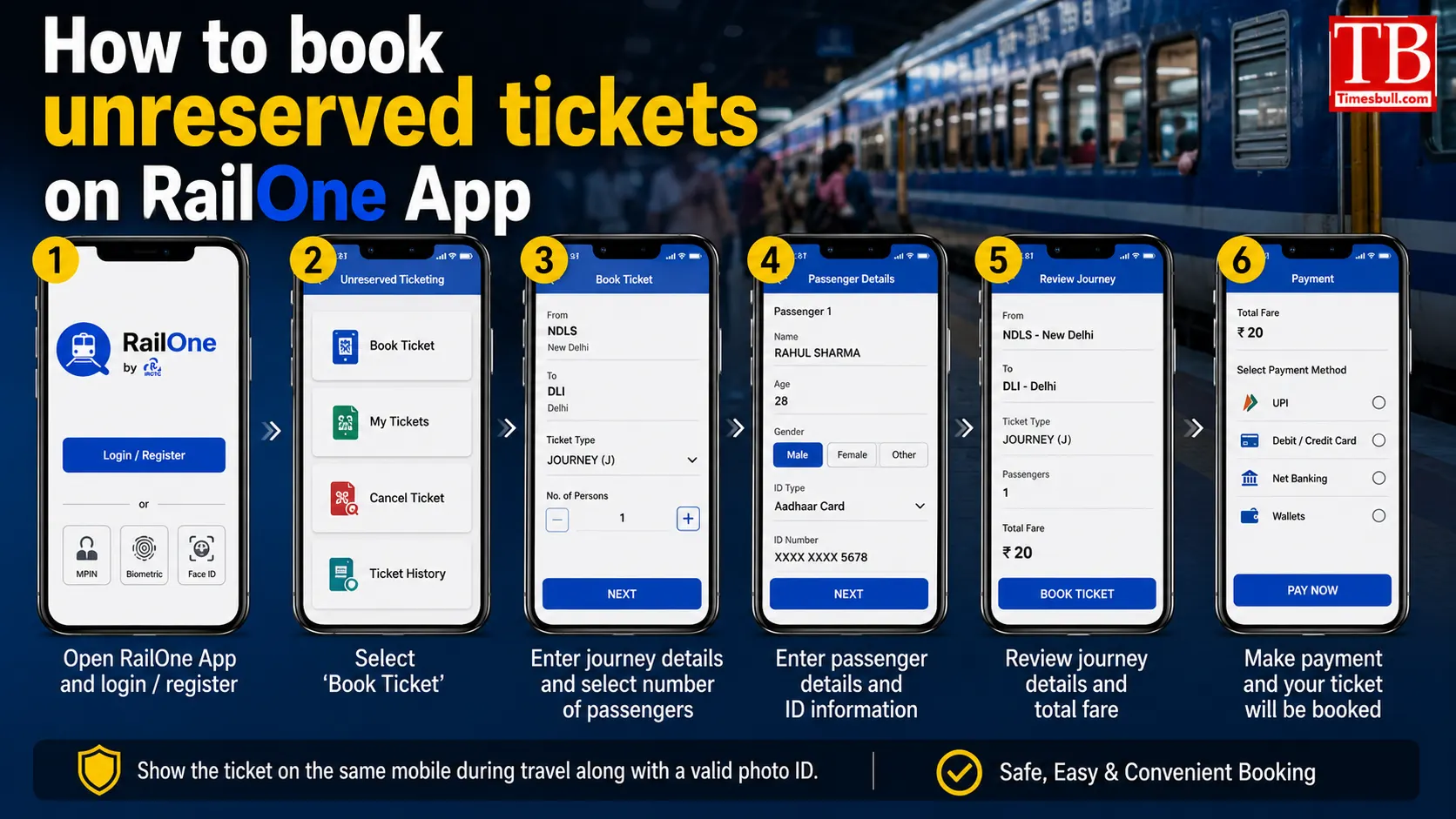
How to book unreserved tickets on RailOne App
RailOne App is the official app of Indian Railways, which is also known as UTS (Unreserved Ticketing System) application. Through this app, passengers can book unreserved tickets, which falls under the category of general tickets.
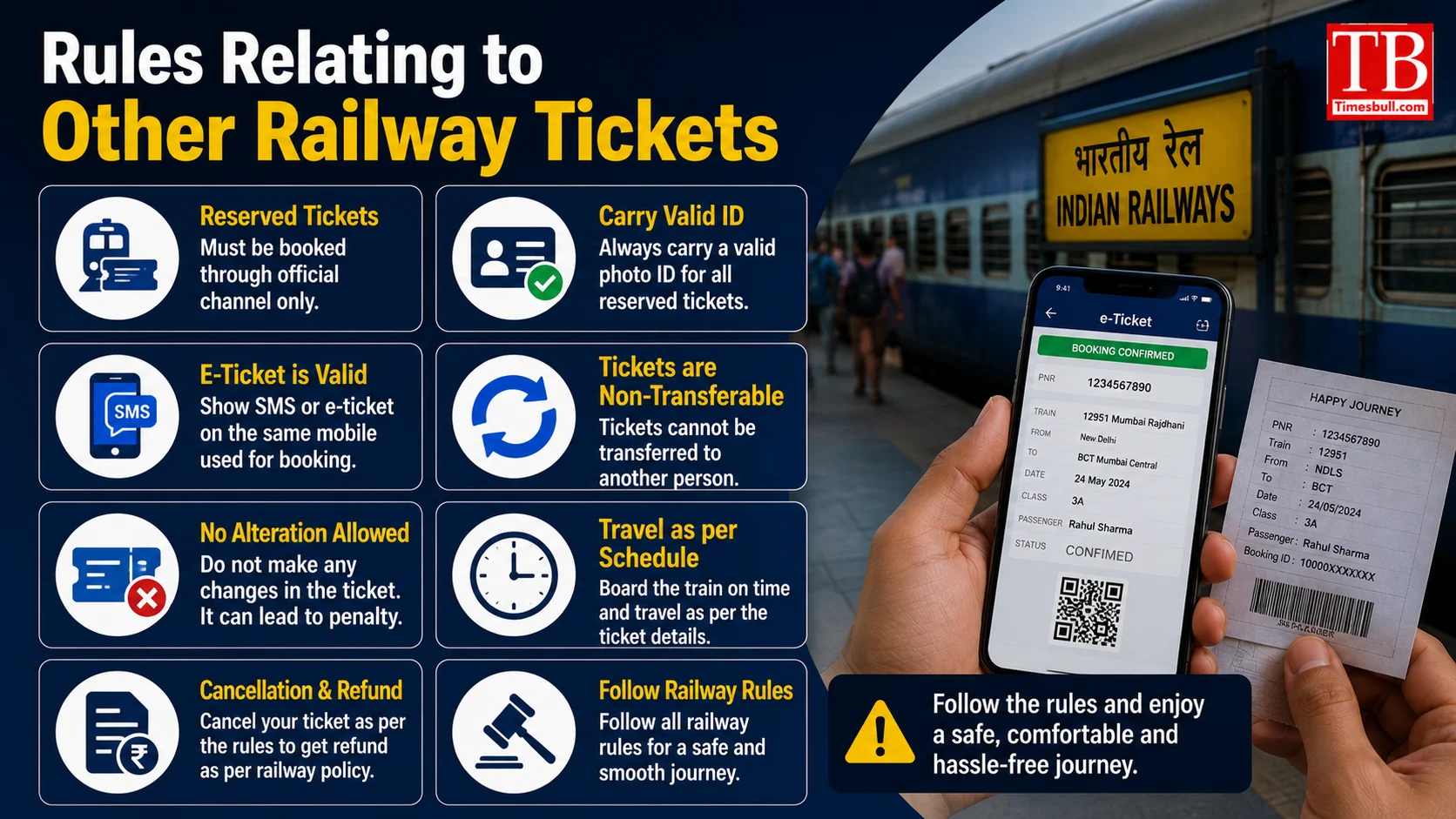
Rules Relating to Other Railway Tickets
While this rule is applicable exclusively on unreserved tickets of RailOne App, there are separate rules for reserved tickets (like confirmed, RAC or waiting list). PNR numbers and photo identity cards are usually sufficient for reserved tickets, but passengers are still advised to carry a print copy of their ticket or the ticket generated on the IRCTC app.
The Railways has also clarified that this rule has been implemented to make the digital ticketing system more secure and reliable, so as to prevent any kind of fraud or misuse of tickets.
How to book train tickets on RailOn App:
First, download the app and register with your mobile number.
Enter your travel information (station, date, class).
After making the payment, the ticket will be generated on your registered mobile.
It is important to note that after the ticket is issued in the RailOne App, it cannot be transferred to any other device. That is why the Railways have decided to implement this rule strictly.