


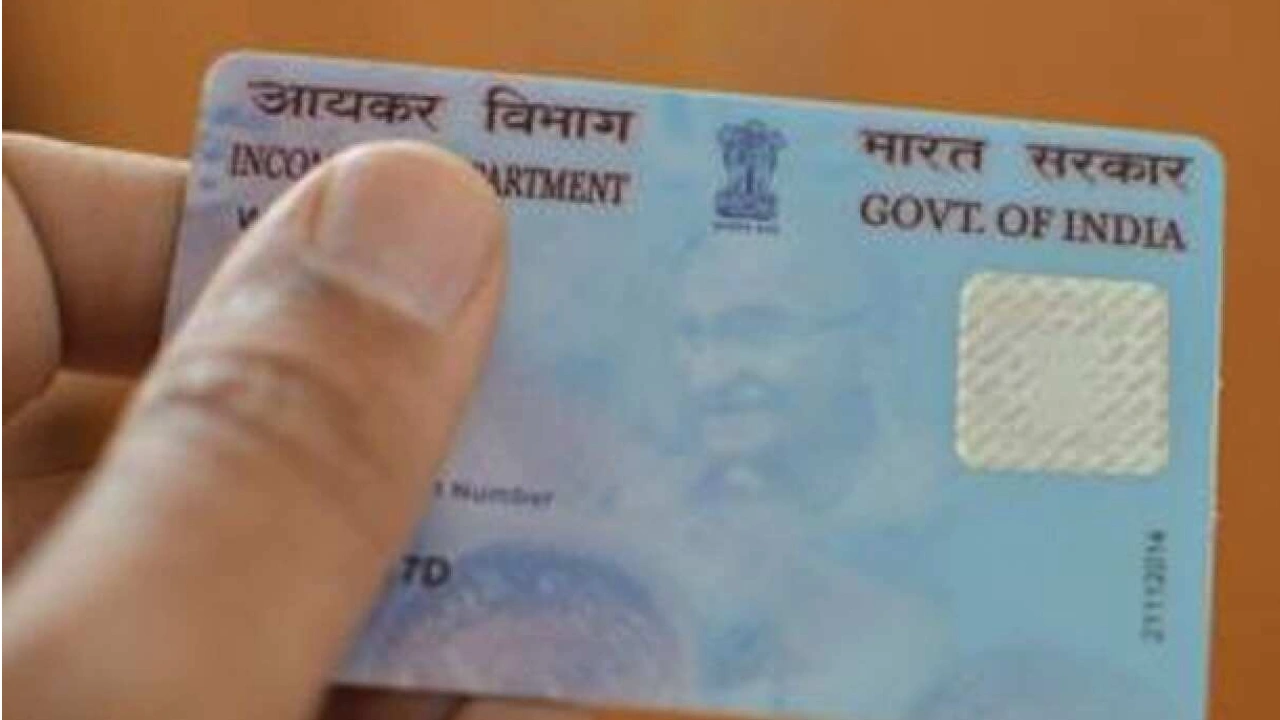
PAN Card Update: A PAN card is more than just a document—it serves as official identification. You need it for banking, tax-related tasks, and many financial transactions. It also displays your photo to confirm your identity. If your photo is outdated, blurry, or no longer reflects your appearance, you can request an update online from home.
How to update your PAN card photo?
To change your photo, visit the official NSDL or UTIITSL website and apply by providing the required information.
How to change your PAN card photo online: A simple guide
If the photo on your PAN card is outdated or needs to be replaced, you can apply for a change online. Visit the NSDL or UTIITSL website and follow these steps:
1. Visit the website
Open the NSDL or UTIITSL website.
Choose the “PAN Card Correction/Update” option.
2. Complete the form
Select the correction form (Form 49A).
Enter the required details, including your PAN number, name, and date of birth.
Choose the “Photo Mismatch” option.
3. Upload a new photo
Scan a recent passport-size photograph (4.5 cm x 3.5 cm).
Save it in JPEG format, with a file size between 4 KB and 300 KB.
Upload the scanned photo.
4. Submit the required documents
Upload identity documents, such as an Aadhaar card or Voter ID.
Make sure all documents are clear and easy to read.
5. Pay the fee
Applicants with an address in India: ₹91 (+ GST).
Applicants with an overseas address: ₹862 (+ GST).
You can pay through net banking, a debit or credit card, or UPI.
6. Submit the application and save the acknowledgement number
Once your payment is complete, you will receive a 15-digit acknowledgement number.
Download it and keep it safe for future reference.
7. Send physical documents if required
In some cases, you may need to mail a hard copy of your application to the NSDL or UTIITSL office.
Attach two passport-size photographs and sign on the photo, taking care not to sign over your face.
Track PAN card status from home and know the entire process
If you have applied for a PAN card and want to know its current status, you can easily check its status online. You will need confirmation number, PAN number or voucher number. Enter voucher number or PAN number.
Then enter your date of birth, date of establishment or date of contract and fill in the verification code. How many days will it take for me to receive my PAN card?
Once you have submitted your application, the PAN card will normally arrive at your address within 15 working days. Important tip. Always use official website to check PAN card status and don’t enter your details in any suspicious link.
Documents required to change picture in PAN card:
If you want to change your picture or signature on your PAN card, you need to produce some important documents. Identity Proof (eg Aadhar Card, Voter ID, Driving License etc.)
Date of birth certificate (e.g. birth certificate, school certificate, etc.)
Proof of address (electricity bill, bank statement, etc.)
Copy of Aadhaar Card (if Aadhaar linked to PAN)
The new photo should be (dimensions: 3.5 cm x 2.5 cm), which is 132.28 pixels x 94.49 pixels.
Things to keep in mind while changing the photo:
The photo must be the correct size and clear quality. A blurry or incorrectly sized photo may result in rejection of your application. Fill in all the information correctly. Make sure there are no mistakes in your name, address or other details, otherwise your application may be rejected. Time Frame: Once your application is approved, your new PAN card will be sent to your address within 15-20 days.