


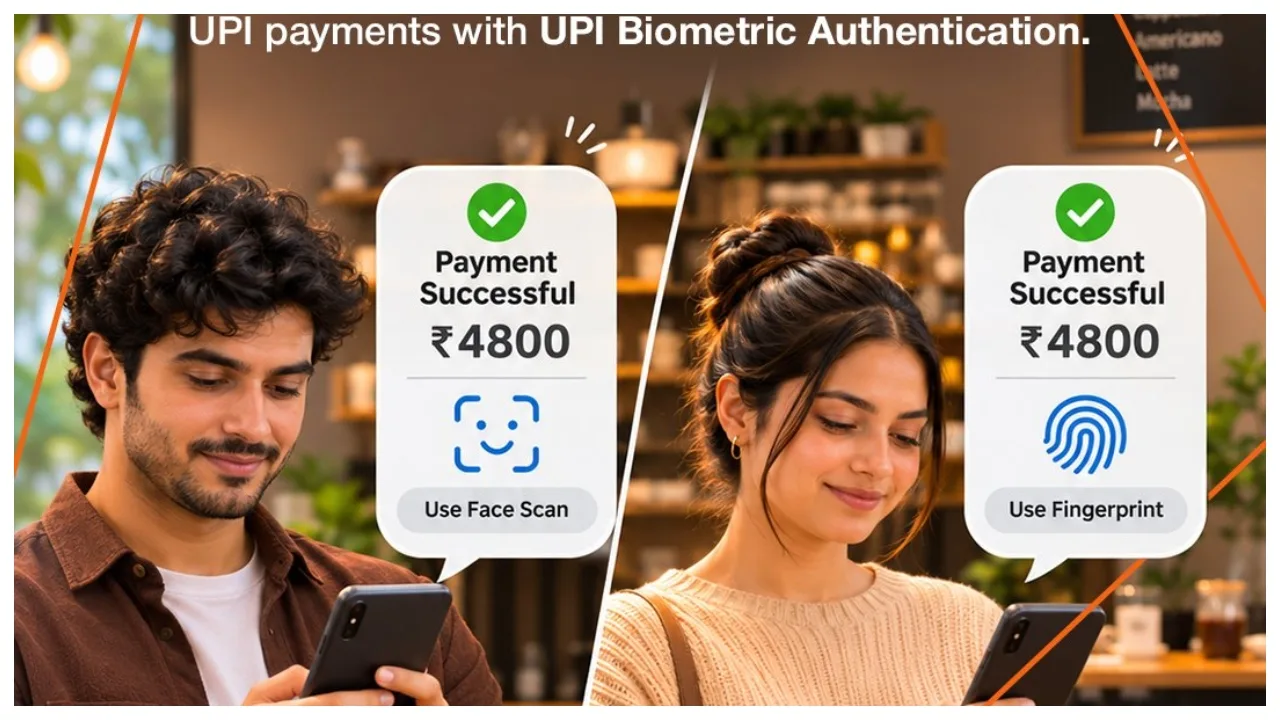
UPI Payments: Nowadays, everyone uses UPI, which has made transferring money and making payments significantly easier. To further enhance this digital payment experience, a biometric authentication option is being introduced. With this feature, users will no longer need to enter a UPI PIN; instead, they can complete payments by scanning their face. This not only speeds up the payment process but also eliminates the need to repeatedly enter a PIN.
This is a special feature of UPI that allows biometric authorisation for payments of up to ₹5,000. Let’s explore the UPI biometric payment feature in detail, including the requirements for its use and how to enable it.
What is UPI Biometric Payment?
UPI biometric authentication is a specialised feature that allows users to authorise digital payments using either their fingerprint or a face scan. Instead of entering a UPI PIN for every transaction, users can use the biometric verification capabilities already available on their phones. This feature makes the payment process both faster and more convenient. However, the availability of this feature depends on support from the UPI app, the user’s bank, and the device itself.

Payment Limits for Biometric Authentication
Generally, payments of up to ₹5,000 can be authorised using biometric authentication. For transactions exceeding this amount, a UPI PIN may still be required. Therefore, it is advisable to check the specific limits and terms and conditions within your UPI app before making a payment.
Requirements for UPI Biometric Payments
To use this UPI feature, certain criteria must be met. Your smartphone must be equipped with a fingerprint sensor and support face verification. Additionally, a biometric lock must already be set up on the device. This feature requires support for biometric payments within both your bank account and your UPI app. You may need to complete an initial verification process to enable it.
Your face and fingerprint already make accessing your phone convenient. They can help authorise your UPI payments too!
With UPI Biometric Authentication, use your face scan or fingerprint to approve payments on UPI apps. Whatever you choose, convenience is at your fingertips.
Which one do you prefer? Let us know in the comments below!
For any UPI-related help, visit: https://t.co/f63Pf4NZO4
#UPI #UPIChalega #UPIBiometricAuthentication
“>November 19, 2026
How to enable this UPI payment feature?
If your UPI app supports biometric payments, you can enable it by following a few simple steps:
First, open a UPI app—such as BHIM, PhonePe, or Google Pay—on your mobile device.
Navigate to the ‘Profile’ or ‘Settings’ section of the app.
Look for the option related to ‘Payment Settings’ or ‘Biometric Authentication’.
Select your bank account and follow the on-screen instructions to activate the feature.
You may need to enter your UPI PIN or provide other necessary authorisations for the initial verification.
Once set up, you can easily authorise payments using either your fingerprint or a face scan.
Biometric UPI Payments Benefits
The primary advantage of biometric UPI payments is that you do not need to enter your PIN repeatedly. Payments can be easily authorised using your fingerprint or a face scan, which simplifies the process—especially for smaller transactions. By leveraging your mobile device’s built-in biometric features, you can authorise payments seamlessly, making the process an ideal option for your daily expenses.