


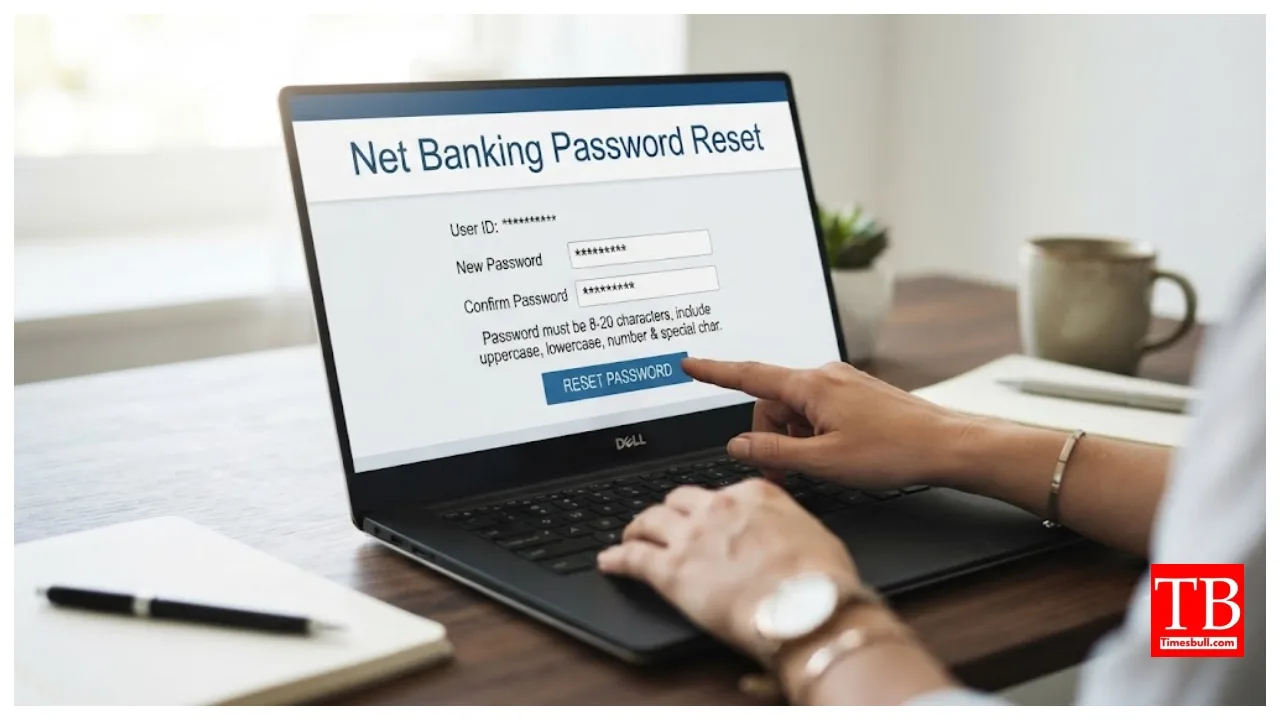
Net Banking Password Reset: Nowadays, most people make payments online. They use UPI and net banking for this purpose. From paying bills to transferring money, you can perform all these tasks from the comfort of your home using net banking. Consequently, people often create complex passwords that are difficult to guess, which sometimes leads them to forget them.
People often assume they need to visit the bank to reset their password. However, you can easily reset your net banking password from home by visiting the bank’s official website. In this article, we will discuss the documents required to regenerate or reset your net banking password.
A debit card is required for an online reset.
If you plan to change your password online from home, you must have your user ID and an active debit card. During the reset process, the bank may ask you to enter your card number, expiry date, CVV, and ATM PIN.
An OTP will be sent to your registered mobile number and email.
For security verification, the bank sends a One-Time Password (OTP) to your registered mobile number. Additionally, some banks send a security code or link to your registered email ID. Therefore, ensure your mobile number and email ID are active when resetting the password.
The bank account number and date of birth may be requested.
During the online process, the bank may ask for personal details such as your account number and date of birth. This procedure is done to verify that the password is being changed by the genuine account holder and to prevent fraud.
Documents required for resetting at a bank branch. However, if you are unable to use the online process, you can visit a bank branch with a copy of your passbook, PAN card, passport, or other proof of identity; upon filling out and submitting a simple written application form there, a bank official will reset your net banking password.