


First of all, update the bank account number.
If you have taken a new number, first update your new mobile number in your bank account. This is the most important step because your entire financial life is connected to it. Your bank is the focal point of UPI, debit card, EMI, SIP and many other services.
If you do not update the new number, you may face problems related to OTP, transaction alert and internet banking login. The number can be changed through the bank app or net banking, but in some banks, a branch visit may be required.
Update your mobile number on UPI apps Google Pay, PhonePe, and Paytm
It is not enough to just change the number in the bank, but it is also necessary to update the new number in UPI apps (Google Pay, PhonePe, Paytm, BHIM). These apps work only on the basis of the mobile number registered with your bank.
After changing the number, log out of the UPI apps and log in again with the new number, so that the link between the SIM and the bank can be verified. According to the new rules of NPCI (applicable from April 2025), banks can now remove old or inactive numbers from UPI, so this update has become even more necessary.
Credit Cards, Demat and Mutual Funds Update your investment accounts
Don't forget to update the new number in your credit card, demat account, mutual fund and share trading platforms as well. Credit cards are completely dependent on OTPs and alerts for online transactions, EMI conversion and dispute communication.
The number can be changed through the process of KYC update in mutual fund and broker accounts. Once the KYC is updated, this information is automatically updated in all the folios linked to your PAN.
EPFO, NPS, Income Tax Portal Update your government accounts
It is also very important to update the new mobile number on EPFO (Employees' Provident Fund) NPS (National Pension System) and Income Tax e-filing portal. These government platforms work on OTP-based verification.
In EPFO, you can change your mobile number through Aadhaar-based OTP. If the number is not updated here, then there can be a big problem in PF withdrawal, pension claim or filing income tax return.
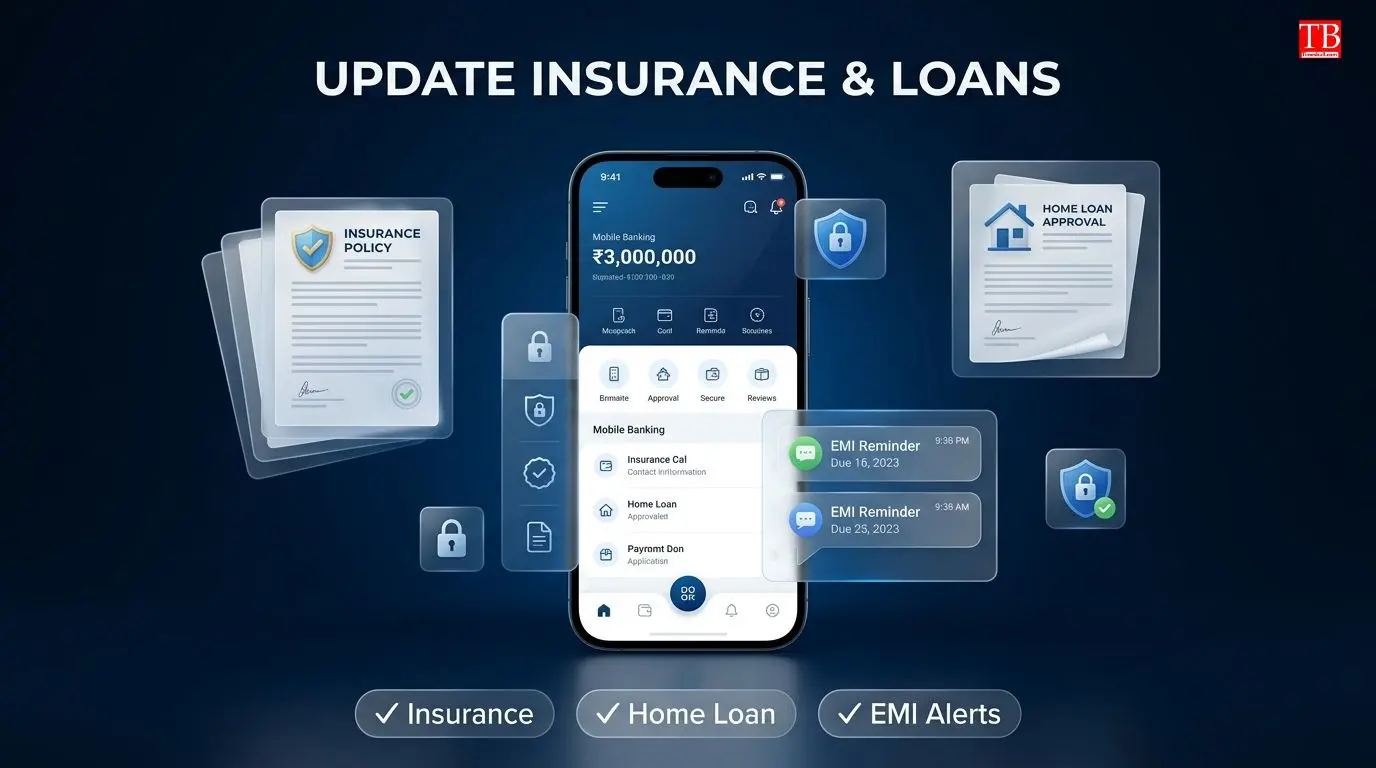
Insurance policies, home loans and other financial services Don't forget
If you have an insurance policy, home loan, personal loan or other financial services, do not forget to update the new number there too. This will keep you informed of premiums and EMIs (such as bounce alerts) in a timely manner.
If you are getting service from a loan app or NBFC, then change the number in its profile section as well, so that no important information is missed.
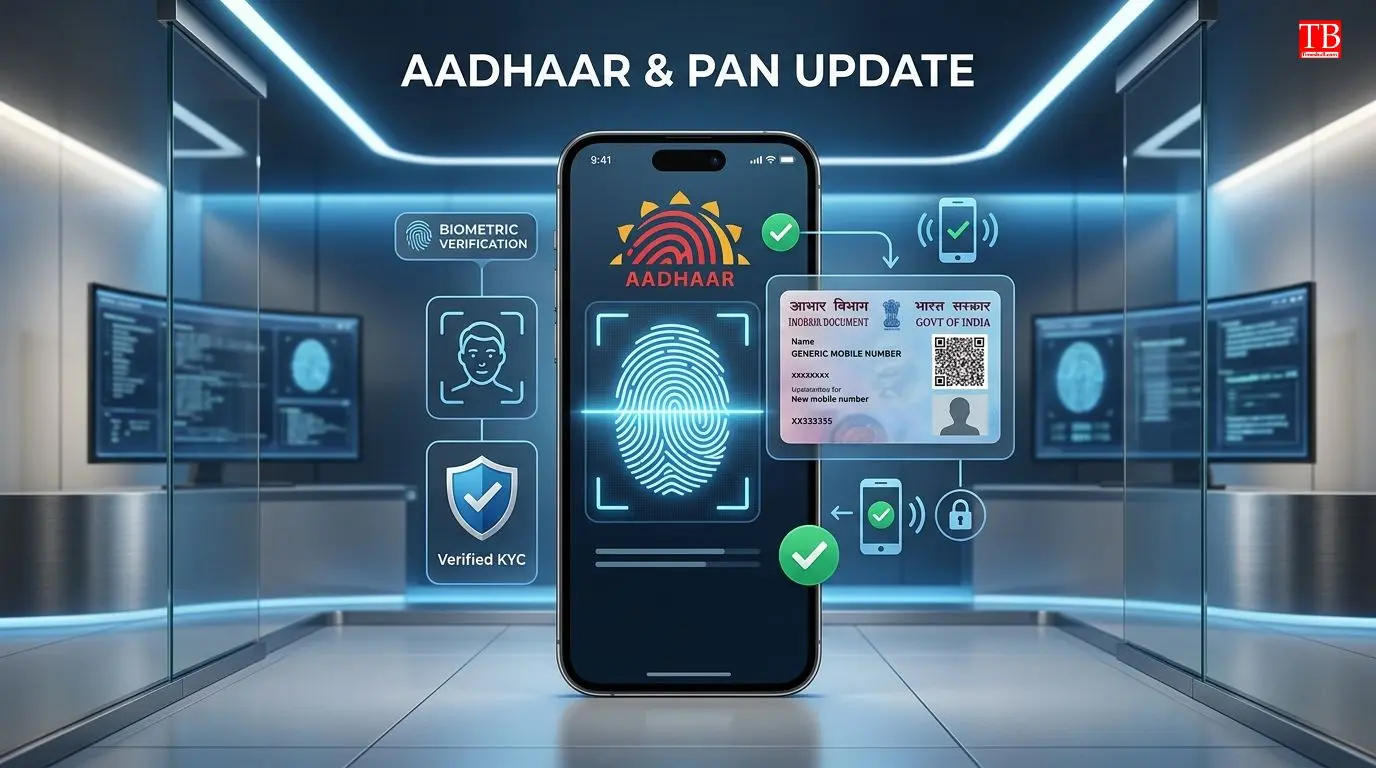
Update your PAN and Aadhaar number Most important
Aadhaar and PAN are two documents that are linked to almost all financial services. It is most important to update the number because if there is a wrong number here, then no KYC or e-verification will be completed.
To change the mobile number in Aadhaar, you have to go to Aadhaar Seva Kendra and do biometric verification (fingerprint / iris). The entire process cannot be done online. PAN can be changed online through NSDL or UTIITSL portal.

Axis Bank launches Aadhaar Face Authentication facility
Axis Bank has introduced a new facility wherein customers can change their registered mobile number from the mobile app itself through Aadhaar-based face authentication. You don't need to go to the bank.
The process is carried out in three stages: Enter the new number, capture the live selfie (which will match with Aadhaar database) and then verify the OTP received on the new number. For security, the mobile banking transaction limit is reset to default until 24 hours after the number is changed.
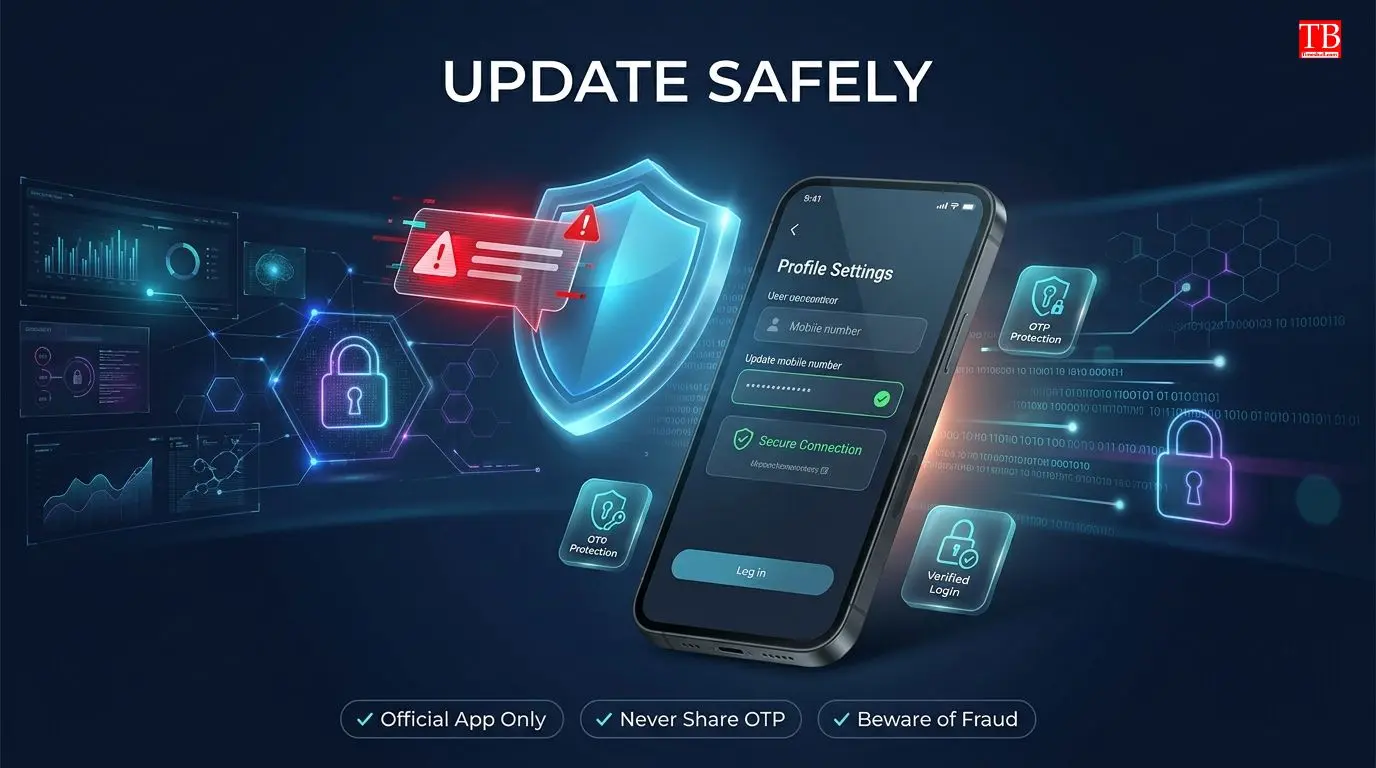
Be careful while updating the new number
Changing the mobile number is a "security event," so take it seriously. Do not trust any unknown call or message claiming "help" in updating the number. It could be a fraud. Always change the number only through the official bank app, website or branch. After updating the new number, do a small transaction to check if the alerts are coming to the new number.
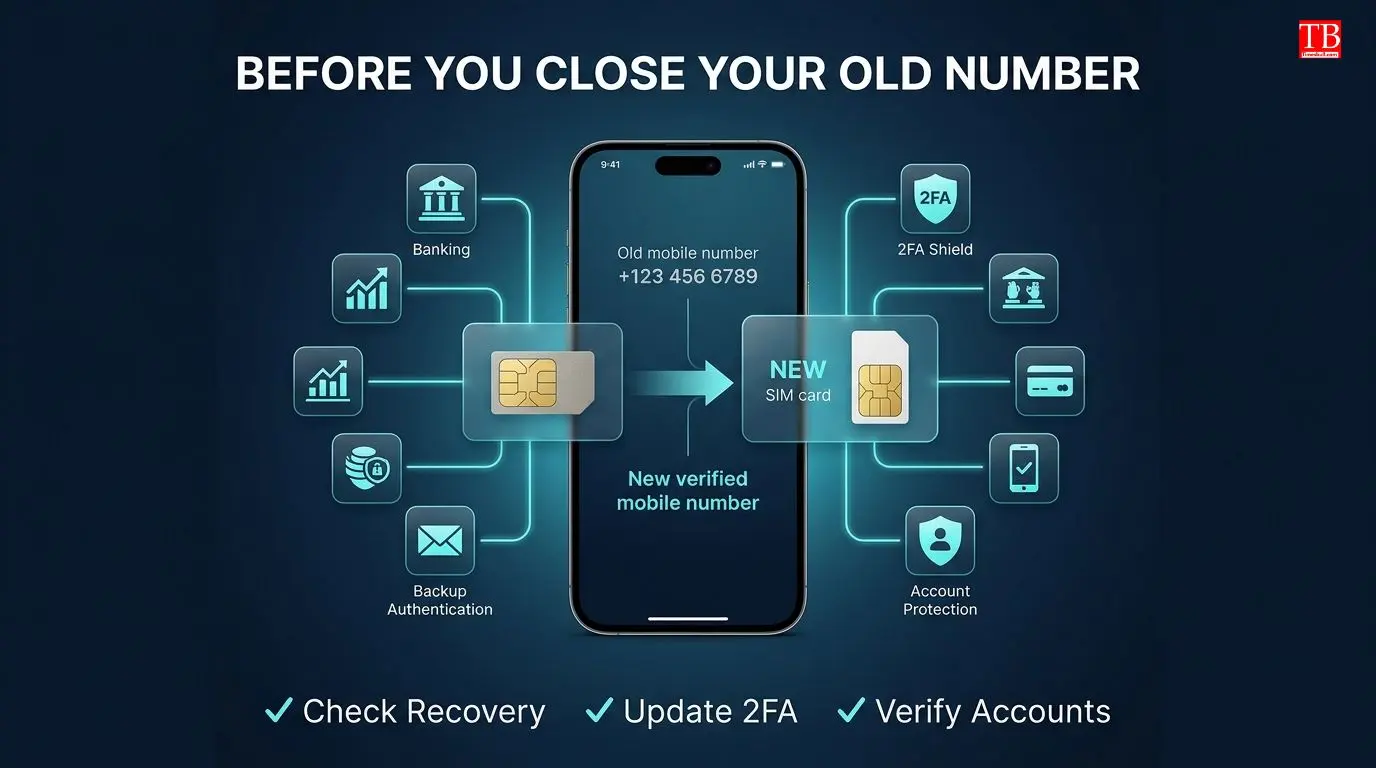
Do this before deactivating the old number.
Before closing the old number, make sure that the recovery of any financial service is not based on the old number. If possible, keep the old number active for a few days. Update the two-factor authentication (2FA) and backup recovery options everywhere, so that there is no lockout by mistake.
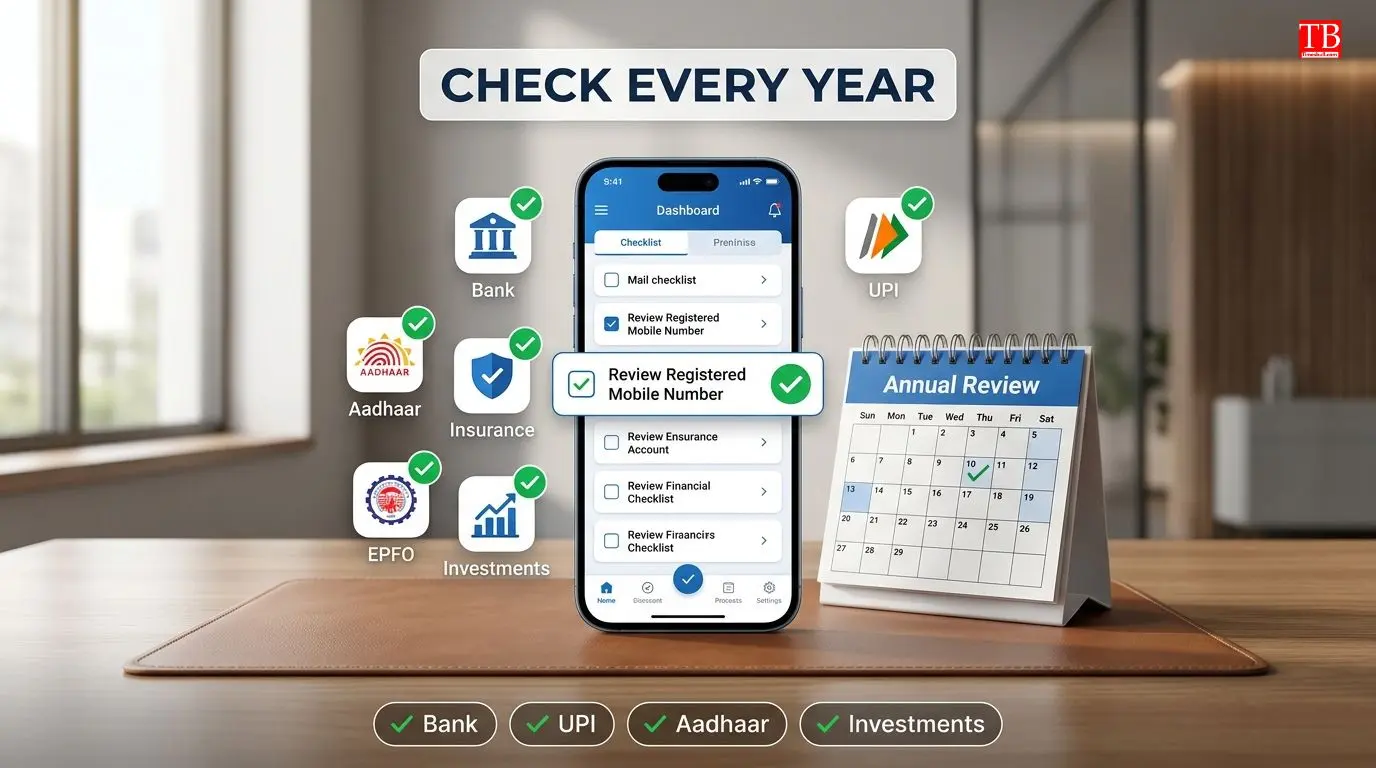
Check once a year... Check all of your accounts
Updating mobile numbers is not a one-time job. Make it your annual financial habit. Once a year, go to all your bank accounts, UPI apps, credit cards, investment accounts, insurance policies, EPFO, NPS and Aadhaar and check if your number is correct. This little habit will save you from missed OTPs, failed logins and missing alerts.
Conclusion
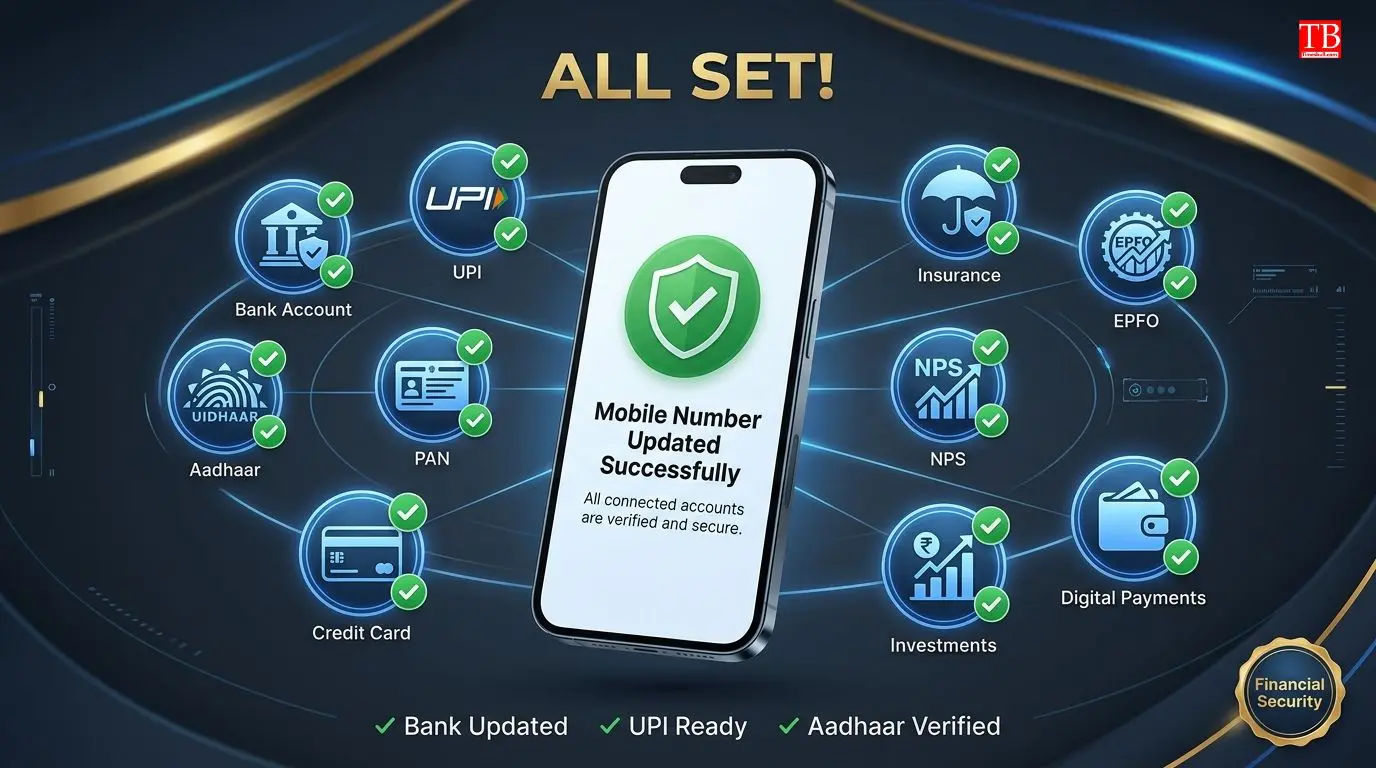
Updating all your financial accounts after getting a new mobile number is not just a formality, but extremely important for your financial security and convenience.
Don't forget to change the number everywhere - bank accounts, UPI apps, credit cards, investment accounts, EPFO, Aadhaar and PAN. Remember, if the number is not updated, the OTP will not come, the payment will not be made and the necessary alerts will be missed.
Like Axis Bank, many banks are now offering the facility of changing the number through digital means (such as face authentication), but to change the number in Aadhaar, one has to go to Aadhaar Seva Kendra.