


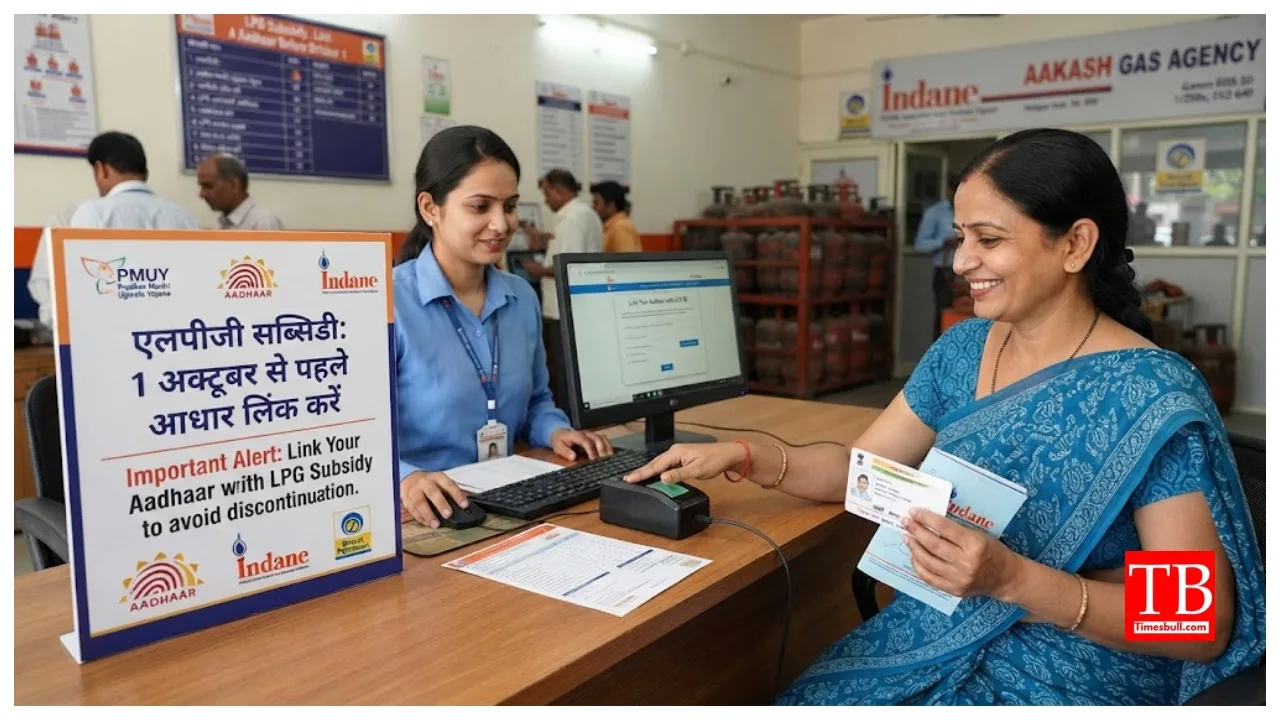
LPG Gas Subsidy Aadhaar Linking Rules: If you are an LPG consumer, this news is significant for you. The Union Ministry of Petroleum has introduced major changes to the rules regarding LPG subsidies. Specifically, biometric Aadhaar authentication has been made mandatory for domestic LPG customers. The government has clarified that, starting October 1st, subsidy payments via Direct Benefit Transfer (DBT) will be made only to the bank accounts of customers who have completed their biometric
authentication/KYC update.
If you are availing of the government subsidy on gas cylinders, ensure you update your biometric authentication immediately. Failure to do so means you will have to purchase the cylinder at the commercial rate—essentially the market price—instead of the subsidised rate. You can complete this process from the comfort of your home using your phone or computer, or even through the delivery person during a home delivery.
What happens if KYC is not completed?
If KYC is not completed, your LPG connection will be categorised as ‘non-KYC’. You will be required to purchase cylinders at the market rate (commercial price) without the subsidy, and the subsidy amount will not be credited to your bank account.
How to complete authentication from home
First, install the official app of your gas agency (such as Indane’s ‘IndaneOil One’, HP Gas, or Bharat Gas) and the UIDAI ‘Aadhaar FaceRD’ app from the Google Play Store on your phone.
Next, log in to the app using the mobile number registered with your gas connection.
Then, navigate to the ‘Profile’ or ‘Services’ section in the app’s menu and select the option for ‘Aadhaar KYC’ or ‘Biometric Authentication’.
Once the camera opens on the screen, position your face in good lighting and blink as instructed.
After verification, you will receive an OTP on your mobile; enter it to submit the form.
How to complete online authentication via the mylpg.in portal
First, visit the official website.
Next, select your gas company by clicking on the image of the Indane, Bharat Gas, or HP Gas cylinder displayed on the right side of the page. Log in to the portal using your consumer number and registered mobile number.
Navigate to the dashboard and click on the ‘Biometric Authentication’ or ‘e-KYC’ section.
Enter the OTP received on your registered mobile number.
Verify your Aadhaar details and submit the final application.
Complete authentication at your doorstep during delivery.
If you are unable to use the online portal or app, there is no need to go through the hassle of visiting an office; you can complete the biometric authentication through the delivery person. Authentication can be instantly completed via the delivery person’s POS machine or official mobile app by scanning your fingerprint or face.
However, if your mobile number has changed, or if your name or fingerprints are not updated in your Aadhaar records, or if online verification keeps failing, you will need to visit your nearest gas agency to update your biometric and Aadhaar details in person. Notably, 27.43 crore consumers—representing 80% of the total—have already completed this process and do not need to take any further action.