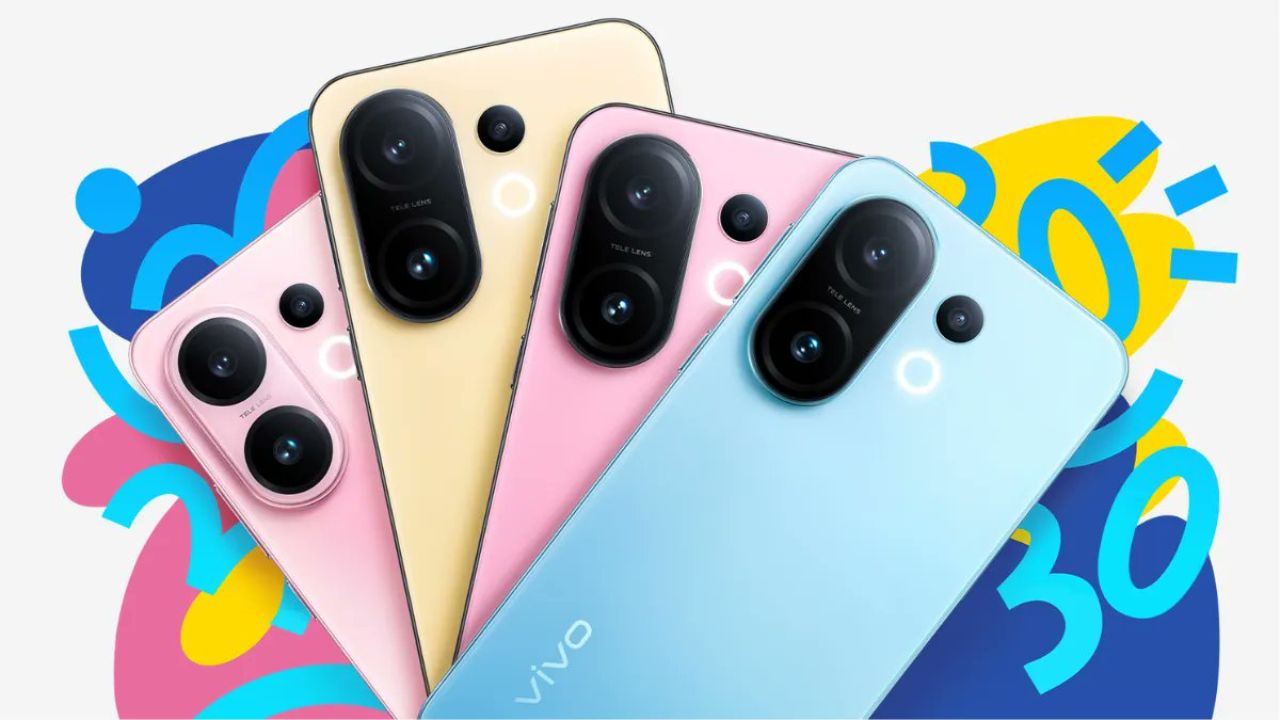
Vivo Funtouch OS 2025 : Not only calls, messages, and selfies are made possible with a smartphone; it is an experience on its own. Here is where Vivo has changed the contact every year with its major user interface overhaul, the Funtouch OS; such updates make phones anew easier, smarter, and much more fun. In 2025, the end user was loaded with goodies, complete with performance enhancement and little conveniences. The blog will look at what is new with Vivo’s UI, from the perspective of an average user, as a system of looks and feels, and what it factors into a whole mobile experience.
UI New Fresh with Smooth Animation
Vivo’s first UI of 2025 started with a bang when it came to its looks. An organized futuristic home-screen experience is granted after being unlocked. The icons were modified to much more approachable and softer shape and color combinations. Fluidity is the key here; from launching apps to screen-switching and gesture handling, nothing lags behind.
More importantly, it is designed to ensure smoothness, even for old phones. These phones don’t exhibit major heating or hanging issues even after extended use. It does look pretty but is more of a functional one, working just fine.
Enhanced Smart Sidebar with Quick Tools
Smart sidebar has become smarter. No longer-it-now slides outward panel; it is a little assistant personalized especially for you.
You could add your favorite apps, add tools for screenshots, open recorder, camera, or any folder with a swipe to make multitasking so much easier.
It floats over a video, so if you want, you can reply to messages, or just do some small task without stopping it. Quite handy, especially for multitaskers.
 Advanced Experience in Privacy and Security
Privacy is everyone’s major concern today. Hence, Vivo took steps to bolster security in this version of the new official interface.
Now, it is possible to hide screen recording of sensitive information. Locking app has become so smart with faster face recognition and more secure.
Aji introduced a new privacy dashboard which will allow you to see which apps were accessing the location/camera or microphone, and when.
AI Magic and Intelligent Suggestions
Artificial intelligence comes in very handy in Vivo’s new interface. Your mobile phone secretly learns more of your taste and habits so that it can make suggestions accordingly.If you happen to listen to some music during the evening, the UI smartly brings to the home screen the music app in the evening. In the morning, a reverse habit check, and the feed is smartly curated.
A very powerful AI has now made its entrance into the camera. Unintendedly manipulate an image through an automatic adjustment made through light, color, and focus scene recognition thus relieving you of the mundane task of manual settings.
Battery Optimization and Performance Boost
User interface living is an area friendly with battery over other thoughts by Vivo. Applications running in the background are better controlled so that much less battery is drained.
With just one touch, a booster for gaming would instantly lift performance instantaneously. Super Saver offers a life extension to the phone running down low on battery while keeping functioning minimally.
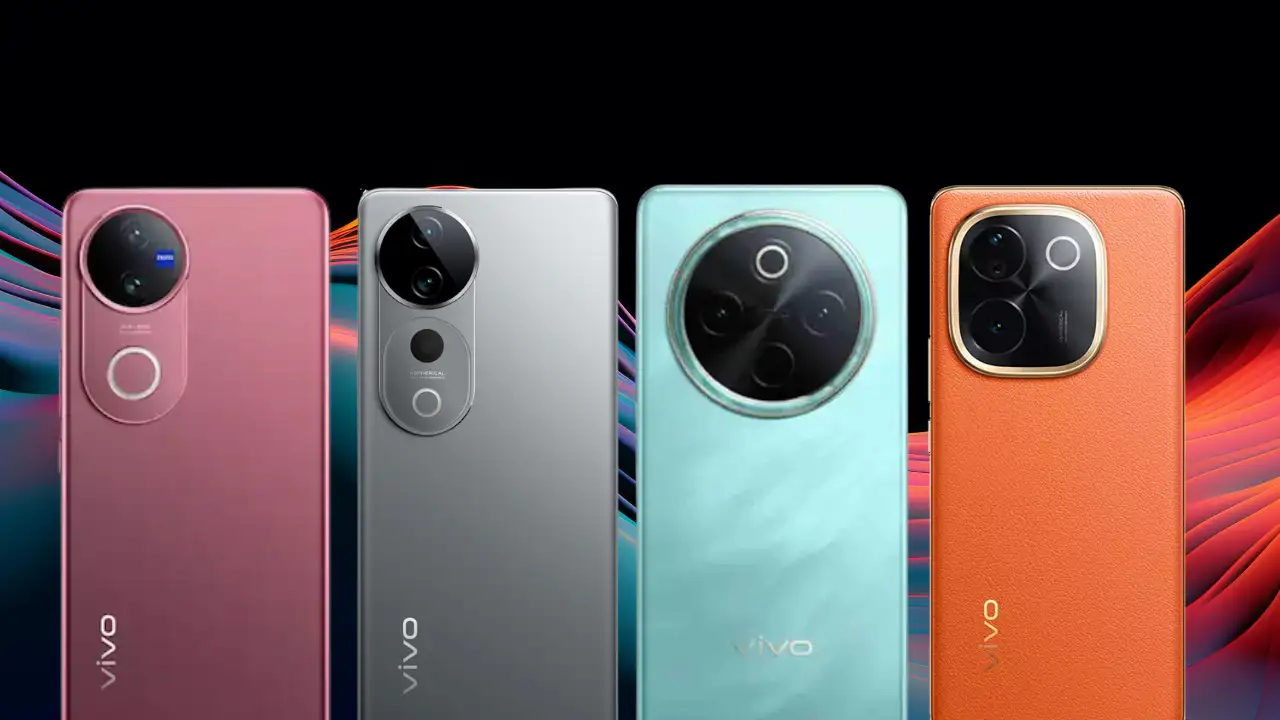 Advanced Customization and Always-On Display
This new UI from Vivo is for anyone looking to personalize their phone.
The lock screen has endless personalization options, from clock styles to wallpaper effects.
Vivo has also allowed you to customize the look of icon shapes, color palettes, and folder layout, so that your phone can really represent your personality in every aspect.
New Vivo UI 2025 is less about some update and more about altering the whole idea that every personality gains a smarter, better, and modern mobile experience.
It is a good UI with smarts, intelligent AI, strong security, and tons of customization to appeal to every user group.
Basically, anybody getting a new Vivo mobile or upgrading an older one will be in for a treat with this refreshing UI.