
Samsung Stable One UI 8.5 Update to Galaxy Tab S10 FE and Tab S10 FE+
One UI 8.5 Update: Samsung is slowly rolling out the stable One UI 8.5 update over to the Galaxy Tab S10 FE and Tab S10 FE+ right now, sort of like a more fluid UI vibe, a redesigned look that feels smoother, plus smarter Galaxy AI things.

 Join Us
 Add as a preferred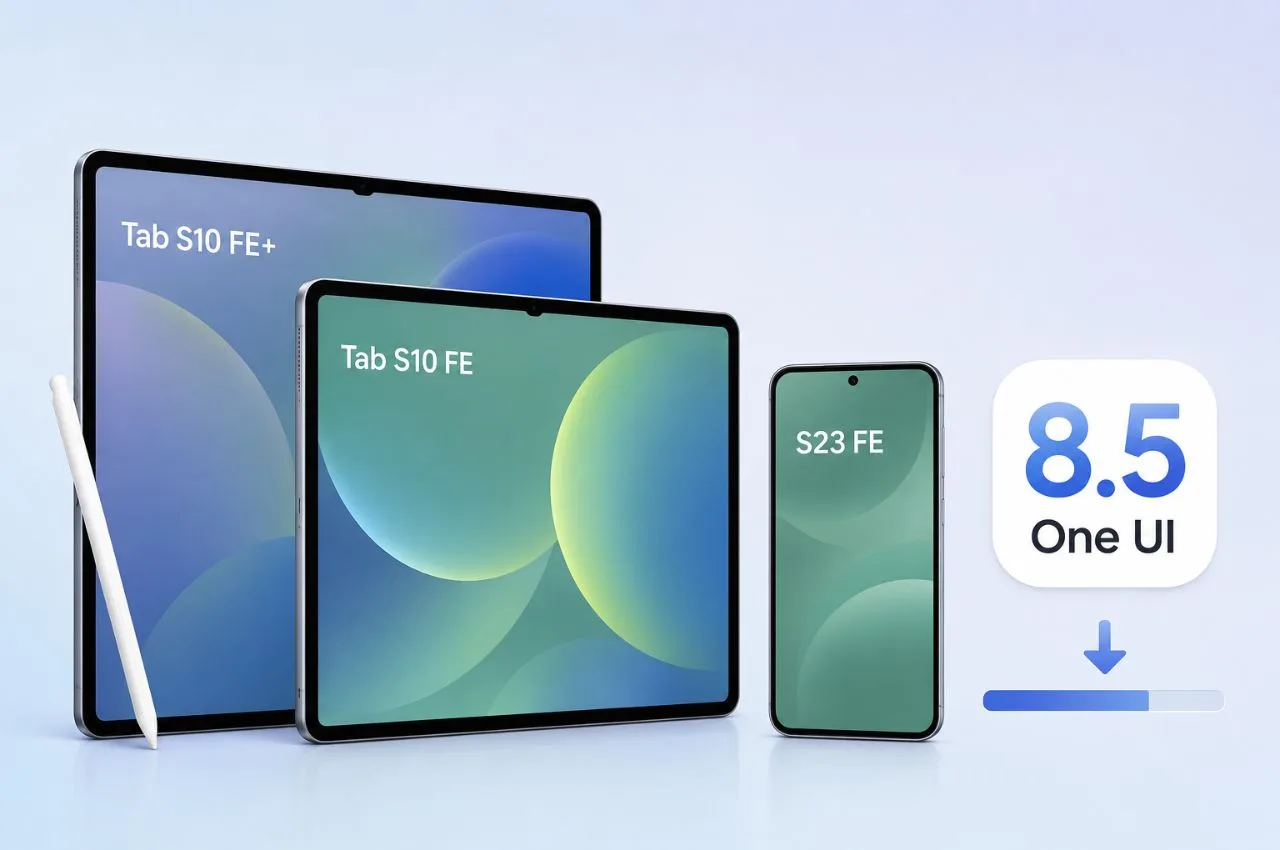
One Ui 8.5 Update
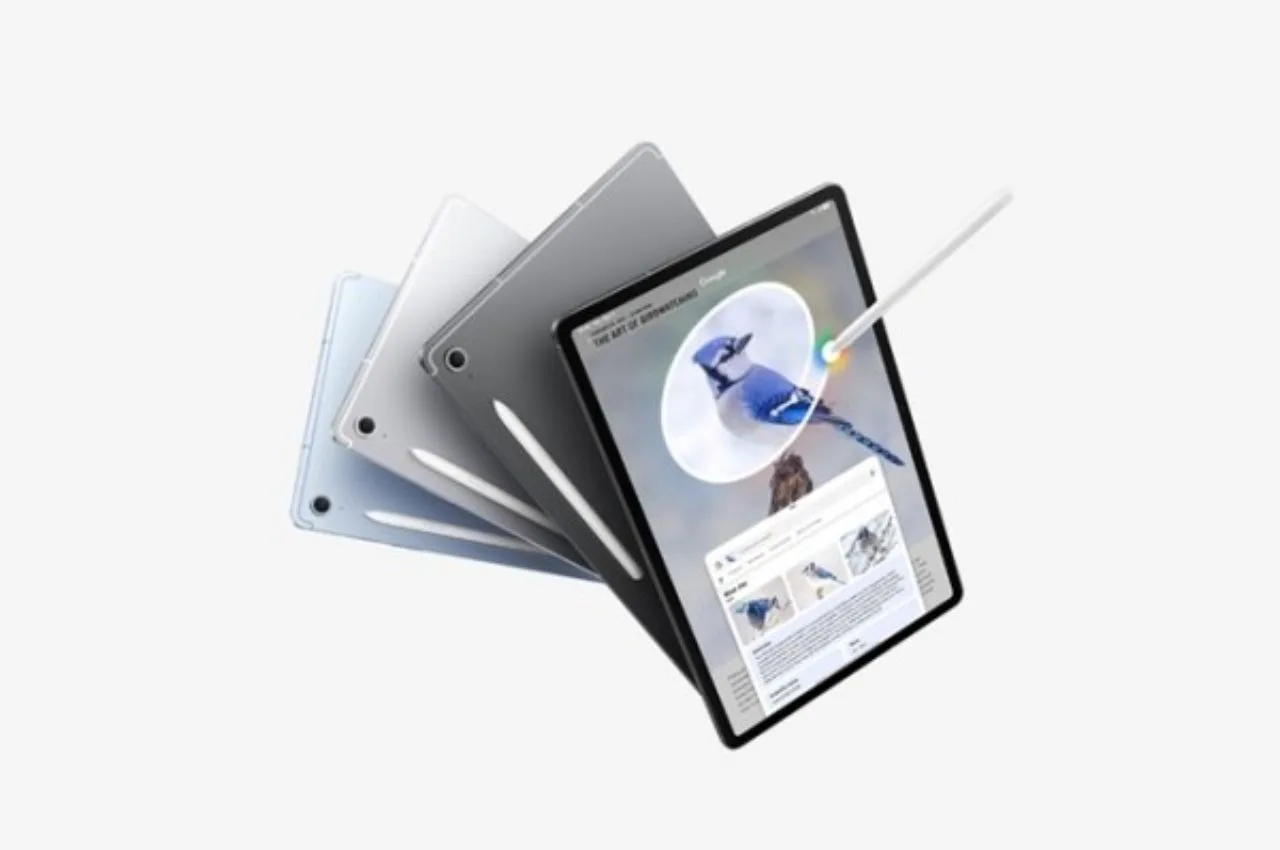
Samsung has officially started rolling out a stable One UI 8.5 firmware update for its well known mid range tablets, the Galaxy Tab S10 FE and the Galaxy Tab S10 FE+.
After a detailed beta testing run alongside flagship devices, the stable rollout actually kicked off in Samsung’s home market, South Korea. The update is now landing on both the Wi‑Fi only and 5G cellular models of those tablets, and a wider worldwide release for India, Europe, and North America is planned before the month ends.
At the same time, Samsung also activated the One UI 8.5 rollout for the Galaxy S23 FE, in the Indian market specifically, which kinda shows an obvious priority on refreshing its Fan Edition lineup.
What’s New in One UI 8.5?
The shift toward One UI 8.5 kind of feels like a big software reshuffle, bringing a new vibe visually plus real upgrades running through the whole system. On the surface, the user interface now leans into those floating design bits, smoother transparent blur layers, and a lock screen makeover set of tools that includes things like automatic wallpaper alignment , and more font choices than before.
Smarter Galaxy AI and Conversational Bixby
Samsung has kind of significantly optimized its underlying machine-learning models, in order to elevate its productivity ecosystem in a way that actually feels smoother. One major highlight is Contextual Bixby, which lets the built in voice assistant follow whole conversation threads kind of naturally, so when you ask something later you can reference past queries without having to re-say the whole context over and over again.
For creators, there are also more advanced camera tools, and they bring professional grade utilities like real-time Log video previews, plus high precision document scanning. There’s also a dual-video mode recording option that uses both the front selfie camera and the main rear sensor at the same time, which is pretty handy. And on the AI side, deep integration hooks help with enhanced on-device AI photo generation, better object removal brushes for cleaner edits, and smart web summaries that are powered by direct API access to Perplexity AI.
Cross-Platform Quick Share Ecosystem
In a pretty big swing toward cross brand compatibility, the newer Quick Share module now fuses support for file and media passing straight into Apple devices using AirDrop style protocols. Right now it’s still limited to a handful of newly updated Galaxy devices, for this early stretch, but the wider cross platform ecosystem fit will come in stages, step by step, over time.
Advanced Connectivity Ecosystems
For power users, when you’re juggling multiple computing devices, this update kinda weaves the Storage Share functionality directly into the Samsung network, sort of smoothly though not exactly in a straight line. It also brings automatic hotspot hand-offs, plus it makes Smart View screen casting more steady, and yeah a bit faster too.
How to Check and Install the Update
Once the firmware turns up in your particular geographic region, you should see a system notice pop up on your screen on its own. But if you prefer, you can also force the upgrade manually whenever you want, just go into the Settings area, choose Software Update, and then tap Download and Install. Before you begin, try to keep things steady, make sure your tablet is on a reliable Wi‑Fi connection and keep at least 50% battery level left, because that substantial system patch really needs a full device reboot to finish everything properly.

Sachin Kumar
Next Article
ATM Alert: एटीएम में फंस जाए डेबिट कार्ड तो घबराएं नहीं, फटाफट यह काम करने से होगा समाधान
मतलब स्पष्ट शब्दों में कहें तो कार्ड मशीन में फंस जाता है. ऐसी स्थिति में लोग बुरी तरह से घबरा जाते हैं. लेकिन आपको घबराने की जरूरत नहीं है। हालांकि, घबराहट की वजह यह होती है कि कोई उनके कार्ड का दूसरा व्यक्ति इस्तेमाल करके बैंक अकाउंट खाली न कर दे.

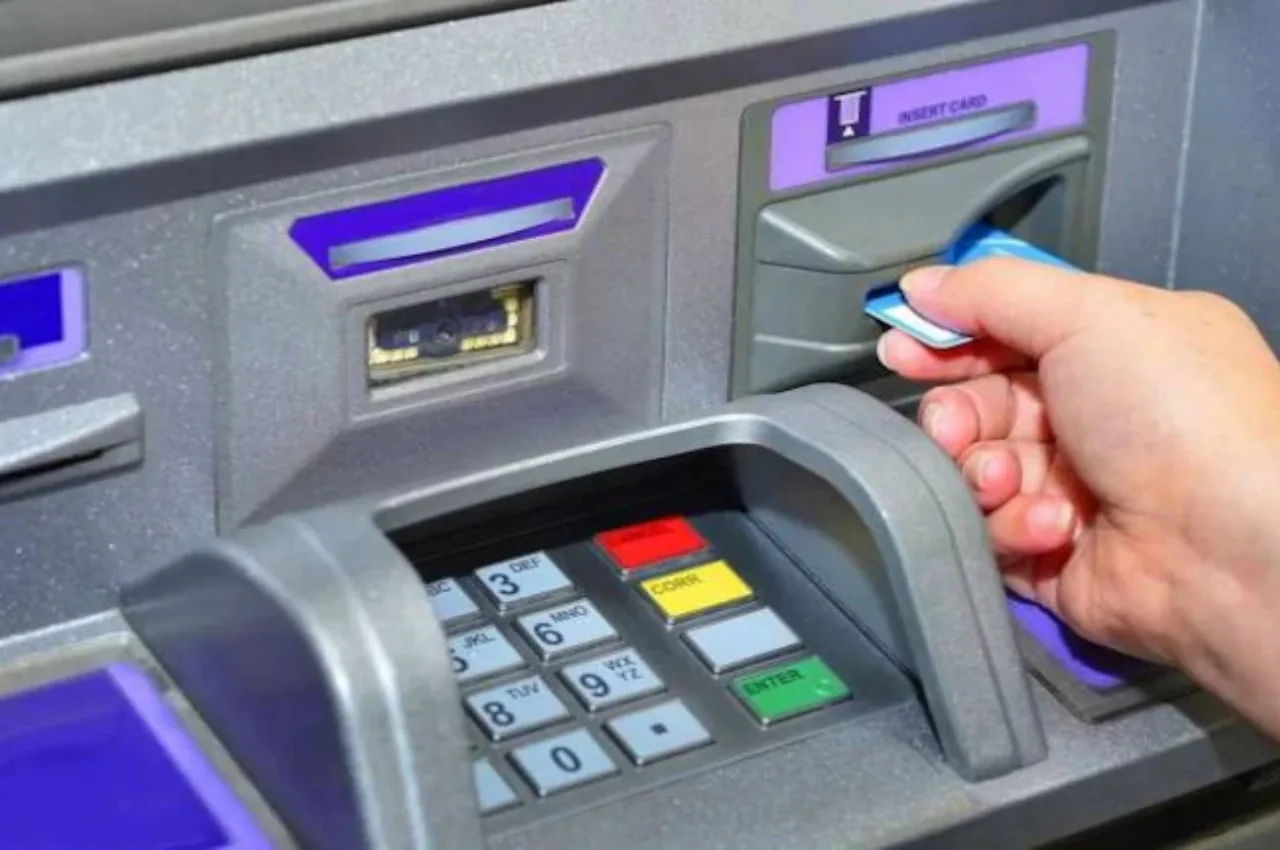
ATM Alert: टेक्नोलॉजी के बढ़ते दौर में कैश निकालने के लिए लोग एटीएम की ओर रुख करते हैं. बैंकों में पहुंचकर लाइन में लगना कोई नहीं चाहता है. कैश निकालने के लिए लोग एटीएम का इस्तेमाल करना पसंद करते हैं. कई बार ट्रांजैक्शन का काम पूरा होने के बाद एटीएम मशीन में हमारा कार्ड बाहर नहीं निकल पाता है.
मतलब स्पष्ट शब्दों में कहें तो कार्ड मशीन में फंस जाता है. ऐसी स्थिति में लोग बुरी तरह से घबरा जाते हैं. लेकिन आपको घबराने की जरूरत नहीं है। हालांकि, घबराहट की वजह यह होती है कि कोई उनके कार्ड का दूसरा व्यक्ति इस्तेमाल करके बैंक अकाउंट खाली न कर दे.
Write a Comment