
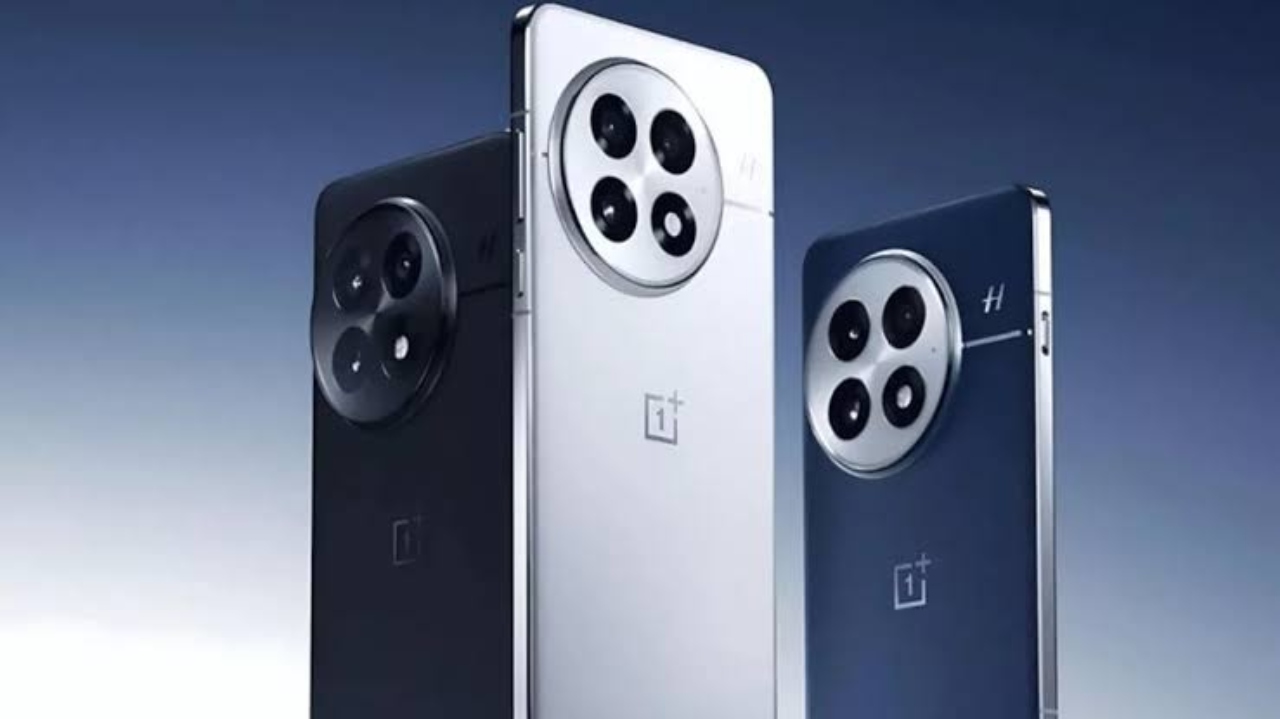
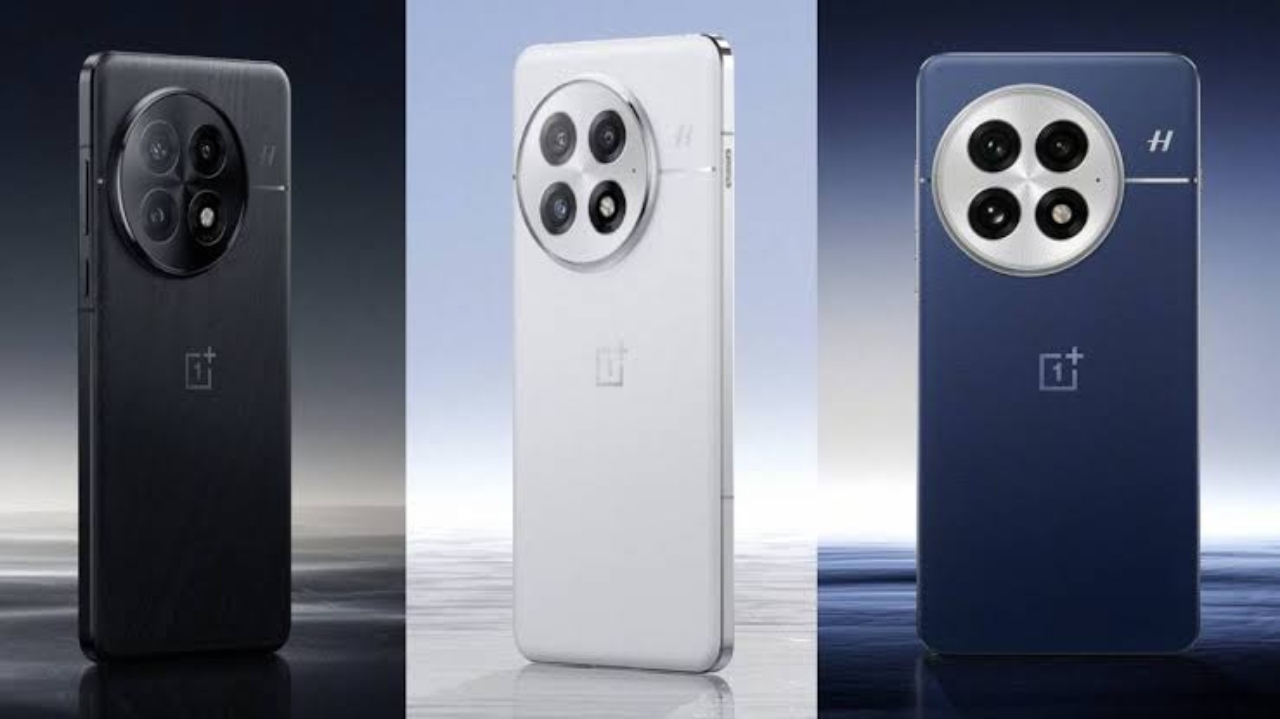
OnePlus 13 Update: If you have a OnePlus 13 or want to buy this handset, then there is good news for you customers. Where you have made it even better by updating for the users. At the same time, to give it customization, the company has focused on software updates.
Actually, the company has released the ColorOS 15.0.0.840 update for this flagship phone, which has given it new features, excellent performance, and AI smart tools. Its battery and camera have also been updated. If you also want to know about its latest update and what special things are being found, then let us tell you.
Improvement in system performance and battery
In this, the background process has been managed better in the ColorOS 15.0.0.840 update. Which will improve the battery life of the phone. And the opening of its apps has been increased. At the same time, AI-based RAM management will give users a great experience.
Camera upgrades
At the same time, the camera performance has also been updated in it. Where low-light photography and AI-powered portrait mode have been given. Apart from this, camera stability has also been tuned so that there are fewer shakes during video recording.
Changes in UI and design
In this OnePlus phone, the user interface has been made more fluid in ColorOS 15.0.0.840. The animation has been made smoother.
AI tools Or smart features
This phone, the OnePlus 13, comes with many AI tools. In which features like AI Smart Cut, AI Call Summary, and AI Text Extraction have been given. These tools increase productivity. Apart from this, new additions like Voice-Based Note Assistant and Smart Clipboard have also been added to this handset.
Security and bug fixes
This phone is very good in terms of security. It has the latest Android security patch of July 2025, which protects against new cyber threats. At the same time, old bugs like occasional app crashes, network instability, and UI glitches have been fixed.
How to update phone?
If you are a OnePlus user, then for this you can check the update by going to Settings > About device > Software Update. After updating this phone, the new version can be installed by tapping on “Download and Install.” After updating it, charge it and take a backup.
Read More: Tesla Model Y Launched in India: Price, Features, and Delivery Timeline
At the same time, the user interface has been made more modern and fluid in ColorOS 15.0.0.840. Its animation has been made smoother. At the same time, it comes with an enhanced icon pack, smart widgets, and a refreshed control panel. Not only this, its Dark Mode has also been updated for better visibility.
Latest News
- PM Surya Ghar Scheme: खूब चलाएं एसी और कूलर, नहीं देना होगा बिल, जल्द कराएं यह काम

- ITR Filing Before May 31? You May Get Notice

- Women Free Bus Travel Scheme – How to Get Free Bus Travel From June 1, 2026? How to Apply

- LSG Vs PBKS Video: ऋषभ पंत पर भड़के अर्जुन तेंदुलकर! वीडियो देखकर आप भी रह जाएंगे हैरान

- Apple MacBook Neo Deal Alert: Get It For Under ₹58,000 on Amazon Right Now

- Pakistan Attack: आत्मघाती हमले से दहला पाकिस्तान, 23 लोगों की मौत, 50 से ज्यादा घायल, जानें

- Honor Magic 9 Series Leaks: Flagship Upgrades with Massive 8,000mAh Battery and 200MP Cameras

- Motorola Edge 60 Fusion Review: Mid-Range King or Outdated?

- FD Update– Breaking Your FD Early? Know the consequences

- Bank Holiday–RBI Announces Closure of SBI, HDFC and All Banks Next Week, Save the Dates