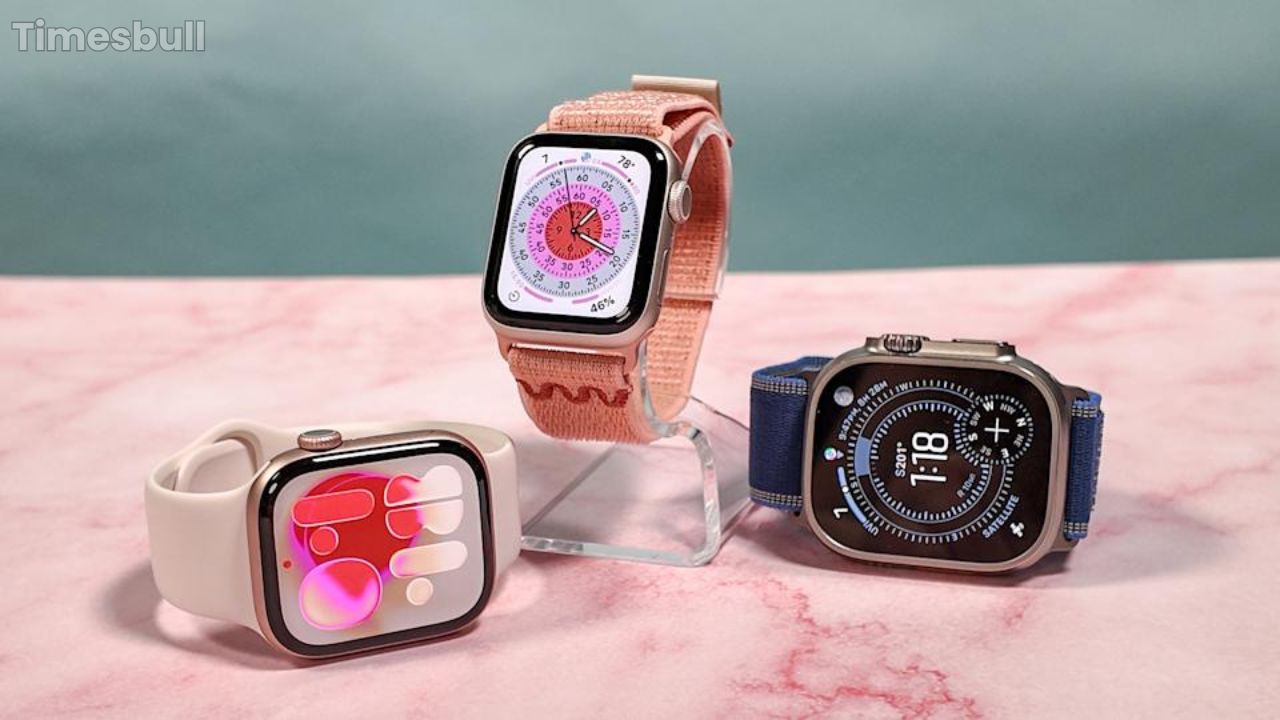
Life Saving Apple Watch Feature in WatchOS 26 Update You Must Use: With the latest WatchOS 26 update, Apple has introduced a significant new health tracking feature called hypertension alerts. However, it is not a medical device and does not measure blood pressure directly, but it uses long-term heart data to detect patterns that suggest high blood pressure, and it prompts you to consult a doctor for proper diagnosis. The hypertension alert feature analyzes your heart rate data over a 30-day period, and it looks for patterns and trends. In case the watch identifies such a pattern, it sends a notification and encourages you to take action.
How Hypertension Alerts Feature Works?
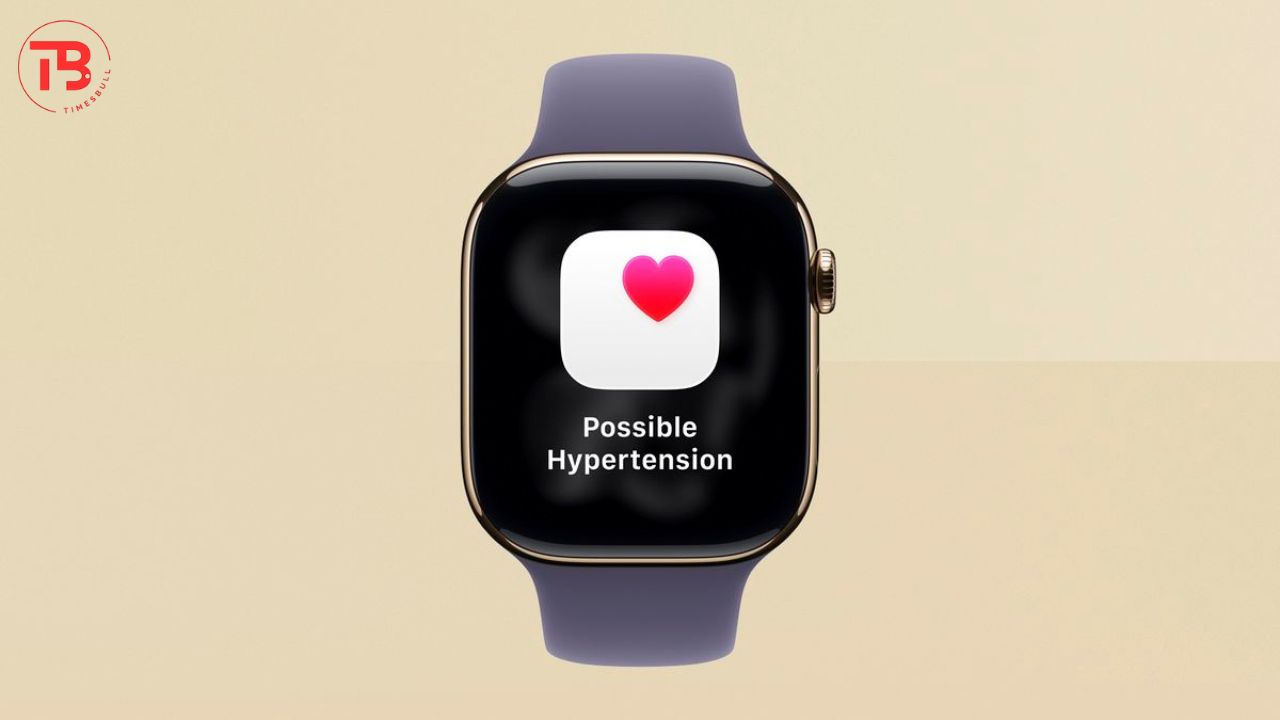
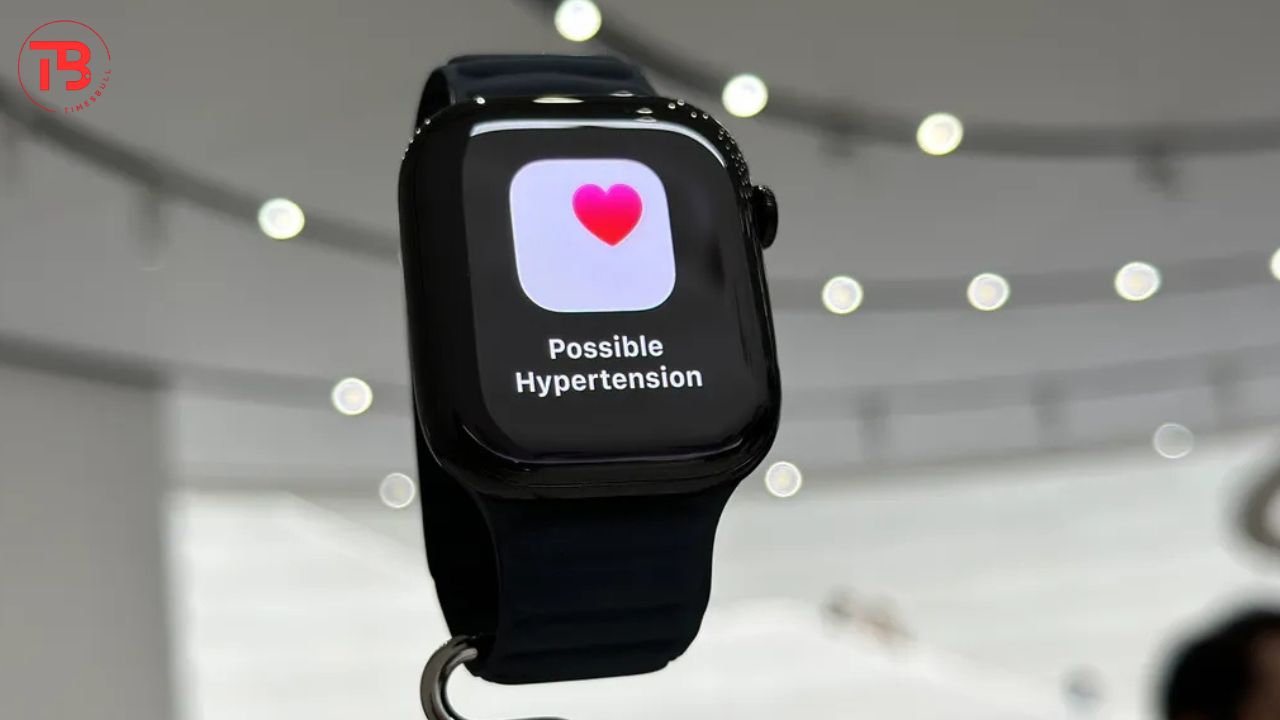
The hypertension alerts feature acts as an early warning system for potential undiagnosed high blood pressure or hypertension, which may lead to heart disease and stroke. The Apple smartwatch uses an optical heart sensor, and it analyzes heart rate data over a 30-day period. It primarily focuses on patterns and trends, not just single readings, that could be a sign of persistent hypertension.
After identifying such a pattern, it sends you a notification and encourages you to take action. But you should keep in mind that this is not a diagnostic tool, and its purpose is to make you aware of a potential health issue.
Read More: OPPO F31 Pro Phone at Cheaper Price in This Special Offer, Comes with 50MP Camera & 7000 mAh Battery
Hypertension Alerts Activation Requirements
If you also want to enable hypertension alerts in your Apple smartwatch, then you will need to have Apple Watch Series 9 or later, or Apple Watch Ultra 2 or later, running on the latest WatchOS 26. Moreover, you will need iPhone 11 or later models with the latest version of iOS 26.
Apart from that, you must be at least 22 or older, not pregnant, and have no prior diagnosis of hypertension. You have to enable wrist detection on your Apple Watch, and most importantly, the feature of hypertension alert must be available in your country or region.
Read More: Lava Agni 4 5G Phone Set To Launch Next Month, May Get 7000 mAh Battery & Dimensity 8350 Chipset
Hypertension Alerts Steps:
1. First of all, open your iPhone and open the Health app.
2. In the top right corner, tap your profile picture or initials.
3. Now tap the Health Checklist option under the features section.
4. Now you will get the hypertension notifications option, just turn it on.
5. Now you will get an on-screen form; you have to confirm your age and medical history, then tap Continue.
6. Now you can read and understand how the feature works, then tap Done to complete the setup.