
clear Instagram search history: Many people go through new accounts, reels, and hashtags every day, making Instagram a busy space for constant searches. While the app saves everything in its search history, users usually ignore how this stored data can affect their privacy. Because old searches also influence unwanted suggestions, clearing them regularly becomes a must-have for a cleaner and more personalized experience. Well, the good news is that Instagram search history delete is extremely simple and fast.
Why Clearing Search History Matters
Since the app instantly displays your recent searches, anyone who accesses your Instagram could see what you were up to. When you clear it, your privacy remains intact. Moreover, as soon as the history is removed, the app refreshes the suggestion pattern and starts showing results based on your updated preferences.
Steps to Clear Search History Through Profile
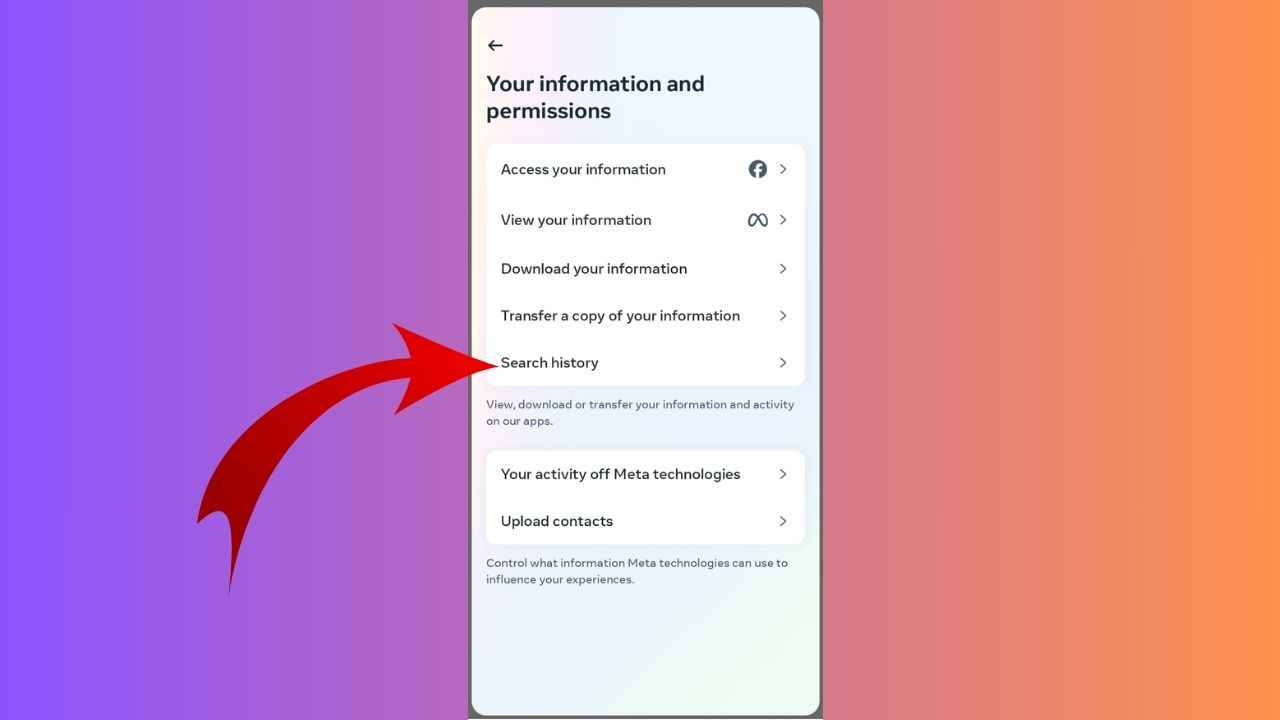
First, open the Instagram app and tap the profile icon at the bottom right. From there, click the three-line menu at the top right. A new menu opens where you must click the Your activity option. When the section opens, tap Recent searches. You will see all the past searches appearing clear here. Tap the X next to those if you want to remove only selected searches. But if you want everything to be cleared instantly, choose Clear all.
Alternative Approach to Clear History
There is yet another way, which is even quicker and more convenient for many users. Tap the search icon at the bottom of the screen, and the search bar will appear. Immediately after clicking it, all your recent searches come into view. From here, you can manually remove individual searches or tap See all – Clear all to wipe the complete list. Since Instagram search history delete is that easy, users can easily keep privacy without influencing their comfort during browsing.
Read More: Bring Latest Samsung Foldable Phone at Just ₹6,158 Monthly, Here’s Full Process