
Best AI Video Editing Laptops Under 60,000 INR: Top Picks Her
So you’re looking for the best AI video editing laptop under 60,000 INR right? I mean the kind that can handle all that smart tracking and auto reframe stuff, plus voice isolation without suddenly crashing or behaving weirdly.

 Join Us
 Add as a preferred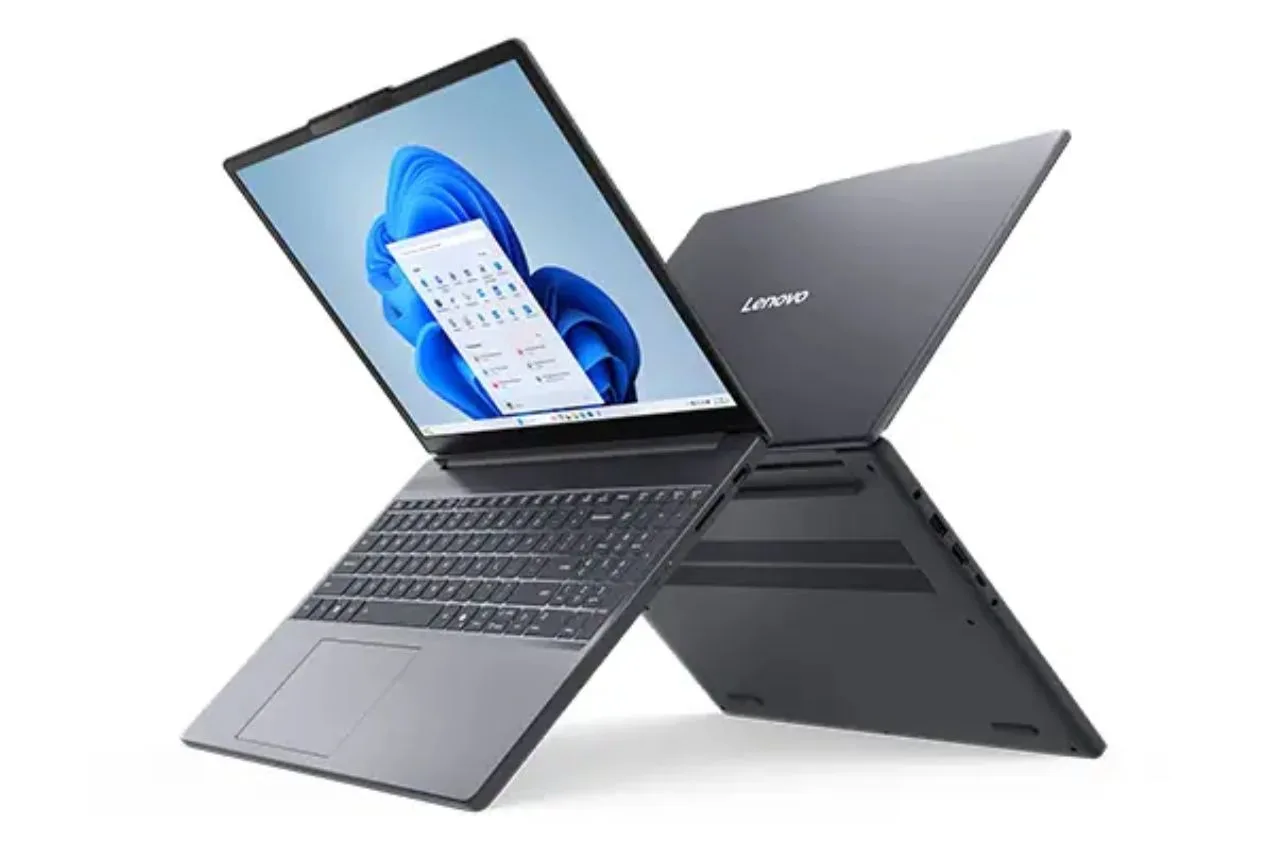
Laptops Under 60,000
Lately the world of video editing has really, like, changed direction quite a bit, moving the heavy lift away from plain raw CPU power and into machine learning kind of smarts. These days, apps such as CapCut, Adobe Premiere Pro, and DaVinci Resolve don’t just “play video” they lean on fairly complex AI models to do stuff like removing background noise, following scenes automatically, and writing instant transcriptions.
So, if you’re trying to find a laptop below the 60,000 INR limit that can run these clever features without hiccups, you’ll need a kind of careful, slightly calculated approach. In this price band, you should usually put memory capacity first , and look for some dedicated hardware acceleration too, rather than getting distracted by shiny looks or gimmicks. Otherwise you might end up with annoying app crashes, or serious timeline lag, right when you need it most.
1. Lenovo IdeaPad Slim 3 Next Gen AI PC
So it’s basically built with a very efficient Qualcomm Snapdragon X kind of architecture, plus a built in high performance Neural Processing Unit, and yeah it’s meant for those up to date processing jobs. The dedicated silicon chip takes care of local AI workloads with a lot of ease, so the main system memory isn’t really getting stressed. People who make content will probably like the 15.3 inch WUXGA display too, because the extra real estate makes it easier to follow long multi layer timelines, especially when you’re doing careful cuts. And with 16GB of LPDDR5X RAM alongside a quick 512GB PCIe solid state drive, it can chew through high resolution video caches without hitting nasty thermal slowdowns , or burning through your battery all that fast.
2. HP Victus 15 (AMD Ryzen 5 + RTX 3050)
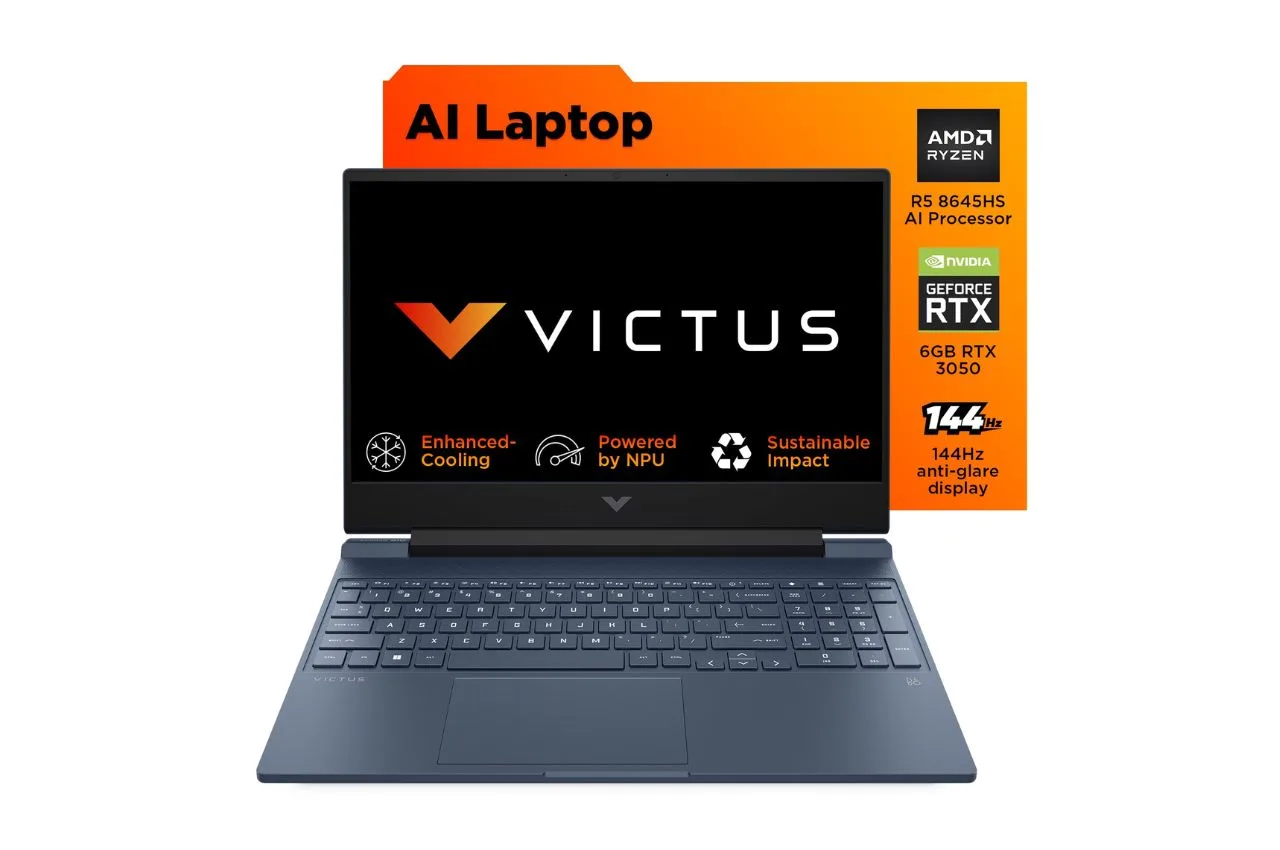
If your editing routine leans into heavy 1080p or more entry-level 4K rendering where you still want “proper” graphic acceleration, this model feels like a lot of laptop for the money. It combines an AMD Ryzen 5 hexacore CPU with a dedicated NVIDIA GeForce RTX 3050, and yes the card comes with 4GB VRAM. The presence of NVIDIA Tensor Cores helps cut down the runtime when you’re using things like spatial isolation tools, and also auto-reframe style effects. Out of the box it ships with 16GB DDR5 memory plus a 144Hz panel, so the interface stays notably smooth when you’re scrubbing back and forth across longer, heavier timelines.
3. Acer SmartChoice ALG
This one is kind of “budget but smart” , it pushes visuals performance toward content creators without going totally overboard. You get an H-series Intel Core i5 working alongside a solid NVIDIA GeForce RTX 3050 GPU, and the setup leans into hardware-accelerated video encoding plus quicker export cycles. There’s also dual-fan internal cooling, so sustained work doesn’t immediately turn into throttled performance. Sure, battery-style portability isn’t as impressive as the super-thin crowd, but as a mobile desktop stand-in for editing higher bitrate material it’s fairly dependable, and it stays consistent during demanding sessions.
Crucial Buying Advice for Video Creators
Don’t buy an 8GB memory laptop with the idea that you’ll upgrade it later, unless you’ve really checked that the motherboard has modular slots, not soldered parts. In today’s machine learning workflows, the filters can pull huge datasets straight into your currently active system memory all at once. If you start with less than 16GB right out of the box, you can end up with recurring app crashes, especially when you’re trying to create smart cutouts or handle text to speech jobs.
Budget minded laptops sometimes bring the cost down by using display panels that don’t really cover much color range, like they might stop around 45% NTSC accuracy . For anyone working on commercial video platforms, where color correction has to be right on the money, that built in screen can pretty much throw you off during edits. So, it might be worth thinking ahead—get a color faithful external monitor later that covers 100% sRGB, so your end color grading tasks stay accurate and don’t drift.

Sachin Kumar
Next Article
ATM Alert: एटीएम में फंस जाए डेबिट कार्ड तो घबराएं नहीं, फटाफट यह काम करने से होगा समाधान
मतलब स्पष्ट शब्दों में कहें तो कार्ड मशीन में फंस जाता है. ऐसी स्थिति में लोग बुरी तरह से घबरा जाते हैं. लेकिन आपको घबराने की जरूरत नहीं है। हालांकि, घबराहट की वजह यह होती है कि कोई उनके कार्ड का दूसरा व्यक्ति इस्तेमाल करके बैंक अकाउंट खाली न कर दे.

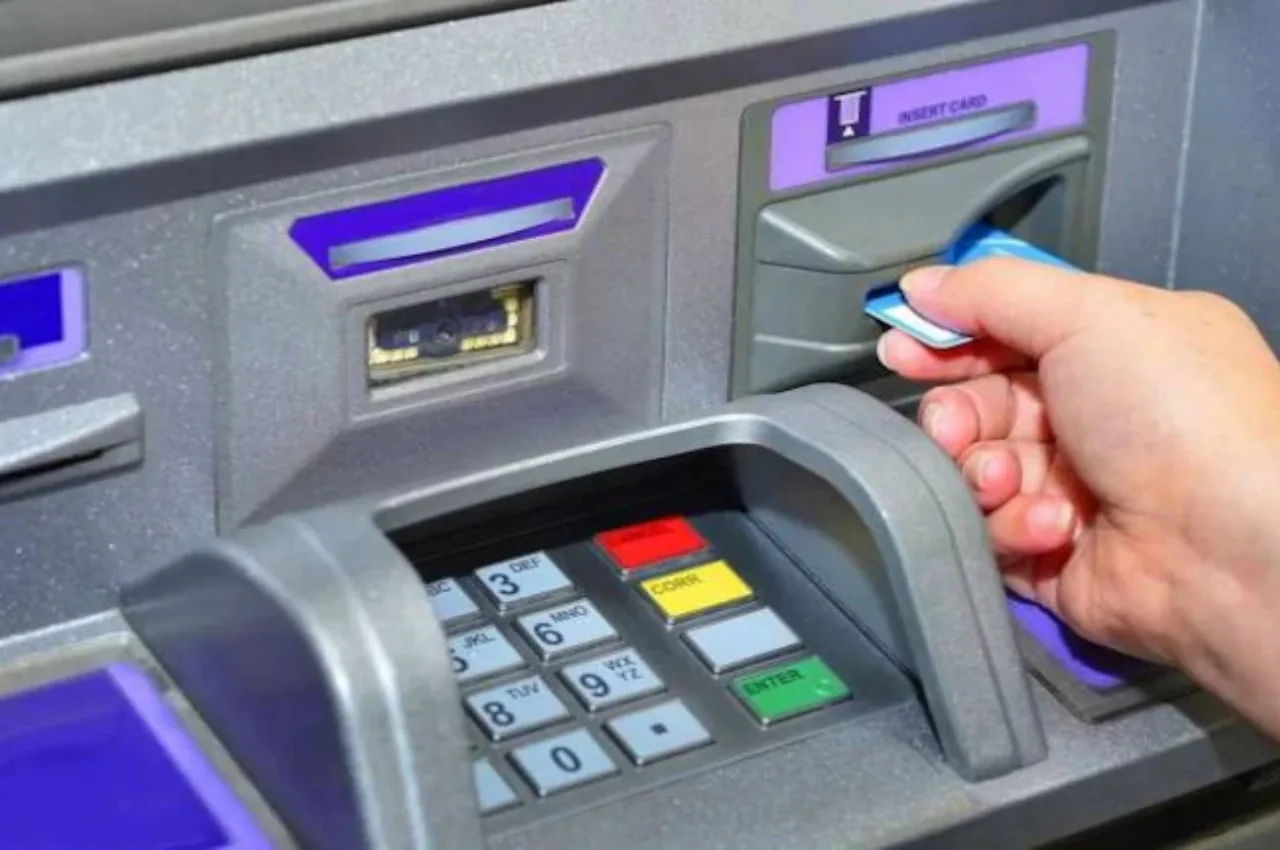
ATM Alert: टेक्नोलॉजी के बढ़ते दौर में कैश निकालने के लिए लोग एटीएम की ओर रुख करते हैं. बैंकों में पहुंचकर लाइन में लगना कोई नहीं चाहता है. कैश निकालने के लिए लोग एटीएम का इस्तेमाल करना पसंद करते हैं. कई बार ट्रांजैक्शन का काम पूरा होने के बाद एटीएम मशीन में हमारा कार्ड बाहर नहीं निकल पाता है.
मतलब स्पष्ट शब्दों में कहें तो कार्ड मशीन में फंस जाता है. ऐसी स्थिति में लोग बुरी तरह से घबरा जाते हैं. लेकिन आपको घबराने की जरूरत नहीं है। हालांकि, घबराहट की वजह यह होती है कि कोई उनके कार्ड का दूसरा व्यक्ति इस्तेमाल करके बैंक अकाउंट खाली न कर दे.
Write a Comment