


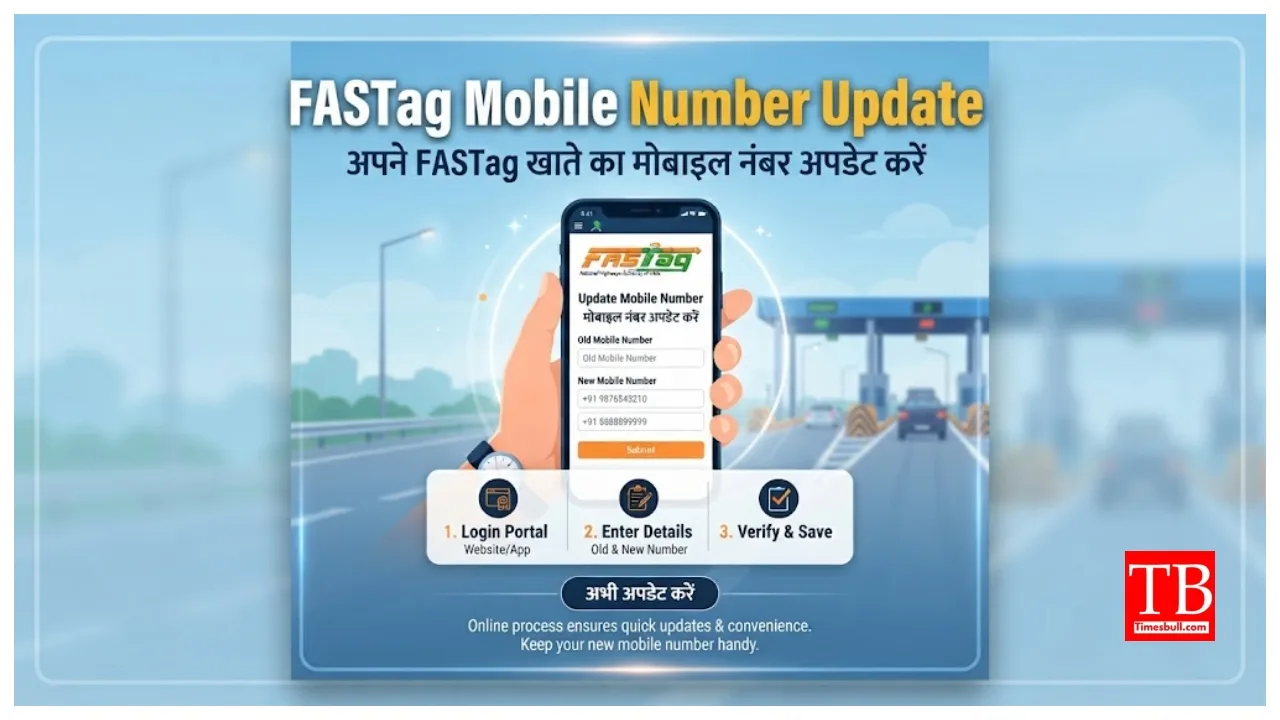
FASTag Mobile Number Update: If you drive a four-wheeler on the highway, you are required to pay a toll. To facilitate seamless toll payments, your FASTag relies on an active mobile number for essential information and account management. If you have recently changed your number or wish to update a deactivated one, you can easily change the mobile number linked to your FASTag. In this article, we explain how to update your FASTag-linked mobile number via both online and offline methods. These are basic processes.
Why is it important to change the mobile number linked to FASTag?
Updating the mobile number linked to your FASTag is crucial. Doing so ensures you receive notifications via SMS regarding toll payments, balance updates, and recharge reminders. Linking a mobile number helps prevent unauthorised access and keeps you informed about any issues with your FASTag. Therefore, keeping your mobile number updated is essential.
Change the FASTag mobile number online.
First, visit the official FASTag website or open the mobile app.
Enter your username and password to access your account.
Navigate to the profile settings and select the option to update your information.
Enter your new mobile number.
After entering the number, you will need to upload an identity document, such as your Aadhaar card.
You will receive an OTP on your new mobile number, which must be verified.
Once the OTP has been verified, click on ‘Submit’.
After the process is complete, you will receive a confirmation message on your updated mobile number.
Change the FASTag mobile number offline.
Locate the bank branch that issued your FASTag or an official FASTag Point of Sale (POS) location.
Visit the customer service desk and ask for the mobile number update form. Now, enter the new mobile number and other necessary details into the form.
Attach a copy of a government-issued identity proof for verification.
Please submit the form and the identity proof to the bank official to complete the process.
You will receive a message on your mobile number once the request is processed.