

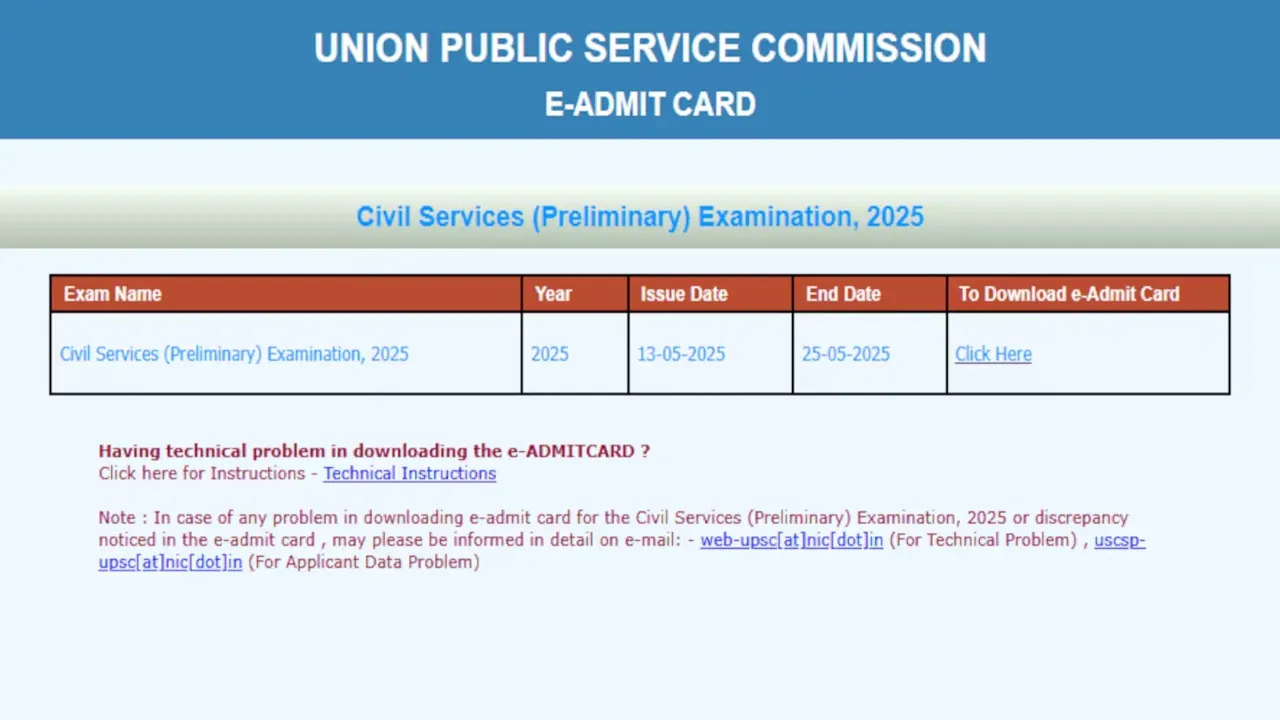
The Union Public Service Commission (UPSC) has officially released the Civil Services (Mains) Examination 2025 admit cards on its website upsc.gov.in. Aspirants who cleared the preliminary exam can now download their hall tickets using their registration details. Here’s your complete guide:
Key Details at a Glance
📅 Exam Dates: August 22-31, 2025
⏰ Session Timings:
-
Morning: 9:00 AM to 12:00 PM
-
Afternoon: 2:30 PM to 5:30 PM
🔑 Login Required: Registration ID/Roll Number + Date of Birth
How to Download UPSC CSE Mains Admit Card 2025?
Follow these steps carefully:
-
Visit upsc.gov.in
-
Click “E-Admit Cards” on the homepage
-
Select “Civil Services (Main) Examination 2025”
-
Choose login method:
-
Registration ID + DOB (for first-time Mains candidates)
-
Roll Number + DOB (for previous Mains candidates)
-
-
Verify all details (name, photo, exam center)
-
Download PDF and print 2-3 copies
⚠ Critical Check: Report discrepancies IMMEDIATELY to UPSC via:
-
Email: upsc[at]nic.in
-
Helpline: *011-23098543*
Documents to Carry to Exam Center
✅ Printed Admit Card (with clear photo)
✅ Original Photo ID Proof (Aadhaar/PAN/Passport/Voter ID) – Must match admit card details
✅ COVID-19 Protocols: Mask + Sanitizer (if mandated)
Prohibited Items: Phones, smartwatches, calculators
Admit Card Details to Verify
✔ Candidate’s Name (as per application)
✔ Roll Number & Registration ID
✔ Exam Center Address (with map link)
✔ Paper-wise Date & Time
✔ Photograph & Signature Quality
What If You Can’t Download?
-
Clear browser cache or try incognito mode
-
Use alternate browsers (Chrome/Firefox)
-
Check during non-peak hours (8-10 PM)
-
Contact UPSC helpdesk for technical issues
Last-Minute Preparation Tips
🔸 Reconfirm exam center location a day before
🔸 Plan travel considering monsoon delays
🔸 Carry water bottle + snacks (in transparent packaging)
🔸 Review DAF details for interview preparation
Note: The admit card is provisional. Final eligibility is subject to document verification during Personality Tests.
Latest News
- Weather warning – Heavy Rain, thunderstorms, lightning Alerts for 13 States Over Next 3 Days

- UP TGT Exam City Slip 2026 Released – Download at upessc.up.gov.in, Exam June 3-4

- ATM Alert: एटीएम में फंस जाए डेबिट कार्ड तो घबराएं नहीं, फटाफट यह काम करने से होगा समाधान

- Post Office Scheme – 7.5% Interest Rate, ₹5 Lakh Becomes ₹7,24,974 in 5 Years, Start with Just ₹1,000

- Best AI Video Editing Laptops Under 60,000 INR: Top Picks Her

- Best CNG Cars: पेट्रोल के बढ़ते दाम के बीच ये सीएनजी गाड़ी खरीदकर खर्च करें कम, माइलेज भी जबरदस्त

- Samsung Stable One UI 8.5 Update to Galaxy Tab S10 FE and Tab S10 FE+

- बुढ़ापे की लाठी बनेंगी ये तीन स्कीम्स, निवेश से पहले जानिए कितना मिल रहा ब्याज

- OnePlus Nord CE 6 vs Samsung Galaxy A57: Which Mid-Range 5G Phone Wins?

- Lenovo LOQ 15 Gen 11 Review: Best Budget Gaming Laptop?
