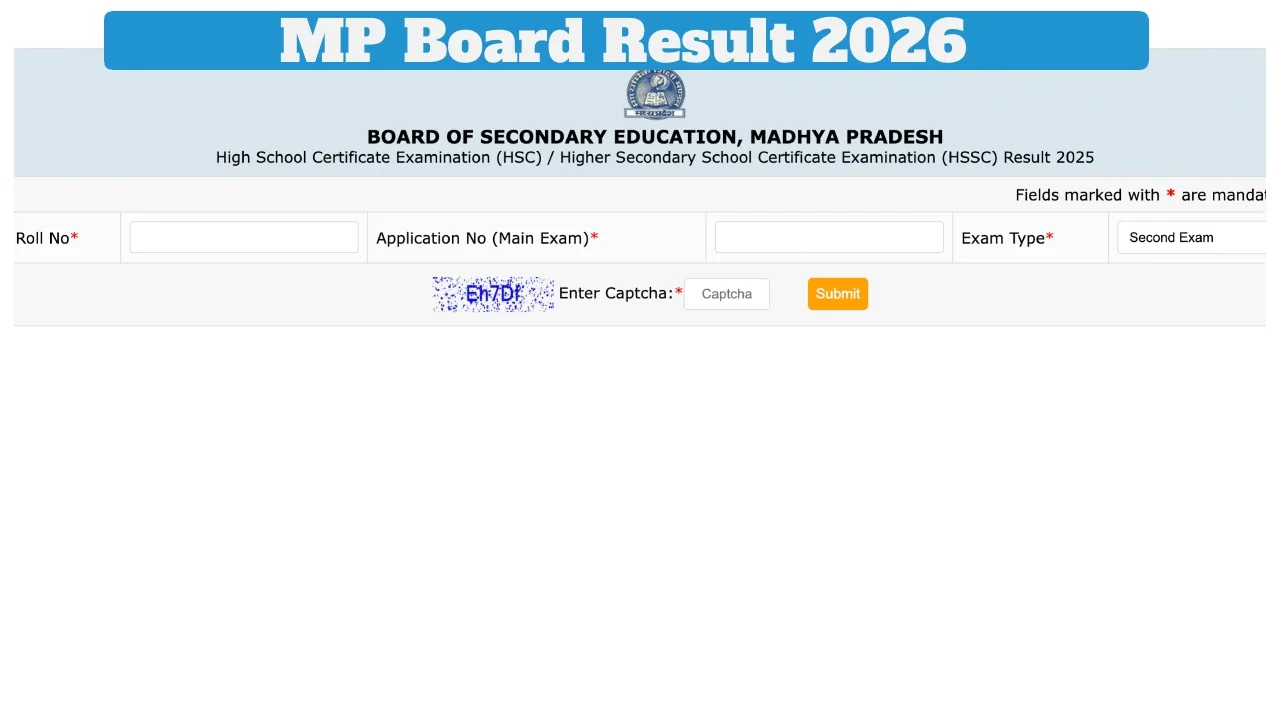
MPBSE MP Board 10th & 12th Result 2026 Date: The Madhya Pradesh Board of Secondary Education is expected to announce the High School (Class 10) and Intermediate (Class 12) results very soon. Once the exam results are released, students can check their scores by visiting the official websites: mpbse.nic.in .According to close sources, the evaluation of approximately 90 per cent of the answer sheets has already been completed.
Consequently, it is being speculated that the Class 10 and 12 results may be released during the first week of April. After the results are declared, students will be able to check them on the official websites: mpbse.nic.in To check their results, students must enter their Roll Number and Date of Birth.
MPBSE MP Board 10th & 12th Result 2026: When Were the Exams Held?
The MP Board Class 10 examinations were conducted between February 13 and March 6, 2026. Meanwhile, the Class 12 examinations were held from February 10 to March 7, 2026. Since the conclusion of the exams, students have been eagerly awaiting their results.
How Many Marks Are Required to Pass?
To pass the MP Board Class 10 and 12 examinations, students must secure a minimum of 33 per cent marks in all subjects. However, if a student scores less than this threshold in one or two subjects, they will be given the opportunity to appear for a compartment examination. Additionally, students dissatisfied with their marks may apply for re-evaluation.
What’s Next After Results?
First, collect original marksheets from your school
Apply for revaluation if needed
Check compartment exam dates (if applicable)
How to Check Your MP Board Result 2026
Must visit the official website at mpbse.nic.in
Click on “MPBSE Class 10th Result 2026” or “MPBSE Class 12th Result 2026”
Now, Enter your Roll Number
Submit to view your result
Download the result and print your marksheet for future use.
How to check the result Via SMS
To check the 10th result, must type their MPBSE10 roll number and send it to 56263.
To check the 12th result, type MPBSE12 roll number on your phone and send it to 56263.
How to check the result on the mobile app?
First, download the MPBSE mobile app from the Google Play Store.
Open the app and click on the “Know your result” option.
Now enter your roll number and application number.
As soon as you submit, your result will appear on the screen.
Latest News
- NEET UG 2026 – Haryana & Bihar Announce Free Bus Service for Candidates on June 20-21

- PM Kisan 23rd Installment: Farmers to get Rs 2000 in June? Know Here

- Best Premium Smartwatches Under ₹10,000: Upgrade to Luxury Metallic Builds, AMOLED Screens, and In-Built GPS

- Maruti Dzire CNG Continues Dominance – Fuel Efficient Sedan Wins Indian Families

- Vivo Y600 Turbo Set to Debut: Featuring a 165Hz Display, Dimensity 8500, and a Massive 9,020mAh Battery

- HMD Vibe 2 5G Debuts in India with 6000mAh Battery & 50MP Camera: Get It For Just ₹9,499 With Launch Offers

- 8th Pay Commission लागू होते ही कितना हो जाएगा फिटमेंट फैक्टर, चेक करें अपडेट

- Oppo Find X9 Ultra Launched in India: Check Reliance Digital Price, Bank Offers, and Flagship Specs
- Electricity Bill Saving– How to Save Power During Summer Heat? Here Are the Few Tips

- Gold-Silver Rate – Gold ₹44,396 per 10 grams & Silver ₹1,85,462 per kg cheaper from the Peak