


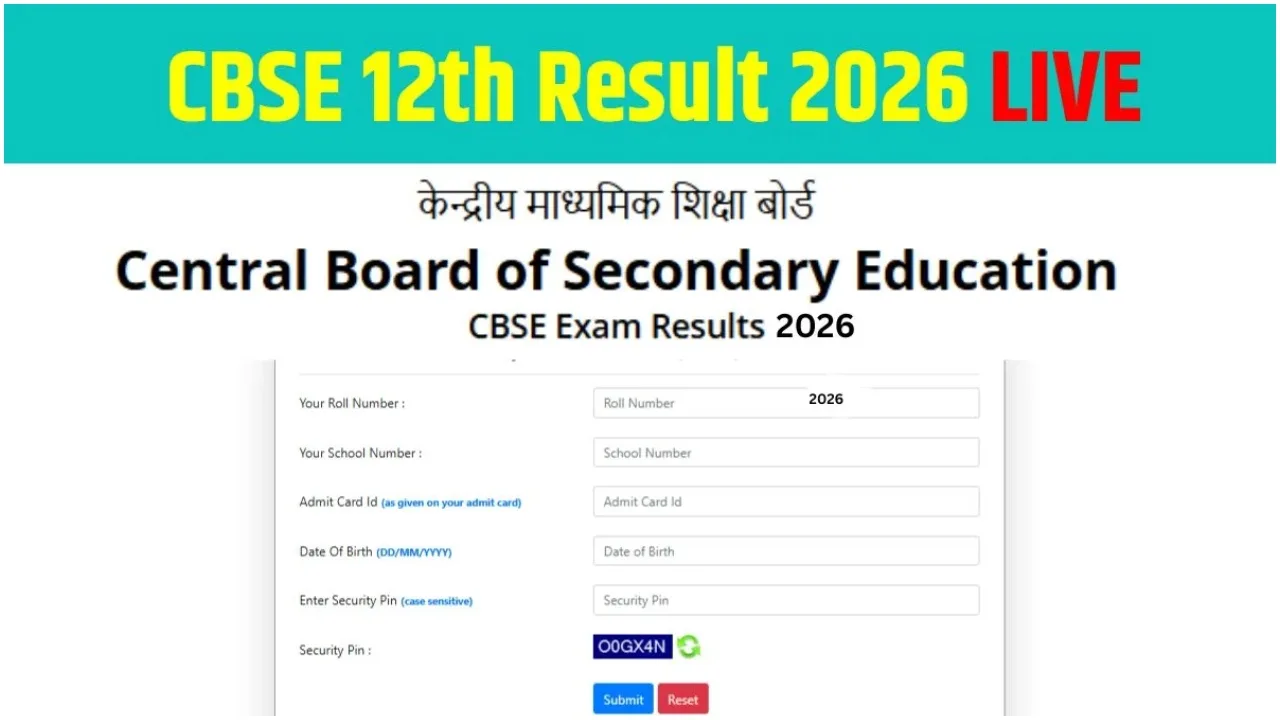
New Delhi: The wait for CBSE Class 12 students regarding the announcement of their results is growing longer. Students are wondering when exactly their Class 12 results will be released. The Central Board of Secondary Education (CBSE) has already published the Class 10 examination results. This year, too, the results are expected to be excellent.
- Visit digilocker.gov.in or open the app
- Login with mobile/Aadhaar + 6-digit PIN
- Navigate to the results link
- View & download marksheet
- Keep the admit card handy (Roll No. needed)
- Forgot roll number? Contact your school
- Check only official portals
- SMS option available (no internet needed)
- Class 10 results have already been declared
Class 12 students need not worry about checking their examination results. They will be able to access and check their results easily by visiting the official websites. Students can access their results on the official CBSE website (cbse.gov.in) and the DigiLocker portal (digilocker.gov.in). By entering their Roll Number and Date of Birth, students can not only check their results but also download a digital copy of their marksheet.
What Should Students Who Fail Do?
If you happen to fail the CBSE Class 12 examination, there is no need to worry. The Board organises supplementary examinations (or special exams) specifically for students who have not passed. Applications for these exams will be accepted after the results are declared. Students can apply to participate in these supplementary exams and, by passing them, save themselves from losing an academic year.
How to Check Class 12 Results
To check your CBSE Class 12 results, you will need to visit the official website: cbse.gov.in.
Once on the website’s homepage, you must click on the active link designated for the results.
Subsequently, on the new page that opens, you will be required to enter your Roll Number, School Number, Date of Birth, and Admit Card ID, and then click ‘Submit’.
Your marksheet will then appear on the screen. From there, you can both view your results and download a copy of the marksheet.
Know the Minimum Marks Required to Pass
To pass the CBSE Class 12 examination, students are required to secure a minimum of 33 per cent marks. These marks must be obtained separately in each subject, as well as in both the practical and theory components of the examination.
Check Results via SMS
If you do not have access to the internet, you can also check your examination results via SMS. For this, the student will need to send “cbse12 <Roll Number> (School Number) (Centre Number)” via SMS to 7738299899. Subsequently, the result will be sent to your inbox.