New Delhi: The Central Board of Secondary Education (CBSE) is set to release the Class 12 examination results shortly, a development that has generated considerable excitement among students. If your child is also a student of the CBSE Class 12 board, their wait for the results will soon come to an end. Students will be able to check their examination results with ease, ensuring a hassle-free experience.
The results are expected to be favourable this time as well. Students will need to keep their admit cards ready. To check the CBSE Class 12 results easily, students should familiarise themselves with the key steps involved.
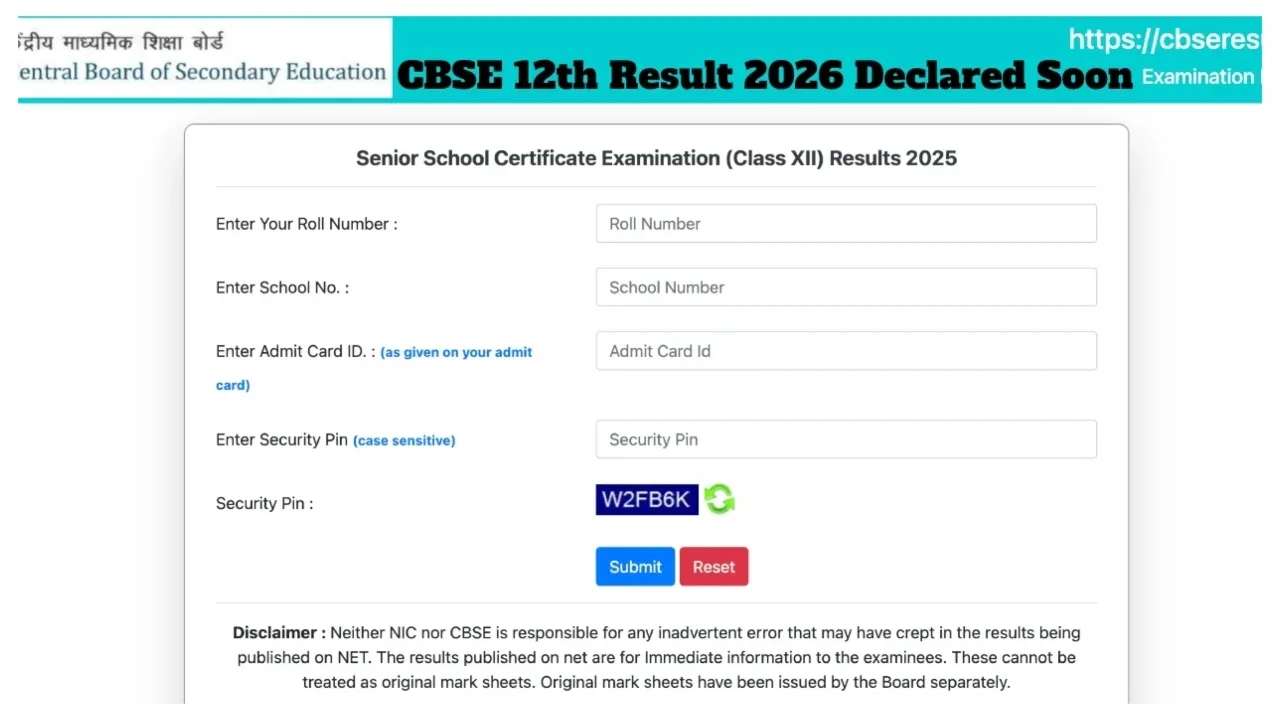
How to Check Examination Results
To begin, you must first visit the official website: cbse.nic.in.
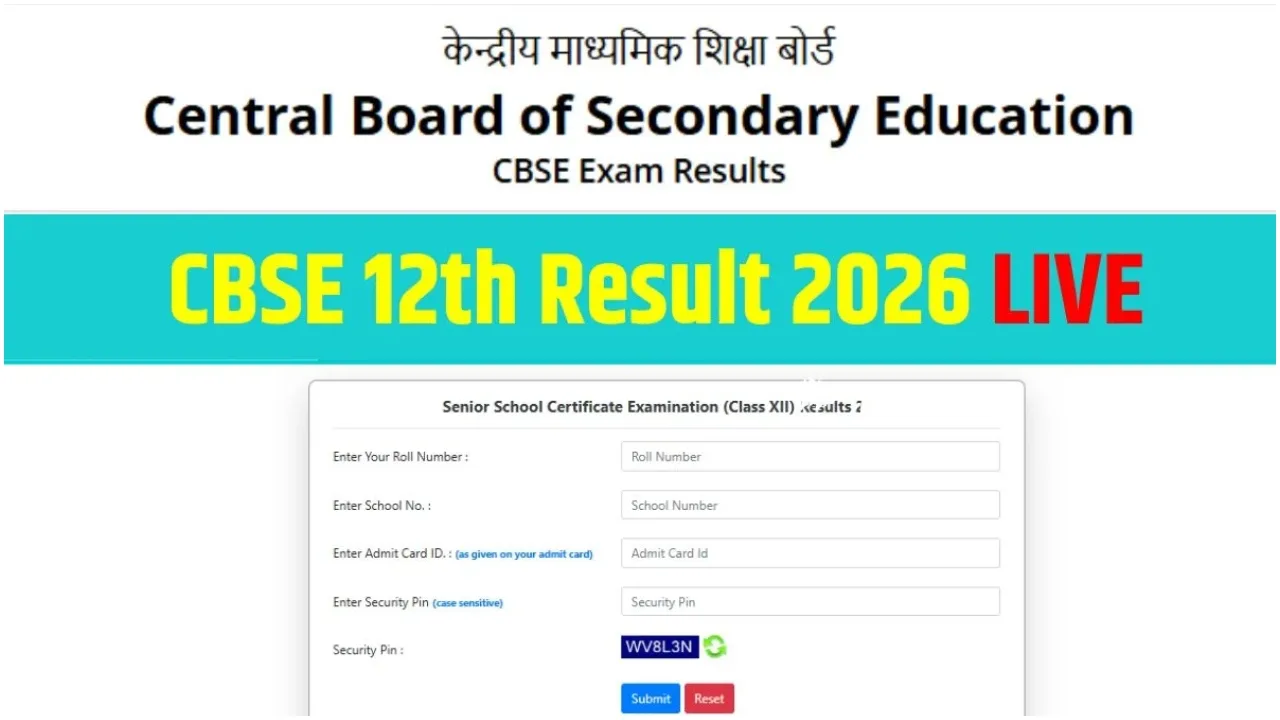
Next, on the homepage, navigate to the section titled “Senior School Certificate Examination (Class XII) Results 2026.”
Subsequently, you will need to enter your Roll Number and School Number.
After entering the correct login credentials as provided on your admit card, click on “Submit.”
The CBSE Class 12 Results for 2026 will then be displayed on your screen.
You can also easily download the results in PDF format.
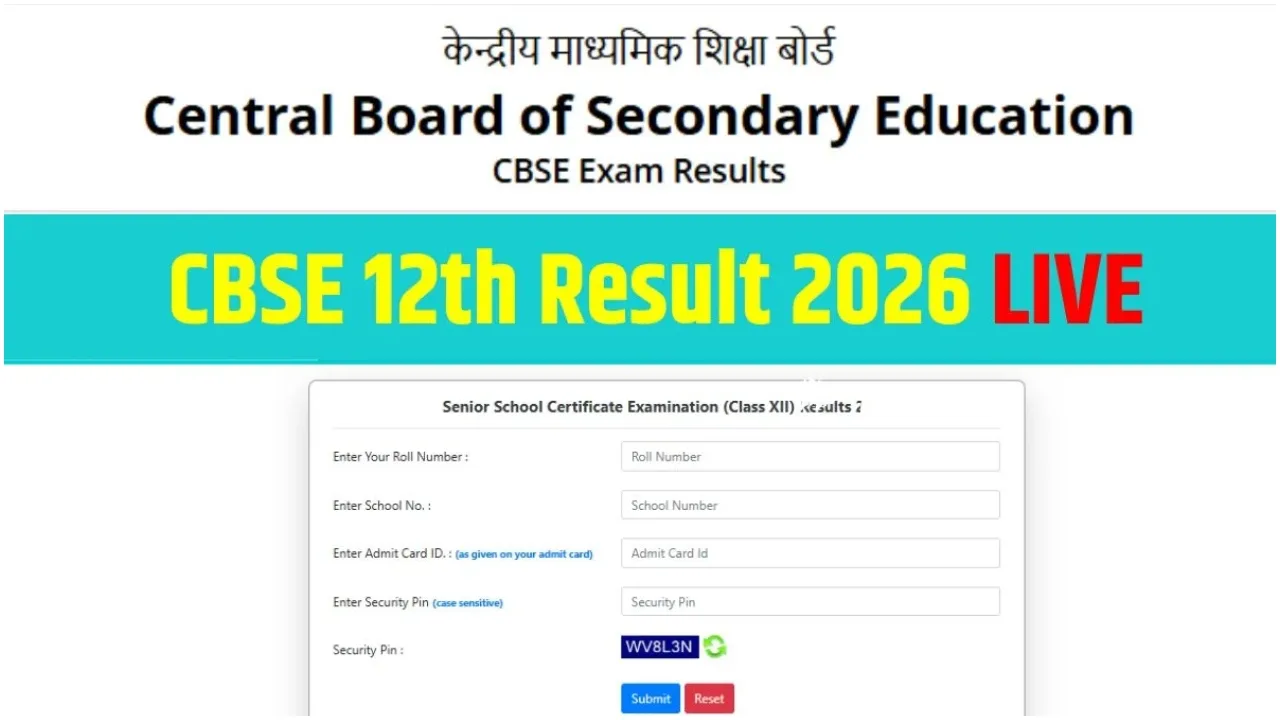
Check Results Using Your Roll Number
To check the Central Board of Secondary Education Class 12 results, having your Roll Number is mandatory. This number is clearly mentioned on your admit card. Students are advised to keep their admit cards handy to view their results.
Additionally, in the event that the website crashes due to heavy traffic, students can utilise alternative methods to check their results. Students can access their CBSE Class 12 Results for 2026 through applications such as UMANG, as well as via SMS services and IVRS (Interactive Voice Response System).