New Delhi: If you are a Class 10 student under the Central Board of Secondary Education (CBSE), your wait for the examination results may soon come to an end. It is anticipated that the Class 10 results could be released by April 20, 2026. Much like the previous year, the results are expected to be favourable this time as well.
Should a student fail to pass, they will have the opportunity to improve their scores through the compartment examination process. To check their results, students will need to visit the official websites: cbse.gov.in and cbseresults.nic.in. From there, they can easily access and view their examination results.

Read More: Brezza Facelift 2026: All‑New Features, Turbo Power & High Mileage Compact SUV vs Tata Nexon
Read More: Post Office’s amazing scheme! Earn a monthly salary of Rs 9,000 from home, know the rest.
At the time of the result’s release, details regarding the overall pass percentage and the list of toppers will also be provided. However, the official date for the release of the results has not yet been formally announced.
How to Check Class 10 Results Online
You can download your scorecard by visiting the official website of the Central Board of Secondary Education.
To do this, you must first visit either cbse.gov.in or cbseresults.nic.in.
Next, click on the “CBSE Class 10th Result 2026 Link.”
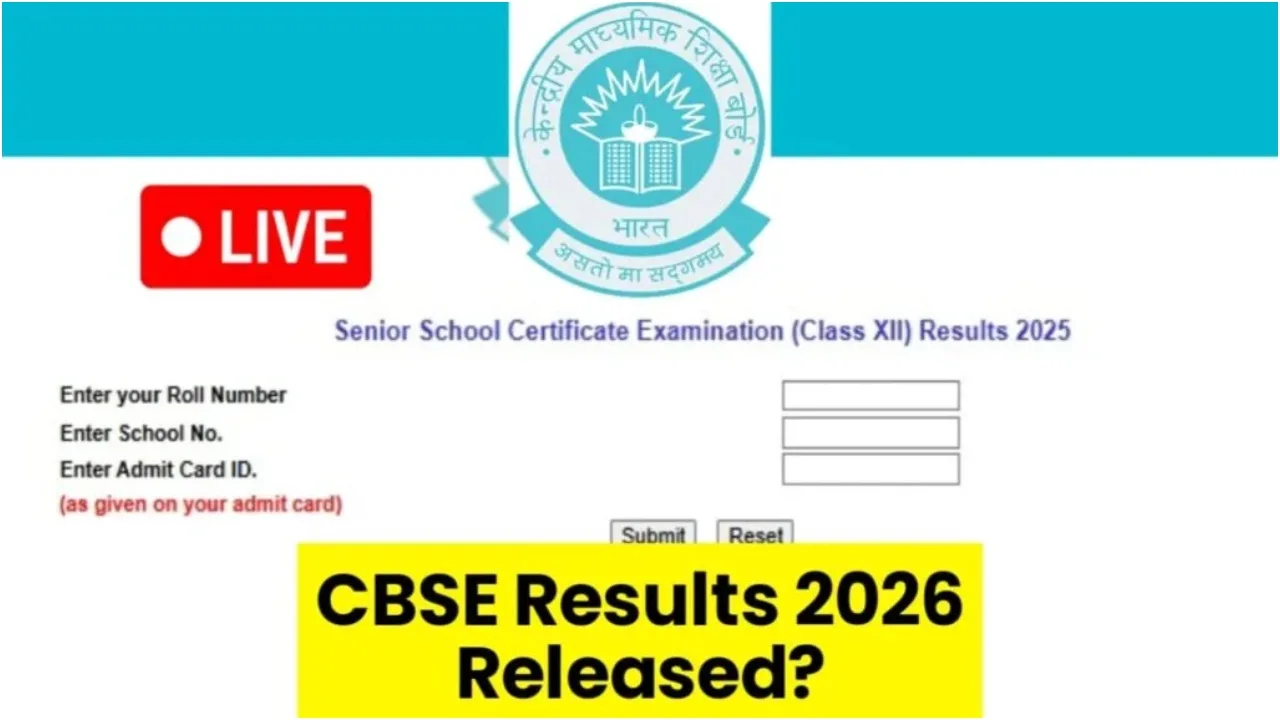
You will then need to enter your Roll Number, School Number, and Admit Card ID.
Submit the details, and your result will appear on the screen.
What Information Will Be Recorded on the Marksheet?
The marksheet will contain details such as subject-wise scores, corresponding grades, and the pass/fail status. Therefore, students are advised to carefully verify their personal details—such as their name, roll number, and subject codes—to ensure the accuracy of the information.
Other Places to Check Results
Once the CBSE Class 10 results are declared, students can check their examination outcomes by visiting the official websites: cbse.gov.in and cbseresults.nic.in. On these sites, you will be required to enter your Roll Number and Date of Birth.