

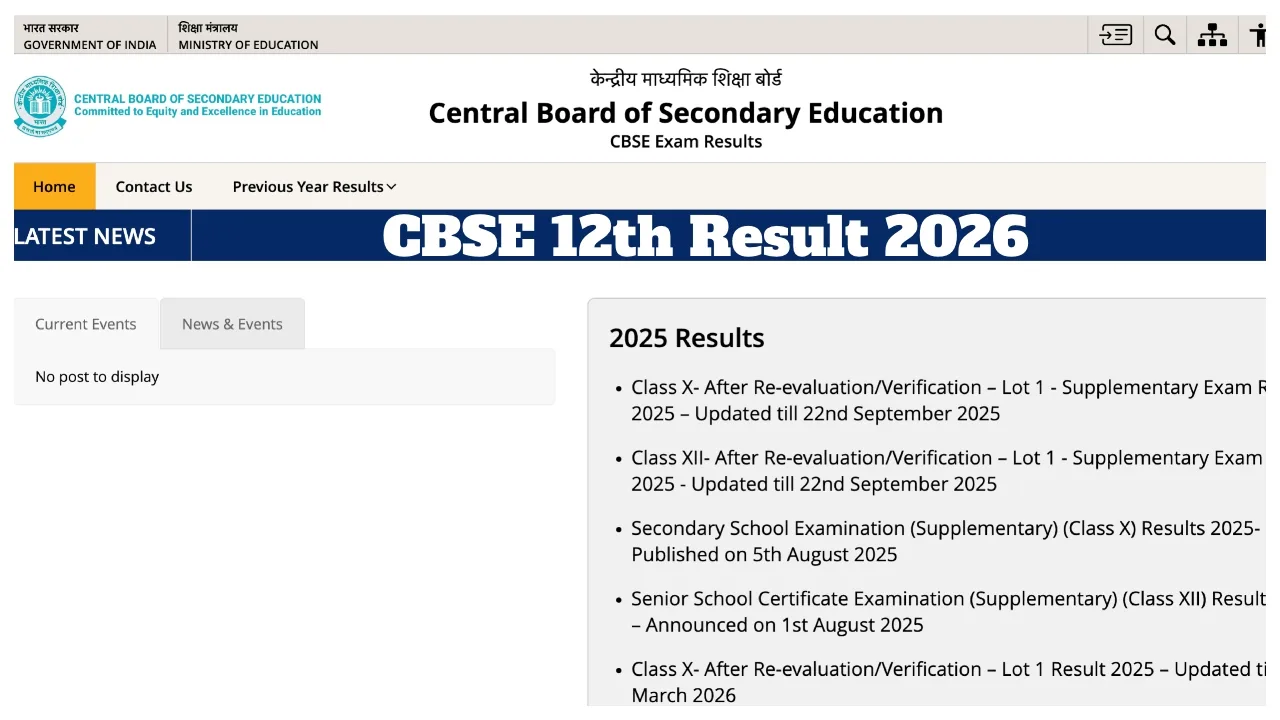
CBSE Result 2026 Date Live Update: The Central Board of Secondary Education (CBSE) is set to announce the Class 10 and 12 examination results for 2026 very soon. Once released, the results will be made available for download on the official website, cbseresults.nic.in. It is worth noting that a record-breaking number—over 43 lakh students—appeared for the board examinations this year.
According to the latest media reports and sources, CBSE may release the Class 10 results this time by mid-April (between April 15 and 20). However, no official announcement regarding the exact date and time of the results has been made yet. Starting this year, Class 10 students are being given the opportunity to improve their scores in three subjects; consequently, an early release of the results is mandatory. Furthermore, the Class 12 results are expected to be released between May 12 and May 20, 2025.
Where to Check Results
Students can check their Class 10 Board examination results via the following websites: cbseresults.nic.in, results.nic.in, or cbse.gov.in
What is the Provision for Grace Marks?
According to sources, if a student falls short by 2–3 marks to meet the passing criteria, the Board may award grace marks under its ‘Moderation Policy.’ However, this rule applies only to those subjects that a panel of experts has categorised as ‘difficult.’
Opportunity for Re-evaluation
If a student feels they have received fewer marks than expected, they can apply for ‘Verification of Marks’ after the results are declared. For this purpose, the Board will release a detailed schedule 2–3 days after the results are announced, allowing students to have their answer sheets re-evaluated upon payment of a prescribed fee per subject.
CBSE Board Result 2026: Official Websites
cbse.gov.in
results.nic.in
digilocker.gov.in
umang.gov.in
How to Check CBSE 12th Results 2026 Online?
Visit the official portal: results.cbse.nic.in
Click on the “CBSE Class 12 Results 2026” link.
Enter your Roll Number, School Number, and Admit Card ID.
Submit to view or download your marksheet.
How to Check Your Results via DigiLocker?
1. First, visit the official website at digilocker.gov.in
2. Enter your mobile number or Aadhaar number.
3. Click on the ‘Issued Documents’ section.
4. Click on the ‘CBSE Class 10th Result’ link.
5. Finally, enter the requested information.
6. Download the scorecard and take a printout for future reference.
Latest News
- Apple MacBook Neo Deal Alert: Get It For Under ₹58,000 on Amazon Right Now

- Pakistan Attack: आत्मघाती हमले से दहला पाकिस्तान, 23 लोगों की मौत, 50 से ज्यादा घायल, जानें

- Honor Magic 9 Series Leaks: Flagship Upgrades with Massive 8,000mAh Battery and 200MP Cameras

- Motorola Edge 60 Fusion Review: Mid-Range King or Outdated?

- FD Update– Breaking Your FD Early? Know the consequences

- Bank Holiday–RBI Announces Closure of SBI, HDFC and All Banks Next Week, Save the Dates

- Samsung Galaxy S26 Ultra Amazon Deal – Get ₹23,509+ Discount with Bank Offers and Exchange Benefits

- Best Scooters For College Girls 2026 – Perfect Mix Of Mileage, Style And Lightweight Design

- Kodak Matrix QLED Google TV 2026 Series Launched in India Just Under 10,999

- Senior Citizen FD Rates: सीनियर सिटीजन को यहां से मिल रहा बंपर ब्याज, जल्द करें निवेश

