

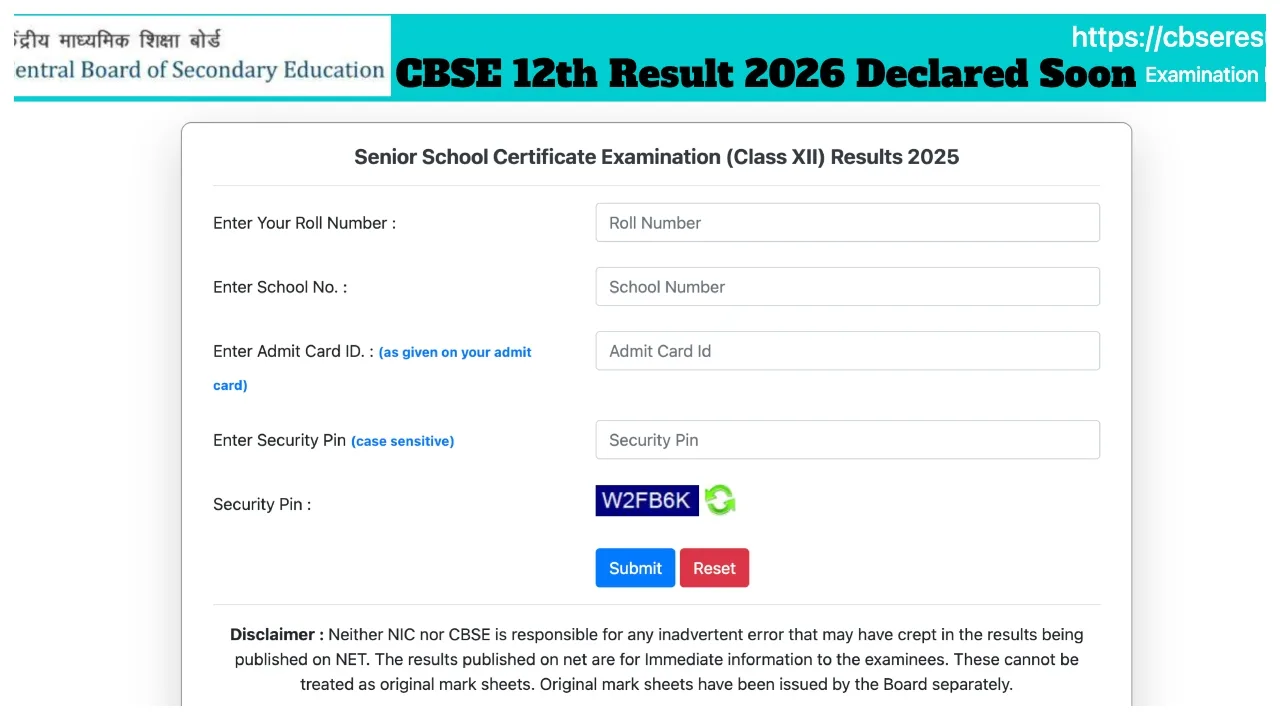
CBSE Class 12th Result 2026: Students who appeared for the CBSE Class 12th examinations are eagerly awaiting their results. The Class 10th results were released back in April. Various reports regarding the CBSE Class 12th results are also circulating on social media. In fact, while speaking to PTI, the Controller of Examinations, Sanyam Bhardwaj, stated that the CBSE Class 12th results are likely to be released during the third week of May.
This year, over 18.5 lakh students appeared for the CBSE Class 12th examinations. All candidates who participated in the exams are advised to visit only the official website for the latest updates regarding the results. Students can download their Online Marksheet via the CBSE official website, DigiLocker, and the UMANG app.
Details Required to Check the Result
- Roll Number
- School Number
- DigiLocker Account (for digital marksheet)
Check Results on These Websites:
cbse.gov.in
cbseresults.nic.in
cbse.nic.in
digilocker.gov.in
results.gov.in
Check Results on DigiLocker
In addition to the official website, the CBSE Class 12th examination results will also be made available for download on DigiLocker. All students who appeared for the examinations are advised to keep visiting the official DigiLocker website for updates.
Conduct of Supplementary Examinations
Following CBSE’s release of the results, supplementary examinations will also be conducted. These examinations are organised for students who fail in one or two subjects during the main board examinations. Furthermore, the CBSE board will allow students to request a re-evaluation of their answer sheets if they are not satisfied with the marks awarded in the examination.
School category performance last year
| School Type | Pass Percentage |
|---|---|
| JNV | 99.29% |
| KV | 99.05% |
| STSS | 98.96% |
| Govt Aided | 91.57% |
| Govt | 90.48% |
| Independent | 87.94% |
How to Check CBSE Class 12 Results 2026 Online
Step 1: Visit the official website at cbse.gov.in or results.cbse.nic.in.
Step 2: Click on the “CBSE Class 12 Result 2026” link located on the homepage.
Step 3: Enter your Roll Number and School Number.
Step 4: Click on the ‘Submit’ button.
Step 5: Your result will appear on the screen.
Step 6: Download the marksheet and print it.
How to View CBSE Class 12 Results 2026 on DigiLocker
Step 1: Open the DigiLocker app or visit the website and log in to your account.
Step 2: Navigate to the “Education” section.
Step 3: Select the CBSE Board option.
Step 4: Enter the required details and click the submit button.
Step 5: Download your digital marksheet.