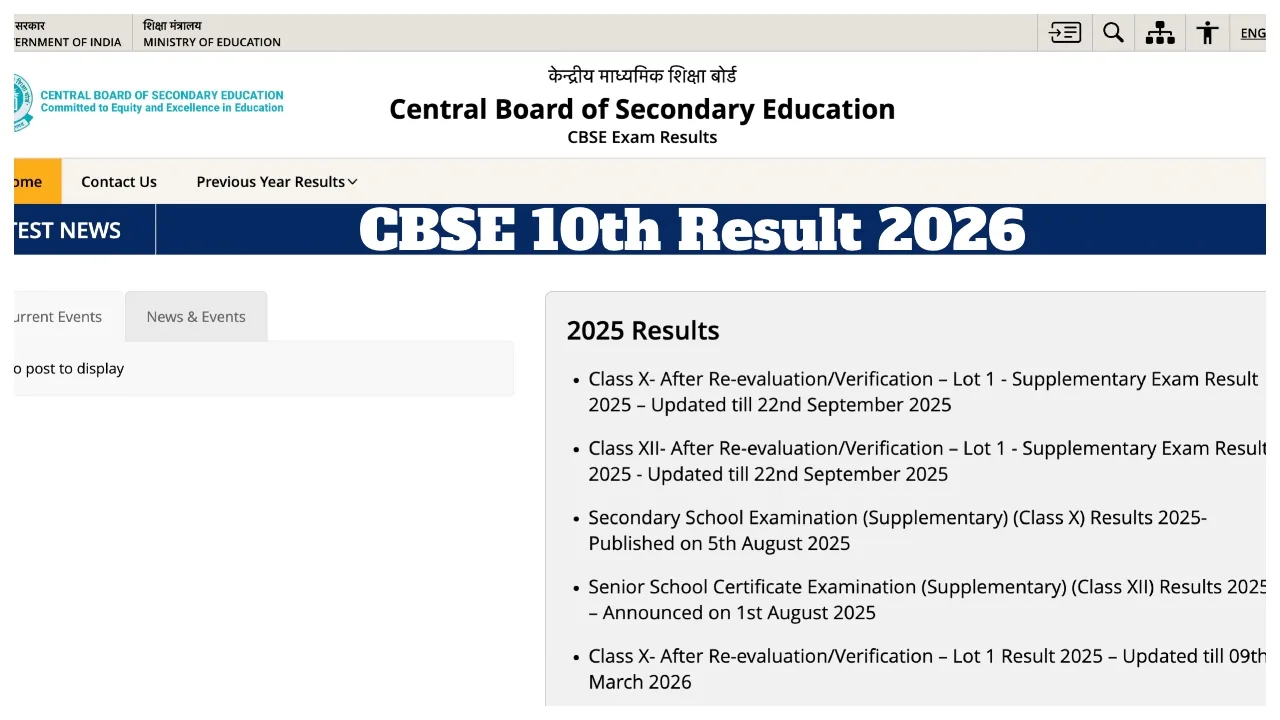
CBSE 10th Result 2026 Live: Students who appeared for the CBSE Class 10 examinations are eagerly awaiting their results. Approximately 2.5 million students and their parents are awaiting the CBSE Class 10 results. According to media reports, the CBSE Class 10 Result 2026 could be announced on any day this week. Information regarding the official date and time will be released by the CBSE very soon. Students are advised to disregard rumours circulating on social media and to visit only the official website. To check their results, students will need to enter their Roll Number, School Number, and Admit Card ID.
Checking Results via Mobile Phone
Students or parents who do not own a smartphone can also check their results using a basic keypad phone. You simply need to type: `cbse10 <space> Your Roll Number <space> Date of Birth (DDMMYYYY) <space> School Number < space> Centre Number` and send it to 7738299899.
How to Check Results if the Website Crashes?
The website often crashes shortly after the CBSE Class 10 results are released. In such instances, students can check their results via www.results.nic.in, the DigiLocker website (results.digilocker.gov.in) or its mobile app, or the UMANG website (umang.gov.in).
When Will the Results Be Released?
It is being speculated that the CBSE Class 10 Board results may be released on April 14. This time, the CBSE is set to release the Class 10 results before the Class 12 results. The Class 12 results are scheduled for release in May; consequently, the Class 10 results are likely to be released in April. However, no official information regarding the exact result date has been shared yet.
CBSE Board Result 2026: Official Websites
cbse.gov.in
results.nic.in
digilocker.gov.in
umang.gov.in
How to Check CBSE 10th Results 2026 Online?
Visit the official portal: results.cbse.nic.in
Click on the “CBSE Class 12 Results 2026” link.
Enter your Roll Number, School Number, and Admit Card ID.
Submit to view or download your marksheet.
JEE Main 2026 Session 2 Result
How to Check Your Results via DigiLocker?
1. First, visit the official website at digilocker.gov.in
2. Enter your mobile number or Aadhaar number.
3. Click on the ‘Issued Documents’ section.
4. Click on the ‘CBSE Class 10th Result’ link.
5. Finally, enter the requested information.
6. Download the scorecard and take a printout for future reference.