


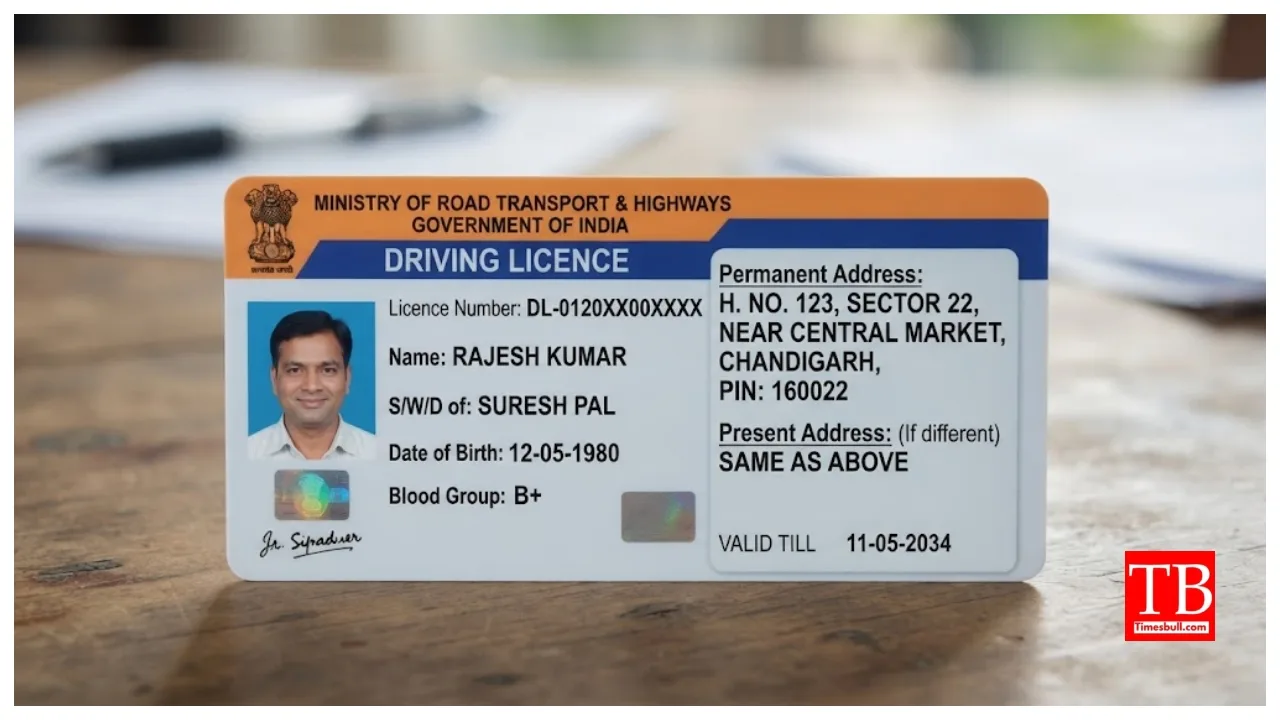
Online DL Address Change: A driving licence is not merely a permit to drive a vehicle; it is also accepted as valid proof of identity and address. Many people do not update the address on their driving licence after moving house simply because they believe it requires multiple visits to the RTO. However, this is a misconception. It is worth noting that the driving licence is accepted as an identity document in many places. You can update the address on your DL from the comfort of your home using a phone or laptop.
However, having an incorrect or outdated address can lead to issues with traffic challans or RC transfers in the future. You can change your DL address from home using your mobile or laptop through the Ministry of Road Transport and Highways’ ‘Parivahan Sarathi’ portal. Let us look at the process.
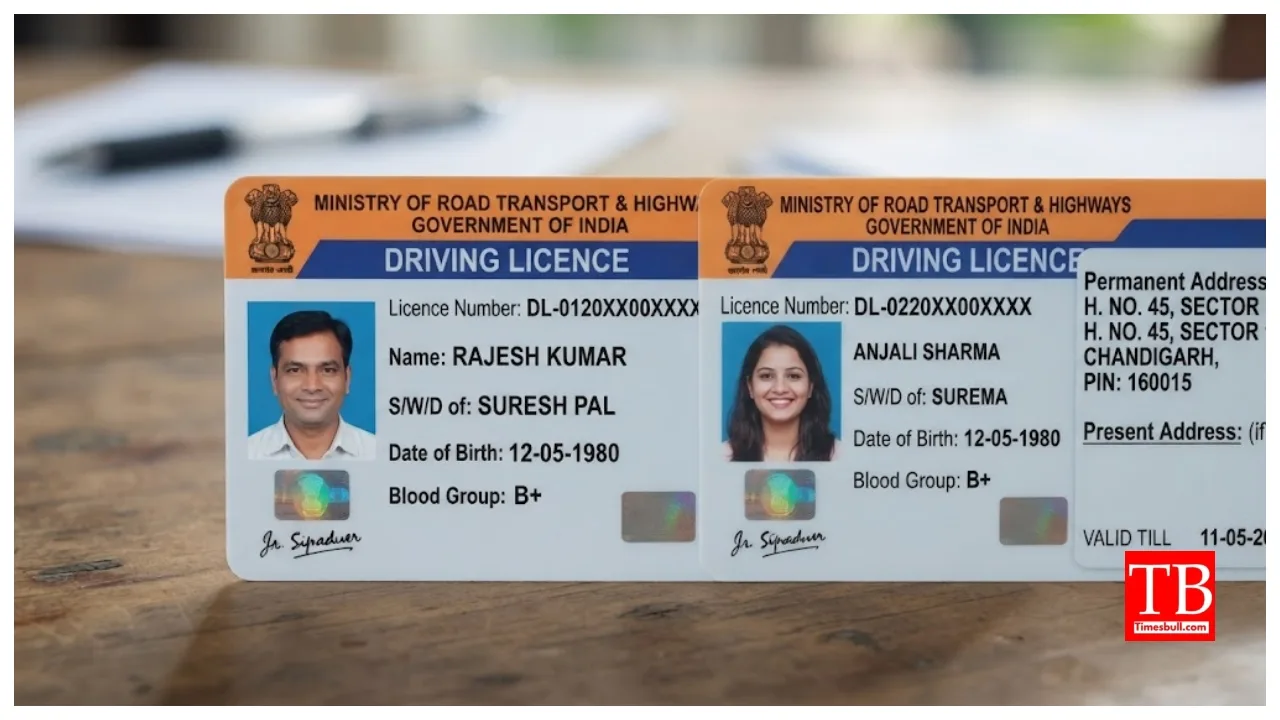
How to change the address on your DL online?
First, visit the Parivahan Sarathi portal.
Select the ‘DL-related Services’ option.
Enter your driving licence number and date of birth.
Verify your DL details and proceed with the profile.
Select the appropriate RTO based on your location.
If the facility is available for your case, choose the Aadhaar-based e-KYC option.
Select ‘Change of Address in DL’ from the list of services.
Carefully enter your new address in the form.
Please upload proof of the new address along with the required forms.
Upload your photograph and signature as well.
Pay the fee online.
Finally, save the receipt or acknowledgement.
You can use this receipt to track the status of your application.
List of required documents:
Original scanned copy of the current driving licence.
Proof of new address: Aadhaar card, passport, voter ID, ration card, rent agreement, or an electricity bill (less than three months old).
Identity proof: PAN card, passport, or Aadhaar card.
A passport-sized photograph, a digital signature on white paper, and a self-declaration medical form.
How to update the address when moving to a new state?
Visit the new state’s Parivahan Sarathi portal and select the service related to your Driving Licence (DL). After entering your DL number and date of birth, you will need to provide the NOC number and its date of issue obtained from the previous RTO. Next, upload your new address and proof of address. Please submit the NOC from the previous RTO and ensure that the required fees are paid. The new DL can be sent to the new address.