


WhatsApp Web Update 2026: There’s great news for the millions of WhatsApp Web users. As of the latest update in February 2026, WhatsApp has begun rolling out audio and video calling directly to its web version (web.whatsapp.com). Until now, users had to install the WhatsApp desktop app to make calls, but with this new change, you’ll be able to make calls directly from any browser, like Chrome, Firefox, or Safari.
One-to-One Calling
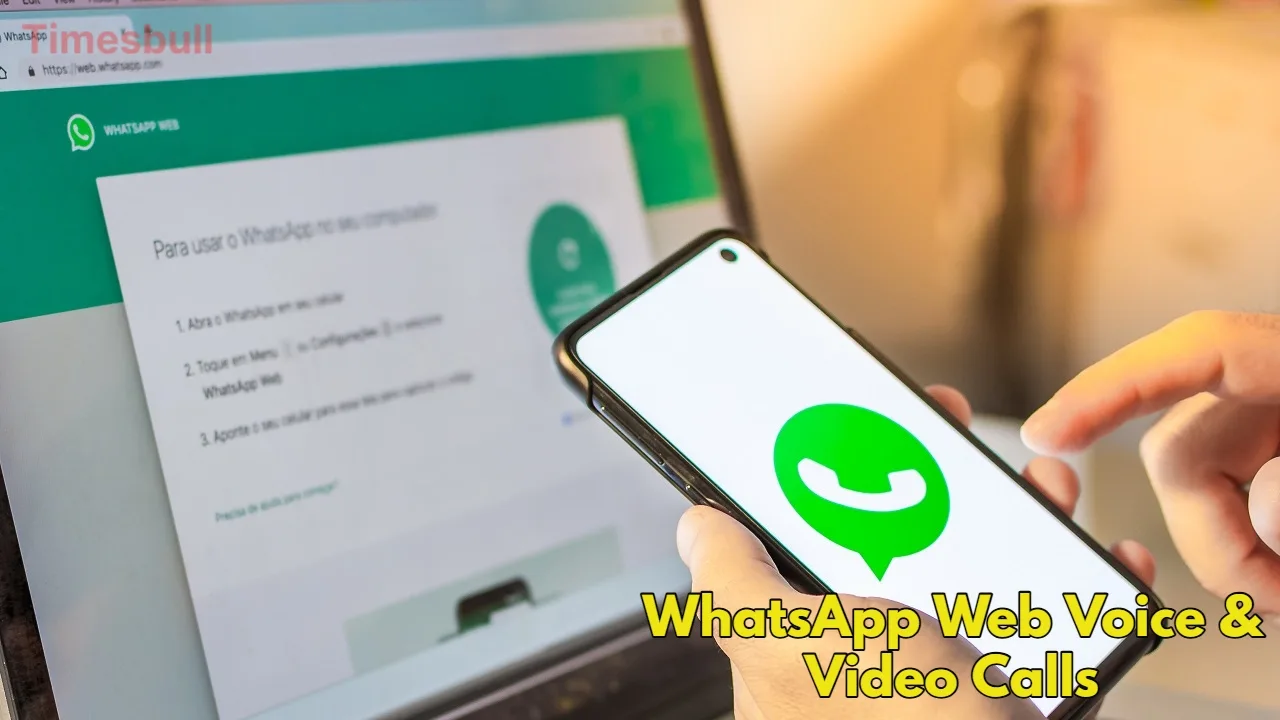
This feature is currently available to beta users and will be available to everyone in the coming weeks. Currently, you can only make one-to-one calls from the web version. This means you can call a single friend or family member, but group calling will require a little longer. According to reports, WhatsApp is preparing to add features like group calling for up to 32 people, call links, and scheduled calls to the web soon.
Screen Sharing
The biggest highlight of this update is the Screen Sharing feature. During a video call, you’ll be able to share your computer screen with another person. This feature works just like in Google Meet or Microsoft Teams. This tool, ideal for giving office presentations, providing technical support, or studying online, will now be available exclusively on WhatsApp Web. Importantly, this feature is completely end-to-end encrypted, meaning that even WhatsApp or Meta can’t see your call or shared screen.
A Big Relief for Linux Users
This update will be a boon, especially for those using the Linux operating system. Since there’s no official WhatsApp desktop app for Linux, these users have always had to rely on their smartphones for calling. Now, they’ll be able to enjoy a complete communication experience directly through the browser.
Calling Feature on WhatsApp Web
If you’re part of the beta program, you’ll see voice and video call icons in the top right of any individual chat window. Simply click on them, and the browser will ask you for permission to use your microphone and camera. Once you grant permission, the call will begin. During the call, a small, separate window will open, allowing you to manage the call and use the screen sharing button if needed.
Latest News
- PM Kisan Samman Nidhi Yojana: नहीं मिल रही 2000 रुपये की किस्त तो किसान तुरंत करवा लें यह काम

- Aadhaar Card Update Rules – How Many Times Can You Change Address, DOB & Number?

- Train Ticket: How to book a confirmed train ticket without an agent? Learn the Easy Steps

- Indian Railways– 155 Trains Express Declared High-Speed, Thousands of Railway Staff to Benefit

- Monsoon Alert – Warning Heavy to Very Heavy Rain alert & thunderstorms in 22 States Over Next 4 Days

- America-Iran War: मिडिल ईस्ट में तनाव होगा खत्म! ईरान ने होर्मुज रास्ते पर कही बड़ी बात

- PM Surya Ghar Yojana 2026: Get Up to Rs 78,000 Subsidy within 6 Easy Steps, Know Here

- Cheapest Available 5G Smartphones in India Under 10000

- UPSC Prelims Answer Key 2026 – How to Download UPSC Prelims Answer Key at upsc.gov.in

- 8th Pay Commission: एनपीएस और पुरानी पेंशन में कौन सी बेहतर, जानिए बड़ा अपडेट

