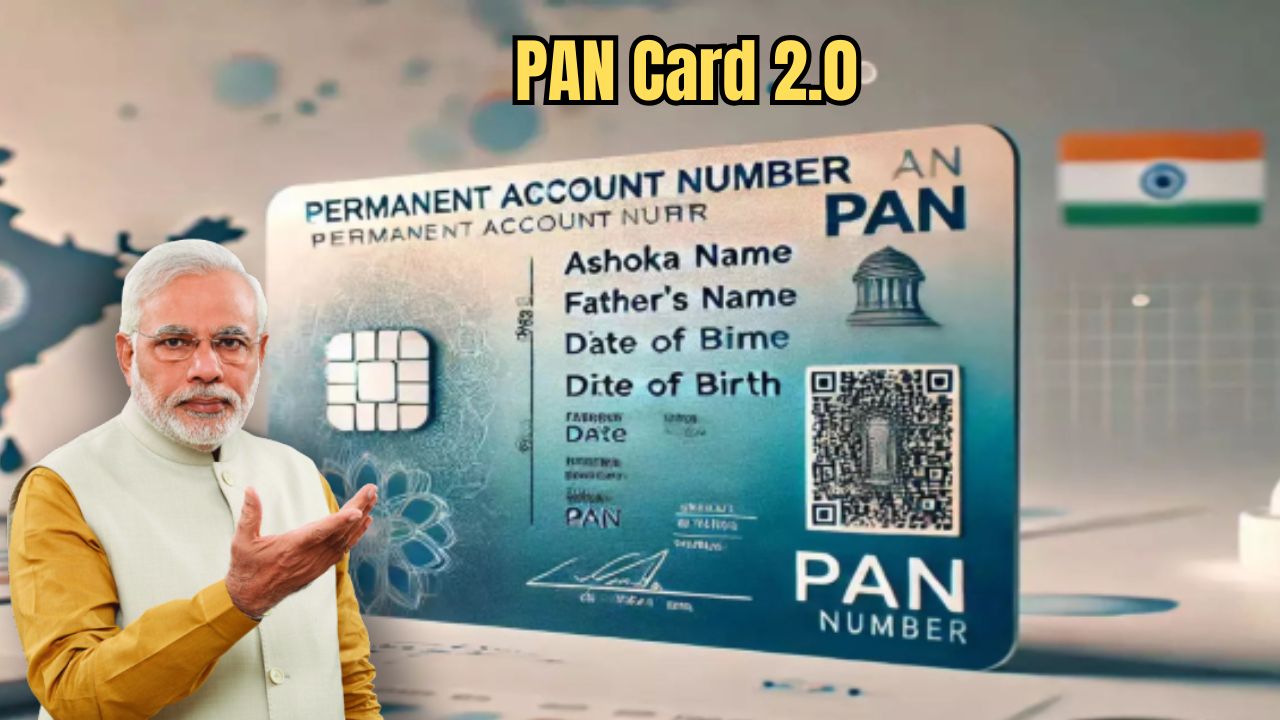
A PAN card is with almost everyone. The Income Tax Department is now bringing a new PAN card with stronger security features. You can apply for this new PAN card online. It comes with extra security and a QR code. Before you apply, check one important thing. See whether your current PAN card was issued by NSDL or UTIITSL. To confirm, look at the back side of your PAN card. You will find this information there. After checking it, you can follow the steps and apply for the new PAN card.
How to Apply for the New PAN 2.0 Card Online
Go to NSDL’s e-PAN portal and click on the link to apply for a new PAN.
Fill in your PAN number, Aadhaar number, and date of birth. Then enter your PAN number again along with your mobile number, email ID, and PIN code.
You will receive a One-Time Password (OTP). Enter the OTP to continue. You can choose to receive the OTP on your email ID, mobile number, or both.
Next, complete the payment. After the payment is done, a soft copy of your new PAN card will be sent to your registered email within 30 minutes.
Even after the introduction of PAN 2.0, the old card will remain valid as before. Therefore, there is no reason to worry. It is learned that the Income Tax Department will send this new PAN card via email. If someone wants, the Income Tax Department will also send them a physical copy. However, they will charge a small fee for the physical copy.
About PAN 2.0
This new PAN card has a QR code. By scanning which, all the information can be verified, and this card can even be used to get various services. However, to apply for this new PAN, several documents will be required. Aadhaar card, passport, driving license or voter ID card will be required as proof of identity. In addition, a bank statement, rent agreement, any government utility bill or Aadhaar card will be required as proof of address. In addition, a birth certificate, secondary school admit card or passport will be required as proof of date of birth.