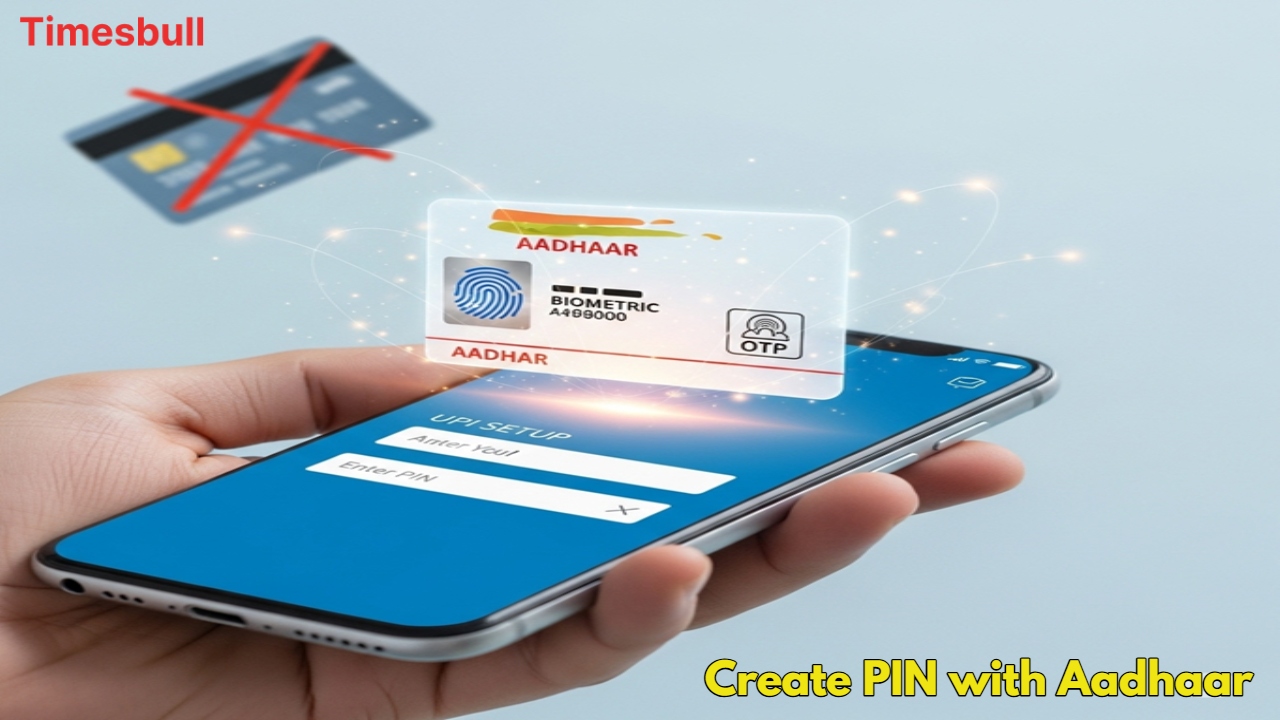
UPI PIN is very important for making payments through UPI, but till now, a debit card has been mandatory to create or change it. Do you not have a debit card, or do you not want to use it? There is great news for you! Now you can create or change your UPI PIN with your Aadhaar card. Know how to create a UPI PIN without a debit card and what the complete process is.
The Aadhaar card option is available to change the UPI PIN
UPI PIN is required for any transaction on digital payment apps like PhonePe, GPay, and Paytm. Earlier, a debit card was mandatory to create or change it, but now it is not. Now, whenever you set or change your UPI PIN, you get two options: ‘Use Debit Card’ and ‘Use Aadhaar Card’. You can easily set the PIN by choosing the ‘Aadhaar Card’ option. This is a big relief for those who do not have a debit card or it is not available.

Conditions for creating a UPI PIN from Aadhaar
This feature works under certain conditions, which must be fulfilled:
- Your Aadhaar card must be linked to your mobile number.
- The mobile number that is linked to your Aadhaar must also be linked to your bank account.
- Only then will you be able to do verification through the Aadhaar card.
How to create a UPI PIN on Paytm without a debit card
To change your UPI PIN on Paytm, follow the easy steps given below:
- Open the Paytm app and click on the profile icon at the top left.
- Click on the ‘UPI & Payment Settings’ option.
- You will see a list of linked bank accounts. Click on the bank account whose PIN you want to change or set.
- Now click on ‘Set Pin’ or ‘Change Pin’. You will see the option of ‘Use Debit Card’ and ‘Use Aadhaar Card’.
- Click on ‘Use Aadhaar Card’ and enter the first six digits of your Aadhaar card.
- Click on ‘Proceed’. Enter the OTP received on your number and generate your new UPI PIN.

Easy steps to create a UPI PIN on GPay
This process is very easy on Google Pay (GPay) as well. Follow these steps:
- Open the Google Pay app and go to your profile.
- Click on ‘Bank Account’ and select the account whose PIN you want to change or create.
- Click on ‘Set UPI Pin’ or ‘Change UPI Pin’.
- You will also get the option of ‘Aadhaar’ and ‘Debit Card’. Select ‘Aadhaar’.
- Enter the first six digits of your Aadhaar card. An OTP will come to your number, enter it, and generate your new UPI PIN.
- In this way, you can create or change your UPI PIN without any hassle and without a debit card, only with the help of your Aadhaar card.