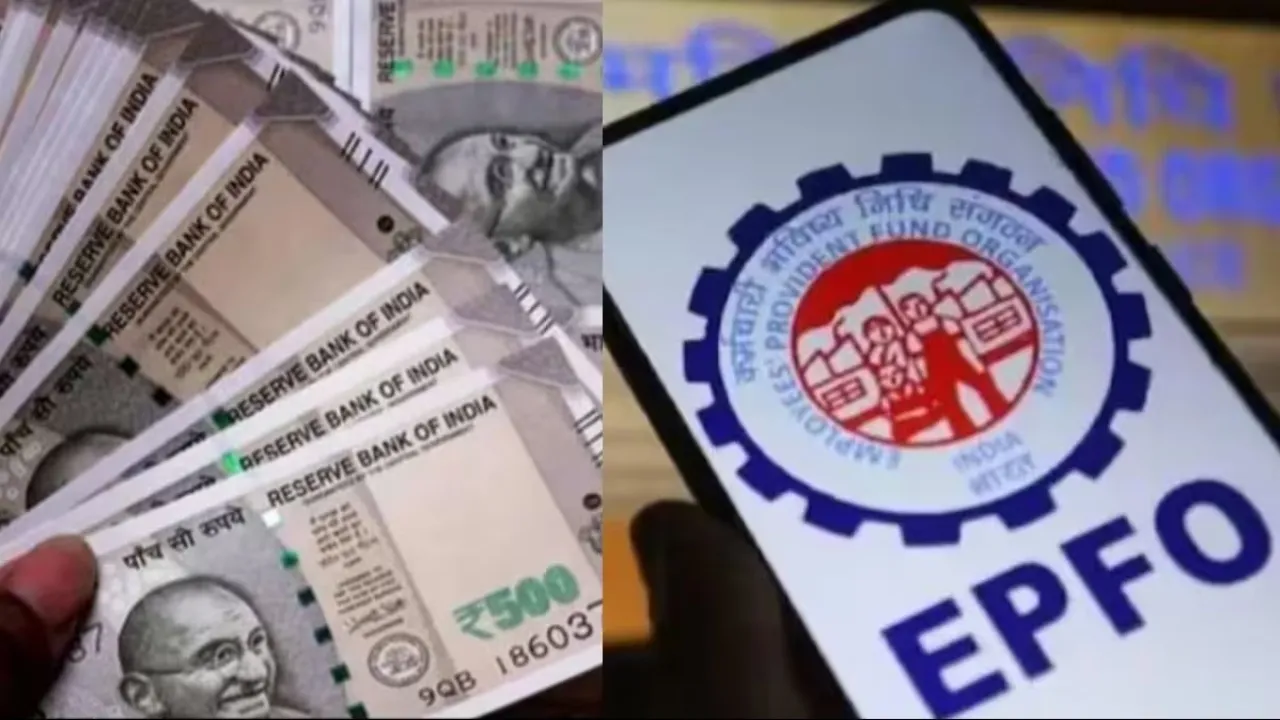
UAN Merging: Many people in the country have PF accounts. These accounts change with each job change. If you have a habit of changing jobs, this information is extremely important for you. Many employees unknowingly find themselves in situations where they have multiple UANs in their name. At first, this may not seem like a serious matter, but this mistake can cause significant problems with PF transfers and withdrawals.
The EPFO says “One Member, One UAN” means only one UAN is valid for the entire service life. Despite this, thousands of people have two or more active UANs due to system or company errors. However, this can be fixed, and that too without much hassle, completely online. Let us explain how you can complete this process.
Two UANs can be created even due to the company’s mistake
The most common reason for creating two UANs is not disclosing the old UAN to the new company. When an employee doesn’t provide their old PF details to HR upon joining, a new UAN is generated. However, this can sometimes happen due to a mistake by the old company, as the exit date isn’t updated, and the system assumes you’re still in your old job. Therefore, the new company creates a new UAN. If this has happened to you, there’s no need to worry. You can merge both UANs into one.
How to merge two UANs?
EPFO has provided an online facility for all members to merge their UANs. To do this, log in to unifiedportal-mem.epfindia.gov.in with your UAN and password. After logging in, go to Online Services and select the “One Member One EPF Account” option. Now, carefully verify your personal and KYC details. It’s best to select your current employer for attestation.
Because the process is faster there than with the old one. Enter your old PF Member ID or UAN details and click Get Details. Verify the OTP received on your mobile phone, accept the declaration, and submit it. Your employer will then process your request, and your UANs will be merged.
Latest News
- Kodak Matrix QLED Google TV 2026 Series Launched in India Just Under 10,999

- Senior Citizen FD Rates: सीनियर सिटीजन को यहां से मिल रहा बंपर ब्याज, जल्द करें निवेश

- UGC NET 2026 – How to Apply for UGC NET June 2026? Last Date May 24 Till 11:50 PM at ugcnet.nta.nic.in

- Mahindra Thar New Version Leaked – Powerful Engine And Advanced Features Coming

- Jio 5G Unexpected Speed Drop: Network Slowdowns Frustrate Users
- SIP Investment– Rs 10,000 Investment Created Rs 2 Crore Through this Magic, Know How

- Gold Price Weekly – Check 24K, 22K & 18K Metro City Gold Rates

- Weather Warning – Heavy to Heavy Rain Alert for 19 States Next 48 Hours, Full State-Wise Weather Forecast

- Maruti’s Premium Hatchback Set For Big Upgrade – New Baleno Spotted On Test

- LSG vs PBKS – Sachin Tendulkar Pens Emotional Note as Son Arjun Impresses on Lucknow Debut