

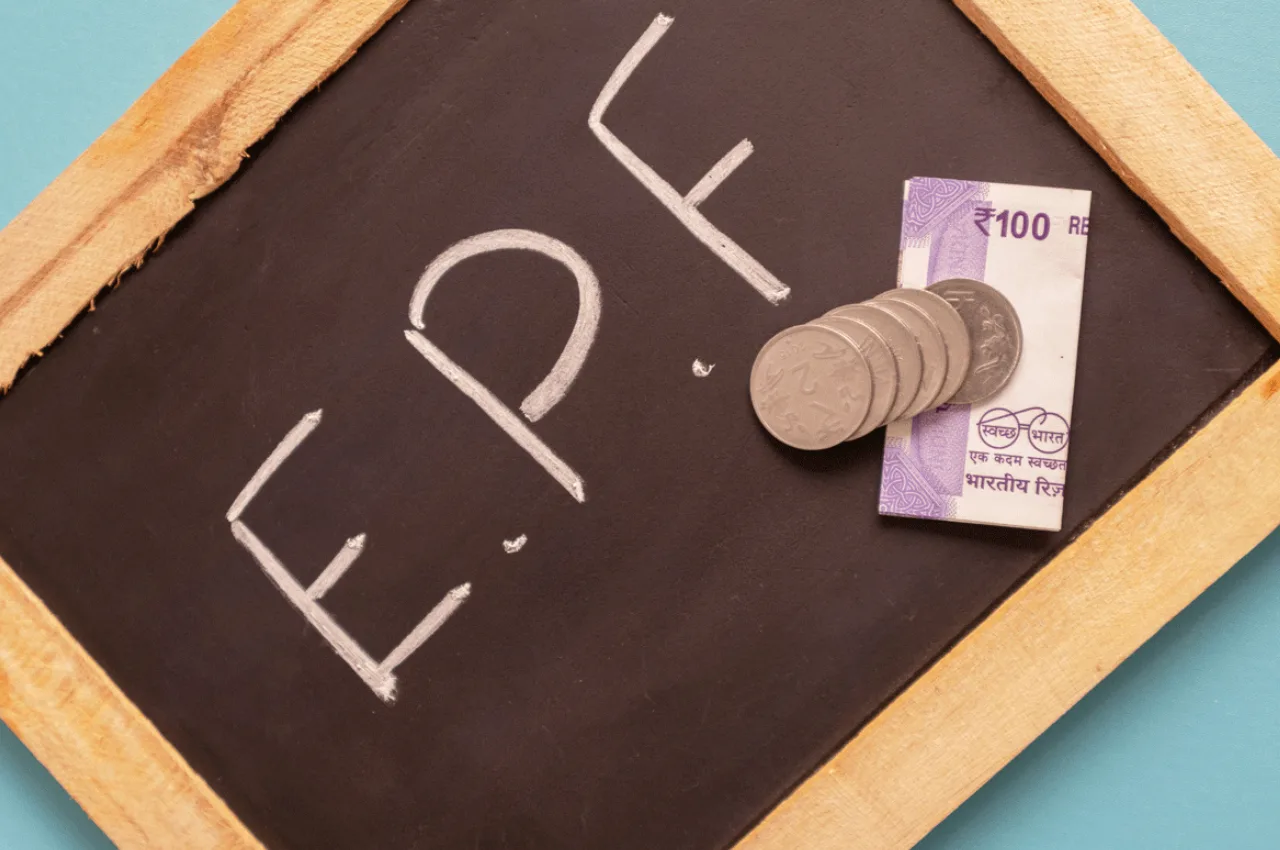
EPF Account Update And Correction: In today’s time, all the people who are employed know about EPFO very well. Employees of private companies contribute to EPF to avail pension benefits after retirement. When employees retire, they get the benefit of lump sum amount as well as pension from EPF. But if there is any change in the name or date of birth in your EPF account and you want to update it sitting at home, then you can do it easily.
However, sometimes some mistake happens and the name or date of birth gets uploaded incorrectly. In such a situation, it is very important to update it, otherwise there may be a problem in withdrawing money in future. There is no need to worry about updating. You can correct your mistake by going to the unified portal. You can do this online from home, let’s know step by step how.
What things will be needed
To make corrections in your EPF, you will need a birth certificate or school-college certificate. Changes can be made on the basis of this. The certificate should be issued by the central or state government. There should be a passport or any other document issued by a government department. If you do not have any document, then you can use a medical certificate from a civil surgeon and an affidavit from a competent court.
What is the complete process of correction
To correct the date of birth, you will have to visit this website https://unifiedportal-mem.epfindia.gov.in/memberinterface/ .
- After this write UAN, password and captcha.
- Click on Sign in.
- Click on Manage and then click on Modify Basic Details.
- Now write your correct name and date of birth as per Aadhaar number and then click on save or submit button.
- Now inform your employer to accept the name change request.
How to update KYC from home
To update KYC in EPF account, you have to click on the official website of EPFO.
After this, go to the Manage section and select KYC option.
Now upload the required documents like Aadhaar, PAN, bank account.
After this, you will have to submit your request to the employer for verification.
Also read: How many types of Aadhaar are there, know which one is used for what purpose
Latest News
- Weather warning – Heavy Rain, thunderstorms, lightning Alerts for 13 States Over Next 3 Days

- UP TGT Exam City Slip 2026 Released – Download at upessc.up.gov.in, Exam June 3-4

- ATM Alert: एटीएम में फंस जाए डेबिट कार्ड तो घबराएं नहीं, फटाफट यह काम करने से होगा समाधान

- Post Office Scheme – 7.5% Interest Rate, ₹5 Lakh Becomes ₹7,24,974 in 5 Years, Start with Just ₹1,000

- Best AI Video Editing Laptops Under 60,000 INR: Top Picks Her

- Best CNG Cars: पेट्रोल के बढ़ते दाम के बीच ये सीएनजी गाड़ी खरीदकर खर्च करें कम, माइलेज भी जबरदस्त

- Samsung Stable One UI 8.5 Update to Galaxy Tab S10 FE and Tab S10 FE+

- बुढ़ापे की लाठी बनेंगी ये तीन स्कीम्स, निवेश से पहले जानिए कितना मिल रहा ब्याज

- OnePlus Nord CE 6 vs Samsung Galaxy A57: Which Mid-Range 5G Phone Wins?

- Lenovo LOQ 15 Gen 11 Review: Best Budget Gaming Laptop?

