

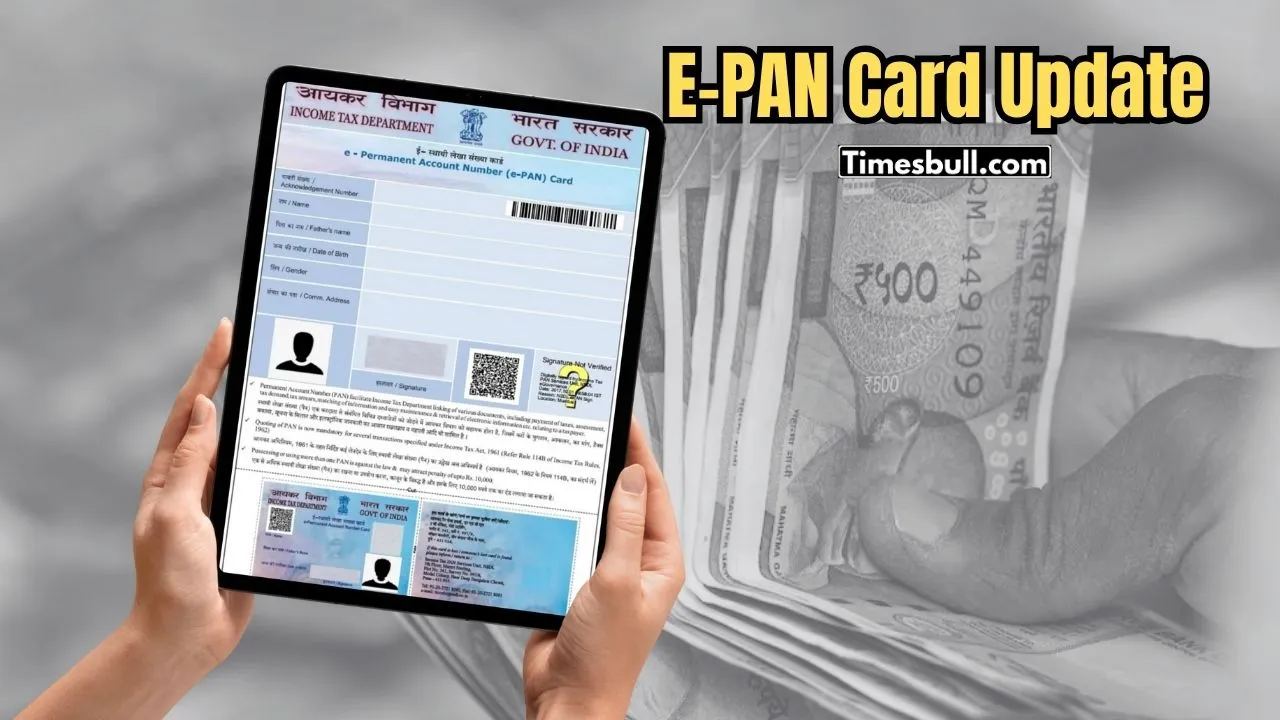
The use of PAN card is increasing every day. A PAN card is needed for banking transactions, opening a bank account, or submitting income tax returns (ITR). In this report, learn how to make a PAN card at home in just 10 minutes.
You can make a PAN card for yourself at home in a few minutes. The process is very easy. The first requirement is that you must have an Aadhaar card. You can make an e-PAN card only through Aadhaar.
How to Create an e-PAN Card
- Go to https://www.incometax.gov.in/iec/foportal/.
- Scroll down and find the Instant e-PAN Card option at the bottom.
- A new page will open. On the left side, click on Get New e-PAN.
- Enter your 12-digit Aadhaar number and click Confirm.
- An OTP will be sent to the mobile number linked with your Aadhaar.
- Verify the OTP.
- Enter your email ID and provide the required information for the PAN card.
- After completing the form, you will get a Confirmation Number.
- You can download your PAN number using the download option. You can use this PAN like a regular PAN.
- Note: After applying for the e-PAN, visit the Income Tax website and click “Check Status/Download PAN”. You can download your PAN card in PDF format.
Latest News
- Weather warning – Heavy Rain, thunderstorms, lightning Alerts for 13 States Over Next 3 Days

- UP TGT Exam City Slip 2026 Released – Download at upessc.up.gov.in, Exam June 3-4

- ATM Alert: एटीएम में फंस जाए डेबिट कार्ड तो घबराएं नहीं, फटाफट यह काम करने से होगा समाधान

- Post Office Scheme – 7.5% Interest Rate, ₹5 Lakh Becomes ₹7,24,974 in 5 Years, Start with Just ₹1,000

- Best AI Video Editing Laptops Under 60,000 INR: Top Picks Her

- Best CNG Cars: पेट्रोल के बढ़ते दाम के बीच ये सीएनजी गाड़ी खरीदकर खर्च करें कम, माइलेज भी जबरदस्त

- Samsung Stable One UI 8.5 Update to Galaxy Tab S10 FE and Tab S10 FE+

- बुढ़ापे की लाठी बनेंगी ये तीन स्कीम्स, निवेश से पहले जानिए कितना मिल रहा ब्याज

- OnePlus Nord CE 6 vs Samsung Galaxy A57: Which Mid-Range 5G Phone Wins?

- Lenovo LOQ 15 Gen 11 Review: Best Budget Gaming Laptop?
