
PAN 2.0: Apply Online and Get Your PAN Card with QR Code – Step-by-Step Guide

Avijit Das
2 Min Read
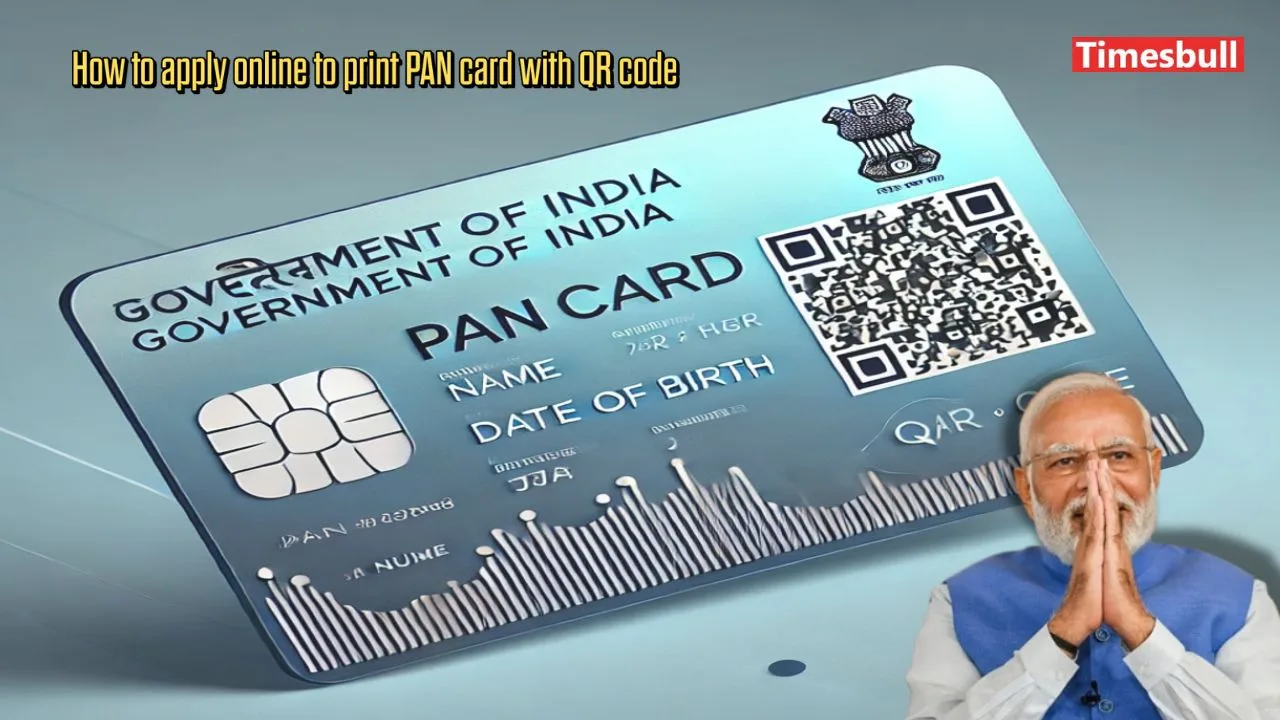
How to apply online to print PAN card with QR code

The government has launched the PAN 2.0 scheme. Under this scheme, you can replace your old PAN with a new one featuring a QR code. A PAN card with a QR code is more secure. As per the scheme, Indian PAN cardholders can apply for a reprint by paying a fee of ₹50. The updated PAN card will be sent to the taxpayer’s registered email and address. You can also correct or update your information on this PAN card if needed.

Authorized Agencies for PAN Issuance

The government has authorized two agencies to issue new PAN cards:

  1. Protean (formerly NSDL e-Governance)
  2. UTI Infrastructure Technology and Services Limited (UTIITSL)

To find out which agency issued your PAN, check the back of your PAN card. Contact the respective agency for reprinting with a QR code.

How to Apply for PAN Reprint with QR Code via Protean (NSDL)

Step 1: Visit the website: https://www.onlineservices.nsdl.com/paam/ReprintEPan.html.
Step 2: Enter details like your PAN, Aadhaar (for individuals), and date of birth. Tick the required boxes and click “Submit.”
Step 3: Check the updated details with the Income Tax Department. Select an option to receive the OTP (mobile, email, or both) and click “Generate OTP.”
Step 4: Enter the OTP (valid for 10 minutes) and click “Validate.”
Step 5: Proceed to payment. Pay ₹50 for the reprint and confirm by ticking “I agree to the terms of service” before submitting.
Step 6: After payment, download the acknowledgement receipt. The e-PAN will be available within 24 hours, and the physical PAN card will arrive in 15–20 days.

How to Reprint PAN with UTIITSL

Step 1: Go to https://www.pan.utiitsl.com/reprint.html.
Step 2: Click on “Reprint PAN Card” and enter details like PAN, date of birth, and captcha.
Step 3: Follow similar steps as mentioned for Protean to complete your application and payment.

With these easy steps, you can secure a new QR-enabled PAN card quickly.

Share This Article
Follow:
A sports journalist driven by passion and dedication, I seamlessly blend my love for writing and sports. Currently with Timesbull, I have honed my craft at Sportskeeda, Cricreads, and Athlete Fortune. I live and breathe sports—whether it's football, cricket, cards, or chess, I'm always up for a challenge. A die-hard football fan, proud Madridista, and loyal Juventus Tifoso, I have turned my passion into my profession. For me, sports aren't just entertainment; they are a way of life and a story worth telling every day. For inquiries, contact me at timesbull@gmail.com.