

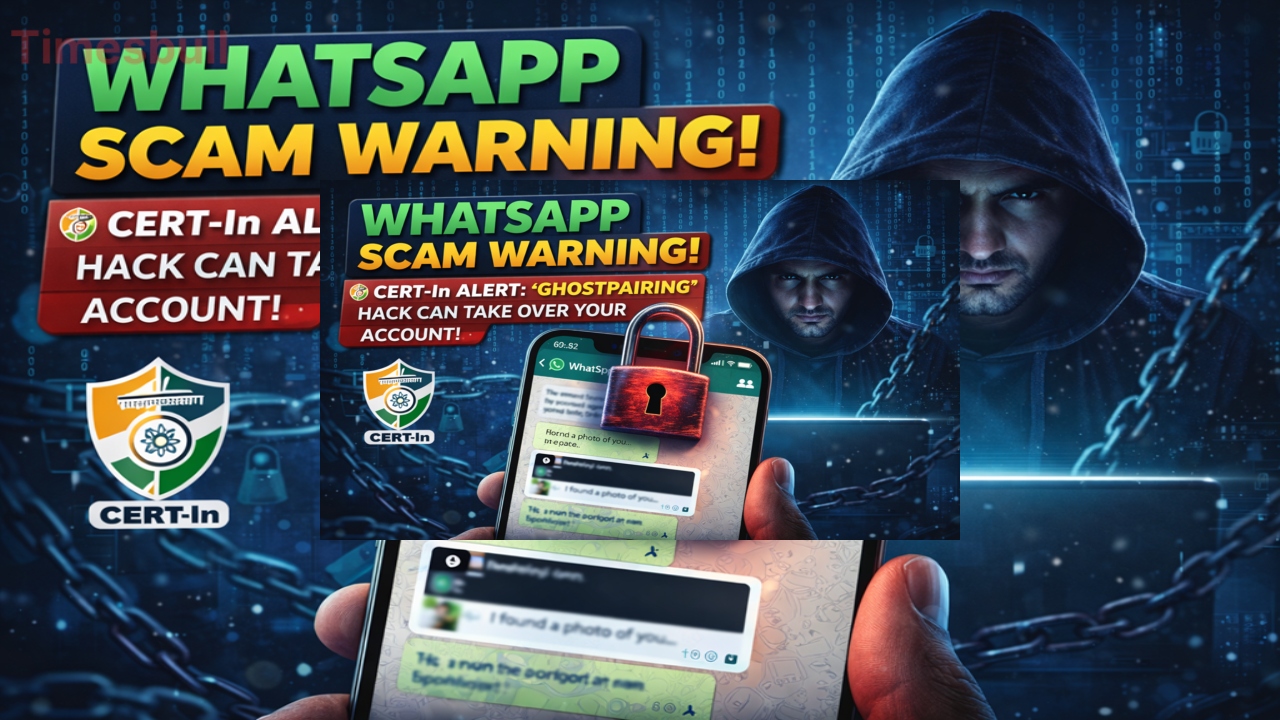
The Indian government’s security agency, CERT-In, has issued a high-risk alert regarding a new threat called ‘Ghost-Pairing.’ This cyberattack is so vicious that fraudsters gain complete control of your WhatsApp account without any OTP or password.
Through this attack, scammers can read your personal chats in real-time without you even realizing it. If you use WhatsApp Web, a small mistake could lead to your entire account being hacked. In this article, we’ll explore this serious threat in detail and how you can protect yourself from it.
What is a Ghost-Pairing Attack
‘Ghost-Pairing’ is a method of exploiting WhatsApp’s ‘Linked Devices’ feature. This attack primarily targets those who use WhatsApp Web on a computer or laptop. Scammers send you a tempting or threatening message. These messages often include the message, “I found a photo of you on Facebook. Is that you?” and a link below. Once the user, out of curiosity, clicks on the link, a script runs in the background that secretly pairs the scammer’s device with your WhatsApp account. The most frightening thing is that no permission or OTP is asked for during this entire process.
Your Account Becomes a Trusted Device
Once the attacker’s device is connected via ‘Ghost-Pairing,’ it registers as a ‘trusted device’ in WhatsApp’s system. This means the scammer now has almost complete access to your account. They can not only read your old messages but also view new messages live. According to CERT-In, this attack is more insidious because it doesn’t send any notifications to the user, nor does it show any obvious signs of a compromised account. Once linked, the hacker can even change your account settings and misuse your personal information.
How to Avoid Ghost Pairing Scams
The government’s Computer Emergency Response Team (CERT-In) has classified this threat as “high-risk.” To avoid this, it’s crucial not to click on any suspicious links, even if they’re sent by someone you know. Scammers often spread such messages by hacking the accounts of known people.

Additionally, periodically check the “Linked Devices” list in WhatsApp settings. If you see a device you haven’t logged in to, log out immediately. To strengthen your privacy, always turn on “Two-Step Verification” on WhatsApp, which adds an additional layer of security to your account.
Vigilance is the best defence
CERT-In says that cybercriminals often exploit human emotions such as fear or curiosity. Messages like “Found your photo on Facebook” are part of this strategy. If you receive a link that asks you to log in or enter your phone number under the guise of a photo or video, be wary immediately. Stay away from websites that claim to be connected to Facebook or WhatsApp but are actually designed to steal your data. Always remember that WhatsApp never asks you to pair devices through an external website or link.
Latest News
- Women Free Bus Travel Scheme – How to Get Free Bus Travel From June 1, 2026? How to Apply

- LSG Vs PBKS Video: ऋषभ पंत पर भड़के अर्जुन तेंदुलकर! वीडियो देखकर आप भी रह जाएंगे हैरान

- Apple MacBook Neo Deal Alert: Get It For Under ₹58,000 on Amazon Right Now

- Pakistan Attack: आत्मघाती हमले से दहला पाकिस्तान, 23 लोगों की मौत, 50 से ज्यादा घायल, जानें

- Honor Magic 9 Series Leaks: Flagship Upgrades with Massive 8,000mAh Battery and 200MP Cameras

- Motorola Edge 60 Fusion Review: Mid-Range King or Outdated?

- FD Update– Breaking Your FD Early? Know the consequences

- Bank Holiday–RBI Announces Closure of SBI, HDFC and All Banks Next Week, Save the Dates

- Samsung Galaxy S26 Ultra Amazon Deal – Get ₹23,509+ Discount with Bank Offers and Exchange Benefits

- Best Scooters For College Girls 2026 – Perfect Mix Of Mileage, Style And Lightweight Design

