
Passport Update – Change Your Passport Address from Home – Learn the Step-by-Step Process
Passport Update: A passport is an essential document for every Indian citizen traveling abroad. If you have moved from one city to another or to a different state, it is crucial to update your new address on your passport. Nowadays, this can be done online,

 Join Us
 Add as a preferred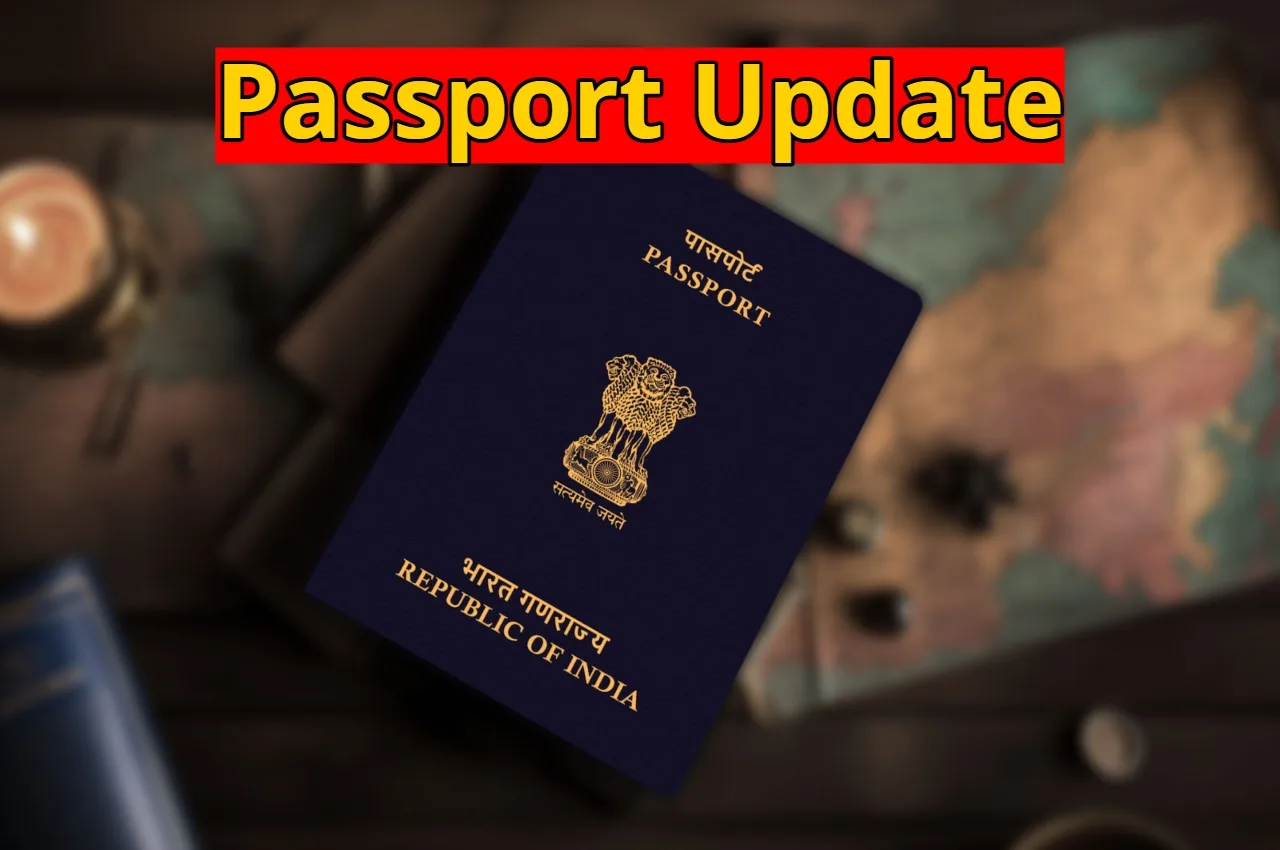
Passport Update
Passport Update: A passport is an essential document for every Indian citizen traveling abroad. If you have moved from one city to another or to a different state, it is crucial to update your new address on your passport. Nowadays, this can be done online, eliminating the need for multiple visits to passport service centers. However, after applying online, the passport holder still needs to visit their nearest Passport Seva Kendra (PSK) to complete biometric and document verification.
How to Apply Online
First, visit the official Passport Seva website. If you don’t already have an account, you will need to register by clicking on the “New User Registration” link. Enter your personal information for registration and select your nearest passport office. Then, enter the captcha code and click on the register button. After completing the registration, you can log in to the portal using your login ID and password.
Read Here: PM Modi Addresses Rajya Sabha on India-US Trade Deal
Read Here: UPI New Rules – Major Changes to UPI Rules from February 2026, Know Full Detail
Process for Changing Address in Passport
After logging in, go to the “Services” section and select the “Apply for Fresh Passport / Re-issue of Passport” option. Then, enter your passport number and date of birth and select your passport office. Next, tick “Re-issue of Passport” and go to “Change in Existing Personal Particulars”. Now, tick the relevant option to change your address.
After that, select the type of application – “Tatkal” or “Normal” and choose either a 36-page or 60-page passport booklet. Then, fill in all the information requested on the screen, such as your name, date of birth, and new address. After checking all the information, press the submit button.
Read Here: CBSE CTET Admit Card 2026 Announced at ctet.nic.in, Direct link Here
Read Here: Government is Giving ₹3 Lakh to Start a Business, Know the Eligibility Here
Payment and Appointment Scheduling
After submitting, click on the “Pay and Schedule Appointment” link. You can pay the passport re-issue fee online using internet banking, credit, or debit cards. An offline payment option via a challan is also available. After payment, select the location of your nearest PSK and print the application receipt. Documents required on the day of the appointment
On the day of your appointment, please bring your passport, a self-attested copy, an application receipt, address proof, and passport-sized photograph. Biometric recording and document verification will be done at the center. After verification, your passport will be updated with the new address.

Adarsh P
Next Article
Samsung Galaxy S26 Ultra vs iPhone 17 Air – Which Upcoming Flagship Looks Better?
Samsung Galaxy S26 Ultra and iPhone 17 Air are among the most talked about upcoming 2026 flagships. Samsung is expected to emphasize gaming power, AI features, and advanced cameras, while Apple may lean toward a slim premium look, plus an easy, smooth everyday experience.


Samsung Galaxy S26 Ultra vs iPhone 17 Air : In 2026 the premium phone scene is getting kinda wild, like everyone is flexing AI tricks, camera muscle, better gaming performance, and a slimmer vibe… and yes, larger batteries too, because of course. And lately, two names keep showing up again and again, the Samsung Galaxy S26 Ultra, and the rumored iPhone 17 Air.
Both are definitely aimed at premium buyers, but their “feel” is kinda different. Samsung looks like it wants raw flagship power plus extra extras that make day to day stuff move faster. Apple on the other hand is probably chasing a thinner design, and a smoother everyday routine that feels almost too… managed.
Write a Comment