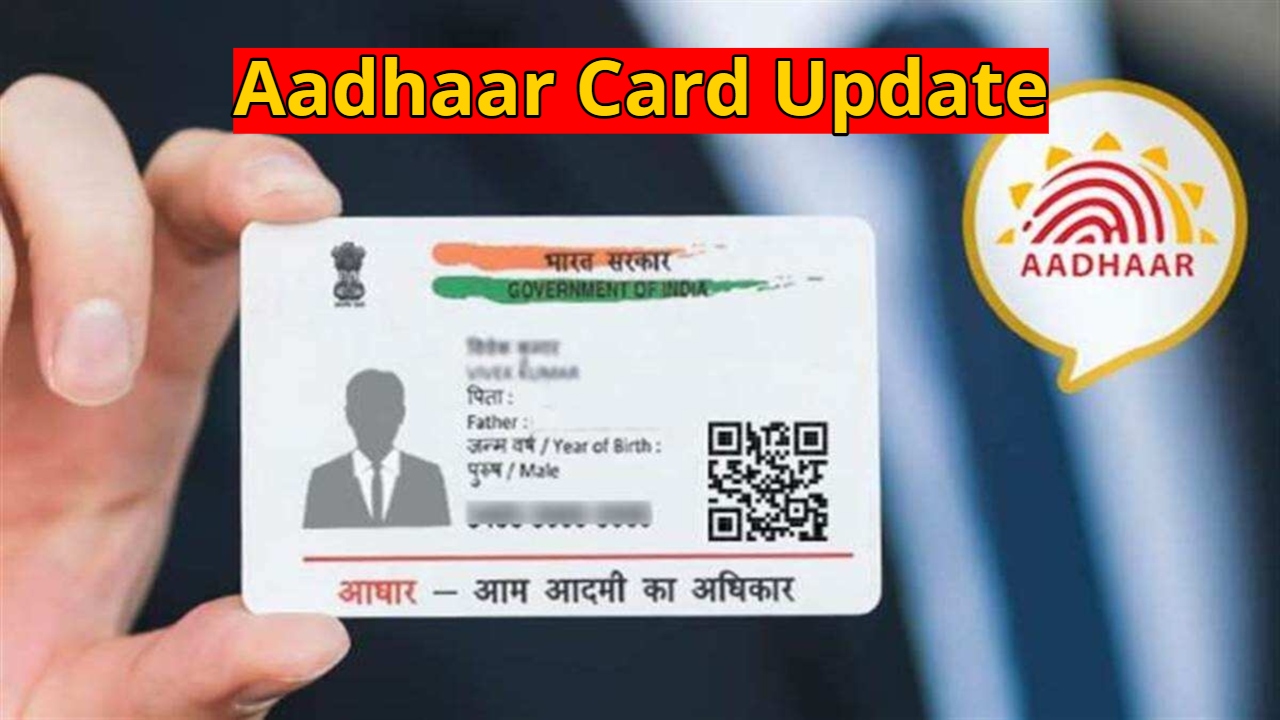
Aadhaar Card Update: The Aadhaar Card is a crucial identity document for every Indian citizen. Whether for government or private purposes, Aadhaar is required almost everywhere. From opening a bank account to getting a SIM card and accessing online services, many tasks can be stalled without Aadhaar. In such a situation, it’s natural to worry if your Aadhaar card is lost or damaged.
But there’s no need to panic. UIDAI has provided an easy solution for this situation. Now you can get a new Aadhaar card from the comfort of your home using your mobile phone.
Read Here: Top 5 Budget-Friendly EVs Launching in India 2026 – Price, Range & Daily Use
UIDAI explains the easy way to retrieve your Aadhaar
Even if your Aadhaar card is lost and you don’t remember your number, there’s no problem. The Unique Identification Authority of India (UIDAI) has provided both online and offline facilities for Aadhaar holders, making it easy to obtain a new Aadhaar.
Through UIDAI services, you can retrieve your Aadhaar using your Aadhaar number, enrollment ID, virtual ID, or registered mobile number and email. From the official UIDAI website, you can download your e-Aadhaar or order a new PVC Aadhaar card.
What are PVC Aadhaar and e-Aadhaar?
A PVC Aadhaar is a plastic card that looks like a debit or credit card. It is stronger and more durable than the paper Aadhaar card. It can be ordered online and is fully valid as proof of identity and address. It’s also easy to carry in your wallet.
e-Aadhaar is the digital version of Aadhaar, electronically signed by UIDAI. It is also completely valid and accepted everywhere, like a physical Aadhaar card. If you need Aadhaar immediately, e-Aadhaar is the best option.
Read Here: Post Office Scheme– How Rs 2,000 Can Grow into Rs 22,732? Know here
How to download e-Aadhaar from the UIDAI website?
To download your e-Aadhaar, go to the UIDAI’s myAadhaar website. Enter your Aadhaar number there. After that, you will receive an OTP on your registered mobile number. Once you verify the OTP, your e-Aadhaar will be downloaded in a password-protected PDF format. You can save it securely on your mobile or computer.
How to download Aadhaar using the mAadhaar app
First, download the mAadhaar app from the Google Play Store or Apple App Store. After logging into the app, download your e-Aadhaar. You can then use it instantly whenever needed.