

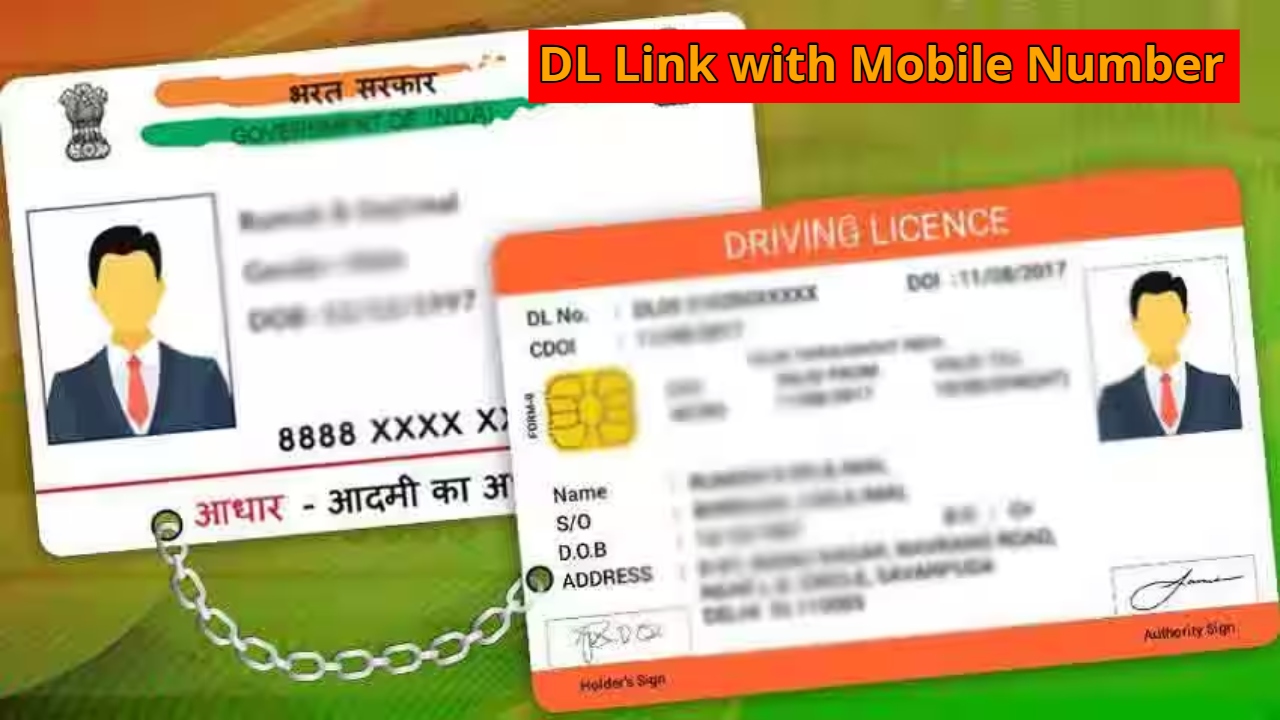
DL Link with Mobile Number: If you have a driving license and it hasn’t yet been linked to a mobile number, this news may be important for you. The government has made it mandatory to link your mobile number to your driving license. Previously, linking your mobile number required a trip to the RTO, filling out a form, and standing in line all day. But now, there’s no need to worry; you can link your mobile number to your driving license from the comfort of your home.
Read Here: Best Earbuds with up to 70 Hours Battery & 73% Discount in Flipkart Big Bachat Days Sale
Why is Linking a Mobile Number Necessary?
For your information, many people are wondering why it’s necessary to link your mobile number to your driving license. Let’s explore its benefits in detail. If your driving license is linked to your mobile number, you receive instant e-challan information. If you violate any traffic rules, a challan message is immediately sent to your mobile number.
With this, a reminder is sent to your mobile number when your license expires. If there are any guidelines or verification requirements, the details are sent to your mobile. Furthermore, if someone misuses their license, they are notified via phone.
Read Here: Men’s Winter Fashion Trends 2025 – Best Jackets, Boots, and Layering Styles for a Smart Look
Learn how to link your mobile number
First, visit your state’s government website https://parivahan.gov.in.
After that, go to the license-related service and click on “Update Mobile Number.” Enter your license number, date of birth, and mobile number.
You will now receive an OTP on your mobile number. Enter it on the website and click “Submit.”
After this, a message stating “Mobile number updated successfully” will appear, and you should take a screenshot of it.
Latest News
- Weather Warning Delhi-NCR – Rain Alert & Dust Storm in Next 2-3 Hours, IMD Issues Yellow Alert

- PM Kisan Samman Nidhi Yojana: नहीं मिल रही 2000 रुपये की किस्त तो किसान तुरंत करवा लें यह काम

- Aadhaar Card Update Rules – How Many Times Can You Change Address, DOB & Number?

- Train Ticket: How to book a confirmed train ticket without an agent? Learn the Easy Steps

- Indian Railways– 155 Trains Express Declared High-Speed, Thousands of Railway Staff to Benefit

- Monsoon Alert – Warning Heavy to Very Heavy Rain alert & thunderstorms in 22 States Over Next 4 Days

- America-Iran War: मिडिल ईस्ट में तनाव होगा खत्म! ईरान ने होर्मुज रास्ते पर कही बड़ी बात

- PM Surya Ghar Yojana 2026: Get Up to Rs 78,000 Subsidy within 6 Easy Steps, Know Here

- Cheapest Available 5G Smartphones in India Under 10000

- UPSC Prelims Answer Key 2026 – How to Download UPSC Prelims Answer Key at upsc.gov.in
