

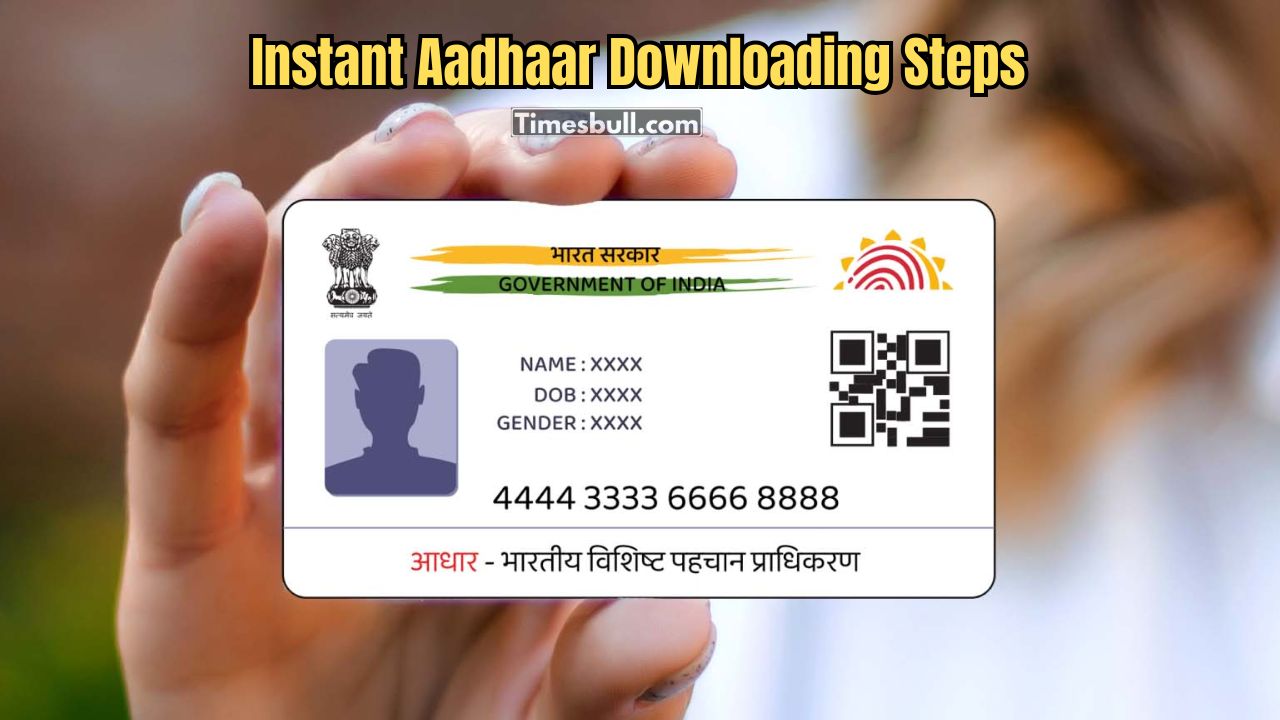
Thanks to digital technology, you can now download your Aadhaar card easily just by using your mobile phone number. The entire process is quite simple and now you can get the Aadhaar downloaded after verifying OTP, which is safe and hassle-free. You will have no trouble completing the Aadhaar verification process as long as your Aadhaar number is linked to your mobile phone number. If you did not know, Aadhaar is one of the important KYC documents, providing proof of identity, and smooth processes for your financial needs – for example, applying for personal loans. Hence, this article provides all the details for the Aadhaar download, using your mobile phone number.
To download your Aadhaar card, it is necessary to use a mobile number connected to your Aadhaar card. This is because you will get an OTP for verification. You can safely download Aadhaar from the official website of UIDAI or from the mAadhaar app. This allows you access to your e-Aadhaar anytime, anywhere.
Requirements:
Registered mobile number: Your mobile number must be linked to your Aadhaar number. It should also be enabled so you can receive the OTP. The OTP is used to verify your identity.
Aadhaar number or enrolment ID: You will require either your Aadhaar 12-digit number (UID) or the enrolment ID (EID) which is included with your registration slip. The EID will also include your enrolment date and time.
Having these two in place will create a more streamlined downloading experience. The digital or e-Aadhaar works the same way the physical card works. It can be helpful for identification purposes as well as financial purposes such as applying for a personal loan.
Steps to Download Aadhaar
1. Using UIDAI Website:
- Visit the official UIDAI website.
- Click on ‘Retrieve Lost UID/EID’ under the ‘My Aadhaar’ section.
- Enter your details: choose Aadhaar number or Enrolment ID, enter full name, registered mobile number, and captcha code.
- Click ‘Send OTP’.
- Enter the OTP received on your mobile and click ‘Verify OTP’.
- Download Aadhaar PDF. The password is the first four letters of your name in uppercase + your birth year (YYYY).
2. Using mAadhaar App:
- Download the official mAadhaar app from Google Play Store or Apple App Store.
- Open the app and select your language.
- Enter your registered mobile number and verify it with OTP.
- Create a profile with a 4-digit PIN and add Aadhaar details.
- Go to ‘Download Aadhaar’, enter Aadhaar number or VID, verify with OTP, and download the PDF.
3. Using UMANG App:
- Download the UMANG app from Google Play Store or Apple App Store.
- Sign up with your mobile number or log in if already registered.
- Search for ‘Aadhaar’ and select UIDAI services.
- Click ‘Download Aadhaar’.
- Enter your Aadhaar number or VID and registered mobile number.
- Verify with OTP received on your mobile.
- Download your Aadhaar PDF.
Using these methods, you can easily download Aadhaar by mobile number and use it for KYC, loans, or other identity verification needs.
Latest News
- Apple MacBook Neo Deal Alert: Get It For Under ₹58,000 on Amazon Right Now

- Pakistan Attack: आत्मघाती हमले से दहला पाकिस्तान, 23 लोगों की मौत, 50 से ज्यादा घायल, जानें

- Honor Magic 9 Series Leaks: Flagship Upgrades with Massive 8,000mAh Battery and 200MP Cameras

- Motorola Edge 60 Fusion Review: Mid-Range King or Outdated?

- FD Update– Breaking Your FD Early? Know the consequences

- Bank Holiday–RBI Announces Closure of SBI, HDFC and All Banks Next Week, Save the Dates

- Samsung Galaxy S26 Ultra Amazon Deal – Get ₹23,509+ Discount with Bank Offers and Exchange Benefits

- Best Scooters For College Girls 2026 – Perfect Mix Of Mileage, Style And Lightweight Design

- Kodak Matrix QLED Google TV 2026 Series Launched in India Just Under 10,999

- Senior Citizen FD Rates: सीनियर सिटीजन को यहां से मिल रहा बंपर ब्याज, जल्द करें निवेश
