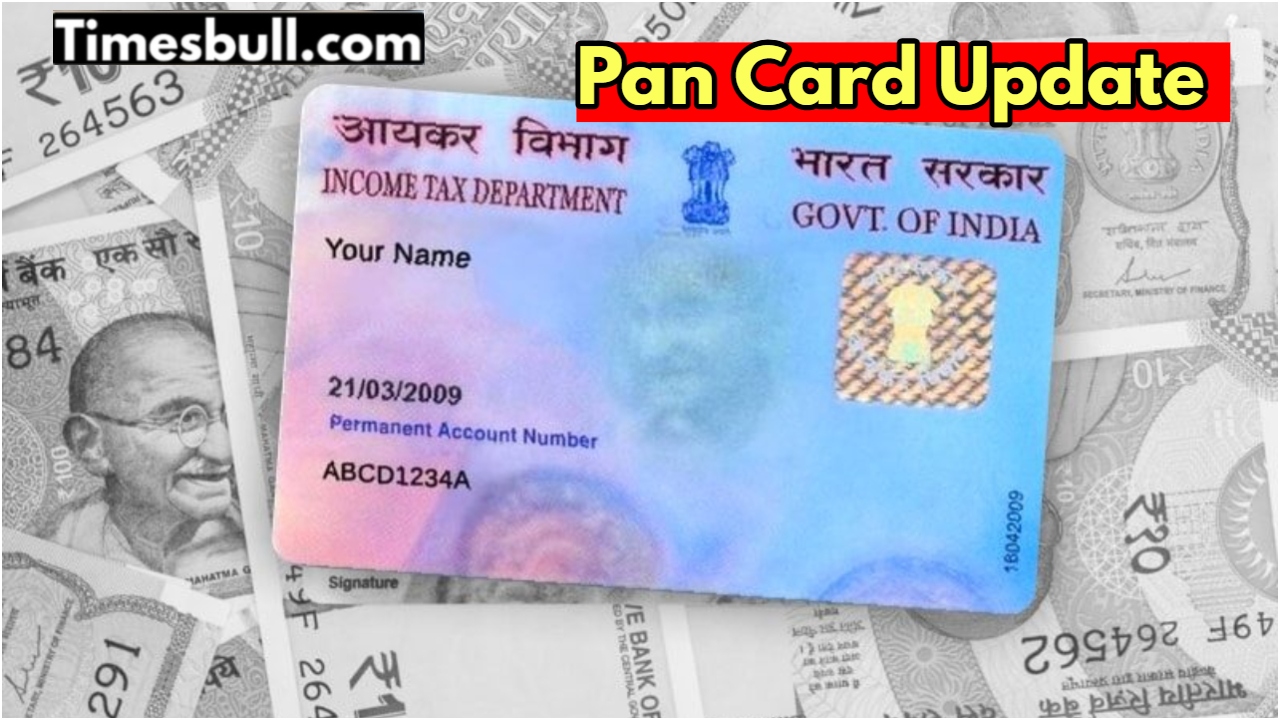
PAN Card Linking with Bank Account: The Income Tax Department these days extracts financial information from bank accounts in minutes. All the information about the number of transactions done from your account can be easily obtained. The reason for this is that the PAN card is supposed to be linked with a bank account. Any information about your account can be obtained through the PAN card.
That is why it is said that you must link your PAN card with your account number. The method of linking a PAN card with a bank account is also very easy. If you do not get this linking done, then you will have to face problems. There can be problems with income tax refund, online payment or banking transactions. Therefore, get the PAN card linked with the bank account. There will be no problem.
Is it necessary to link a PAN card with a bank account?
A question may arise in your mind whether it is necessary to link a PAN card with a bank account. The Central Board of Direct Taxes has made it clear that every savings account should be linked with a PAN number; by doing so this your income tax refund comes directly into the account.
How to link a PAN card to a bank account
First of all, you have to log in to the bank’s internet banking website or mobile app.
After this, you can log in to the bank’s internet banking site or mobile app.
Then you have to go to the dashboard and see the Services or Service Request section.
After this, you can get the option of Link PAN or Update PAN.
Then you have to click on it. Fill in the information asked here.
In this, you have to enter the PAN number, date of birth, and registered email ID.
Before submitting, all the details have to be checked again.
Within 7 working days, the bank will link your account to PAN.
Please note that if you have more than one.
Keep in mind, if you have more than one bank account, then each account will have to be linked separately. For this reasonnyou will not get this work done soon, then other work related to the bank may get interrupted. Along with this, once this process is completed, there will be problems withproblemsboth your transaction and tax refund.
Latest News
- 8th Pay Commission लागू होते ही कितना हो जाएगा फिटमेंट फैक्टर, चेक करें अपडेट

- Oppo Find X9 Ultra Launched in India: Check Reliance Digital Price, Bank Offers, and Flagship Specs

- Electricity Bill Saving– How to Save Power During Summer Heat? Here Are the Few Tips

- Gold-Silver Rate – Gold ₹44,396 per 10 grams & Silver ₹1,85,462 per kg cheaper from the Peak

- US Green Card Rule Change, Know Before Apply

- PM Surya Ghar Scheme: खूब चलाएं एसी और कूलर, नहीं देना होगा बिल, जल्द कराएं यह काम

- ITR Filing Before May 31? You May Get Notice

- Women Free Bus Travel Scheme – How to Get Free Bus Travel From June 1, 2026? How to Apply

- LSG Vs PBKS Video: ऋषभ पंत पर भड़के अर्जुन तेंदुलकर! वीडियो देखकर आप भी रह जाएंगे हैरान

- Apple MacBook Neo Deal Alert: Get It For Under ₹58,000 on Amazon Right Now